AI agent for mediators
Mediator Continuing Education and Roster Compliance Agent
Keep a mediator in good standing on every roster they belong to.
What it does
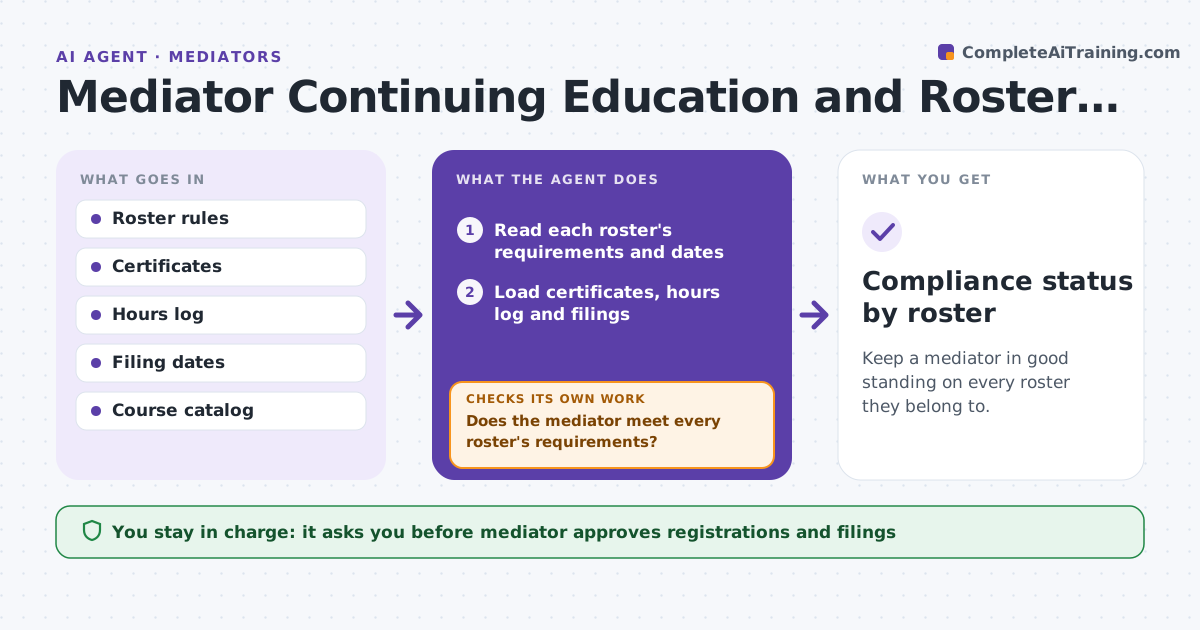
Court rosters and mediator panels have rules for training hours, case reports and fee disclosures, and a lapse can remove a mediator from referrals. The agent tracks course certificates, logged mediation hours and annual filing dates against each roster's requirements. It flags gaps, finds courses that fill them, and lists the filing dates coming up. When a certificate is added or hours are logged, it re-checks the status against every roster. The mediator approves registrations and filings. Edge case: a course counts for one roster's ethics hours but not for another's, so the agent shows the gap by roster.
How it works
Follow the arrows from top to bottom. The orange dashed arrow is the loop: when a check fails, the agent goes back and tries again.
Read the steps as a list
- Monthly check or new record added
- Read each roster's requirements and dates
- Load certificates, hours log and filings
- Compare records with each roster's requirements
- Does the mediator meet every roster's requirements?If not: List the gaps by roster and find courses or filings that fill them. Back to step 3.
- Draft registration and filing steps
- Mediator approves registrations and filingsThe agent waits here for your OK.
- Record the new certificate or filing
- Is the gap now closed for each roster?If not: Re-check which roster still lacks credit and search again. Back to step 3.
- Compliance status by roster
How it decides
A roster is in good standing when hours, reports and filings meet its rules by its dates. A gap triggers a search for an approved course or the missing filing.
- Gaps due within 60 days are listed first
- A course counts only if the roster approves its type
- Hours expire on each roster's own cycle
- A filing due in 30 days triggers a reminder
Make it yours
Every agent is a starting point. You choose these settings for your own situation.
- Rosters tracked
- Warning window (default 60 days)
- Course providers allowed
- Reporting cycle length
What keeps you in control
It always asks you first
- Mediator approves registrations and filings
Hard limits
- Never registers or files for the mediator
- Never counts a course the roster has not approved
It stops when
- Done: all rosters in good standing
- Stop: mediator leaves a roster
Set it up
We guide you through the set-up, step by step
Members get the full set-up guide for this agent. No technical skills needed: you copy, paste and upload.
- One set of instructions to paste into your AI, with the clicks for ChatGPT, Claude, Microsoft 365 Copilot, Gemini and Grok
- The agent then walks you through connecting your own data, one source at a time
- A downloadable copy with the flow chart, the rules and the full guide