AI agent for chefs
Menu Engineering Sales Mix Agent
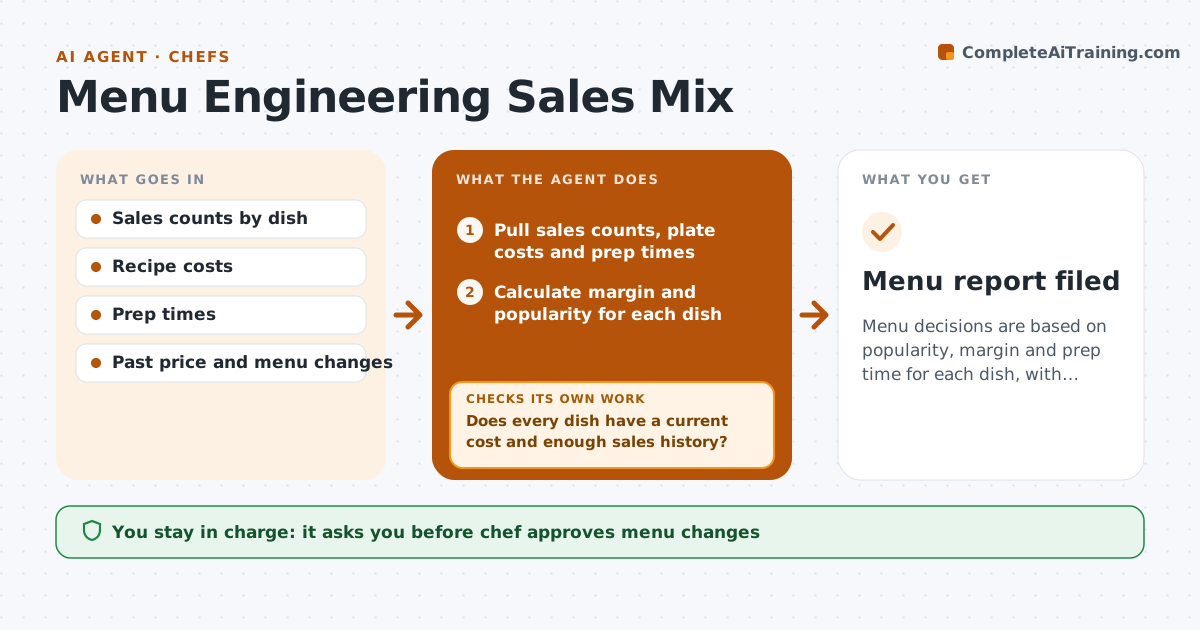
Menu decisions are based on popularity, margin and prep time for each dish, with the effect of changes tested.
What it does
A chef keeps a dish because guests love it, not noticing that it loses money, while a quiet item makes the profit. Each month this agent combines sales counts, plate cost and prep time for every dish. It classes each dish as a star, plowhorse, puzzle or dog, based on popularity and margin. It tests the effect of proposed price or placement changes against past data, for example how sales moved last time a price rose. Dishes with data gaps, such as missing recipe costs, are listed and held back from conclusions until filled. It suggests menu changes with the expected effect. The chef approves menu changes. Edge case: a seasonal dish has only 3 weeks of sales, so the agent marks it as too early.
How it works
Follow the arrows from top to bottom. The orange dashed arrow is the loop: when a check fails, the agent goes back and tries again.
Read the steps as a list
- Monthly menu review
- Pull sales counts, plate costs and prep times
- Does every dish have a current cost and enough sales history?If not: list the gaps, request updated recipe costs and hold those dishes out. Back to step 2.
- Calculate margin and popularity for each dish
- Class each dish as star, plowhorse, puzzle or dog
- Draft changes such as price, placement or a recipe change
- Test each change against past sales after similar changes
- Does the test show a net gain in profit without a large drop in sales?If not: adjust the proposal or drop the change and retest. Back to step 6.
- Write the recommendations with the expected effect
- Chef approves menu changesThe agent waits here for your OK.
- Menu report filed
How it decides
It classes a dish by comparing its popularity and margin to the menu average, and trusts a result only with at least 8 weeks of sales and a current plate cost.
- Require 8 weeks of sales to class a dish.
- Class popularity against the menu average mix.
- Reject a price change if past data shows sales falling over 15 percent.
- Count prep time as a cost for slow dishes.
Make it yours
Every agent is a starting point. You choose these settings for your own situation.
- Minimum sales history (default 8 weeks)
- Sales drop limit for changes
- Dish classes and cutoffs
- Review frequency
What keeps you in control
It always asks you first
- Chef approves menu changes
Hard limits
- Do not recommend changes from dishes with missing data
- Show the data behind each class
It stops when
- Done: recommendations approved.
- Stop: more than 25 percent of dishes lack cost data.
Set it up
We guide you through the set-up, step by step
Members get the full set-up guide for this agent. No technical skills needed: you copy, paste and upload.
- One set of instructions to paste into your AI, with the clicks for ChatGPT, Claude, Microsoft 365 Copilot, Gemini and Grok
- The agent then walks you through connecting your own data, one source at a time
- A downloadable copy with the flow chart, the rules and the full guide