AI agent for bookkeepers
Month-End Reconciliation Agent
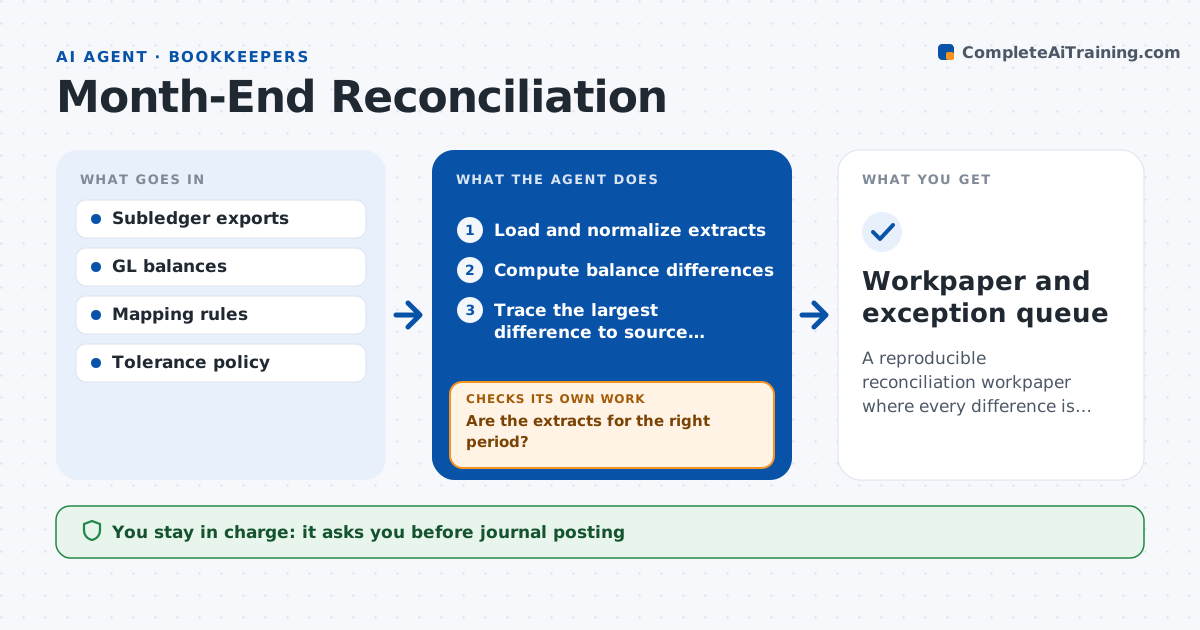
A reproducible reconciliation workpaper where every difference is explained or queued.
What it does
Month-end reconciliations often depend on manual extracts and unexplained adjustments. Small differences get plugged instead of explained. At month-end close this agent loads and normalizes the subledger and general ledger extracts and checks they cover the right period. If not, it requests the correct extract. It computes the balance differences and traces the largest unexplained one to source transactions. After each explanation it recomputes the balance and checks whether the remaining difference is within tolerance. If not, it investigates the next transaction group. It never creates a balancing entry to make a residual disappear; residuals go to an exception queue. The accounting manager signs off the workpaper. Edge case: a timing difference expected to clear next month is labeled as such.
How it works
Follow the arrows from top to bottom. The orange dashed arrow is the loop: when a check fails, the agent goes back and tries again.
Read the steps as a list
- Month-end close
- Load and normalize extracts
- Are the extracts for the right period?If not: request the correct extract. Back to step 2.
- Compute balance differences
- Trace the largest difference to source transactions
- Recompute after each explanation
- Is the residual within tolerance?If not: investigate the next transaction group. Back to step 5.
- Accounting manager signs offThe agent waits here for your OK.
- Workpaper and exception queue
How it decides
It investigates the largest unexplained difference first, recomputes after each explanation, and moves to another transaction group when the residual persists.
- Next investigation: largest unexplained difference.
- Explanation accepted: supported by source transactions.
- No plugging: residuals are routed, never balanced away.
Make it yours
Every agent is a starting point. You choose these settings for your own situation.
- Tolerance for remaining differences (default $50 or 0.01% of the balance)
- Accounts and subledgers reconciled
- Close calendar and deadline (default working day 3)
- Workpaper format (default standard reconciliation template)
- Who signs off (default the accounting manager)
What keeps you in control
It always asks you first
- Journal posting
- Policy changes
- Close sign-off
Hard limits
- Read-only ledgers.
It stops when
- Done: within tolerance.
- Needs a human: residual unexplained.
Set it up
We guide you through the set-up, step by step
Members get the full set-up guide for this agent. No technical skills needed: you copy, paste and upload.
- One set of instructions to paste into your AI, with the clicks for ChatGPT, Claude, Microsoft 365 Copilot, Gemini and Grok
- The agent then walks you through connecting your own data, one source at a time
- A downloadable copy with the flow chart, the rules and the full guide