AI agent for diplomats
Negotiation Brief Assembly Agent
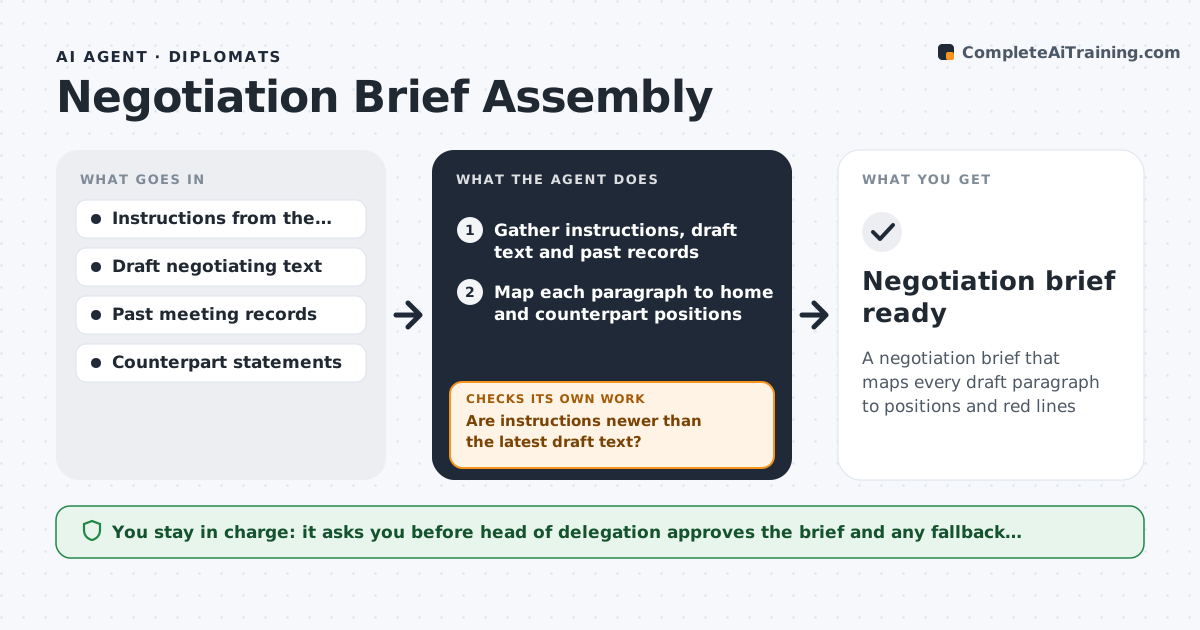
A negotiation brief that maps every draft paragraph to positions and red lines
What it does
Before a negotiating round, a diplomat needs the home position, red lines, the counterpart's past positions and the current state of the draft text. This agent gathers instructions from the capital, past meeting records and the latest draft, then maps each draft paragraph to the home position and the counterpart's known stance. It first checks that the instructions are newer than the draft; if not, it flags that they may be outdated and asks the capital for an update. It labels each paragraph acceptable, needs change or red line, putting red lines on page one. For 'needs change' paragraphs it drafts fallback language, using previously approved text where possible. The head of delegation approves the brief. Edge case: bracketed text with several options is assessed option by option against the red lines.
How it works
Follow the arrows from top to bottom. The orange dashed arrow is the loop: when a check fails, the agent goes back and tries again.
Read the steps as a list
- Negotiating round scheduled
- Gather instructions, draft text and past records
- Map each paragraph to home and counterpart positions
- Are instructions newer than the latest draft text?If not: flag that instructions may be outdated and request an update from the capital. Back to step 2.
- Label paragraphs as acceptable, needs change, or red line
- Draft fallback language options for 'needs change' paragraphs
- Head of delegation approves the briefThe agent waits here for your OK.
- Negotiation brief ready
How it decides
Each paragraph is labeled acceptable, needs change, or crosses a red line, based on the current instructions.
- Red-line paragraphs are always on page one
- Bracketed options are assessed one by one
- Fallback language comes from previously approved text when possible
Make it yours
Every agent is a starting point. You choose these settings for your own situation.
- Brief format and length
- Red lines and priorities
- How far back to search meeting records
- Languages for draft text
What keeps you in control
It always asks you first
- Head of delegation approves the brief and any fallback language
Hard limits
- Handles only material at the classification level the system is approved for
- Never shares positions outside the delegation
It stops when
- Done: all paragraphs mapped
- Stop: no current instructions
Set it up
We guide you through the set-up, step by step
Members get the full set-up guide for this agent. No technical skills needed: you copy, paste and upload.
- One set of instructions to paste into your AI, with the clicks for ChatGPT, Claude, Microsoft 365 Copilot, Gemini and Grok
- The agent then walks you through connecting your own data, one source at a time
- A downloadable copy with the flow chart, the rules and the full guide