AI agent for dietitians
Nutrition Therapy Billing Agent
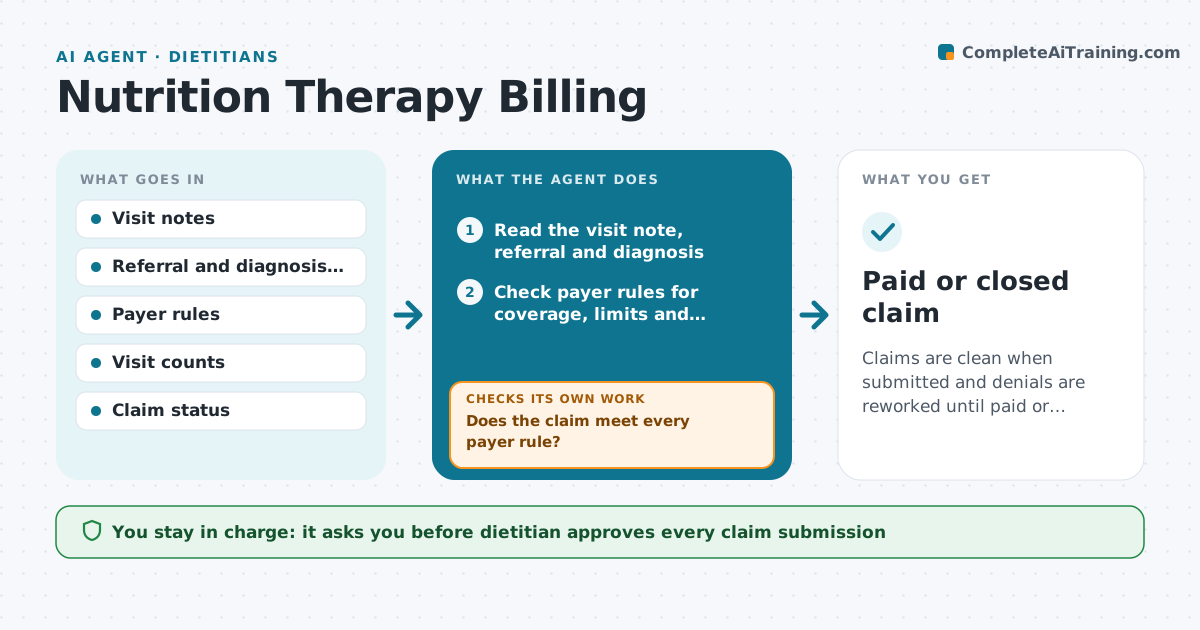
Claims are clean when submitted and denials are reworked until paid or closed.
What it does
Dietitian claims are denied when the referral, diagnosis code or visit limit is not right. After each visit the agent checks the chart for the referral, the diagnosis, the visit number and the payer's rules on frequency and limits. It assembles the claim with the codes, then checks it against the payer rules before submission. It lists any gap and requests the missing item, such as a referral from the physician. After the dietitian approves, it submits and tracks the outcome. If a claim is denied, it reads the reason, reworks the claim and drafts an appeal or resubmission. The dietitian approves every submission. Edge case: a client who has used all covered visits is told of the cost before the next visit, not after.
How it works
Follow the arrows from top to bottom. The orange dashed arrow is the loop: when a check fails, the agent goes back and tries again.
Read the steps as a list
- Visit completed
- Read the visit note, referral and diagnosis
- Check payer rules for coverage, limits and referral
- List any missing items and request them
- Assemble the claim with codes
- Does the claim meet every payer rule?If not: Request the missing item or correct the code and recheck. Back to step 3.
- Dietitian approves the claimThe agent waits here for your OK.
- Submit the claim and track status
- Read the payer response
- Was the claim paid?If not: Read the denial reason, rework the claim and return it for approval. Back to step 3.
- Paid or closed claim
How it decides
It checks each claim against payer rules before sending and classifies denials by reason.
- Missing referral blocks submission
- Visit count at the limit triggers a patient notice
- A denial for a code error is corrected and resubmitted
- An appeal needs the dietitian's approval
Make it yours
Every agent is a starting point. You choose these settings for your own situation.
- Payers and rules
- Visit limits
- Follow-up days
- Appeal rules
- Who approves
What keeps you in control
It always asks you first
- Dietitian approves every claim submission
- Dietitian approves appeals
Hard limits
- Never submit without approval
- Never change a diagnosis code itself
- Never bill for services not performed
It stops when
- Done: claim paid or closed with a reason
- Stop: the payer requires a human review
Set it up
We guide you through the set-up, step by step
Members get the full set-up guide for this agent. No technical skills needed: you copy, paste and upload.
- One set of instructions to paste into your AI, with the clicks for ChatGPT, Claude, Microsoft 365 Copilot, Gemini and Grok
- The agent then walks you through connecting your own data, one source at a time
- A downloadable copy with the flow chart, the rules and the full guide