AI agent for mobile app developers
Offline Sync Conflict Test Agent
A suite of offline conflict scenarios that all end in correct merged data, with failures traced to specific rules
What it does
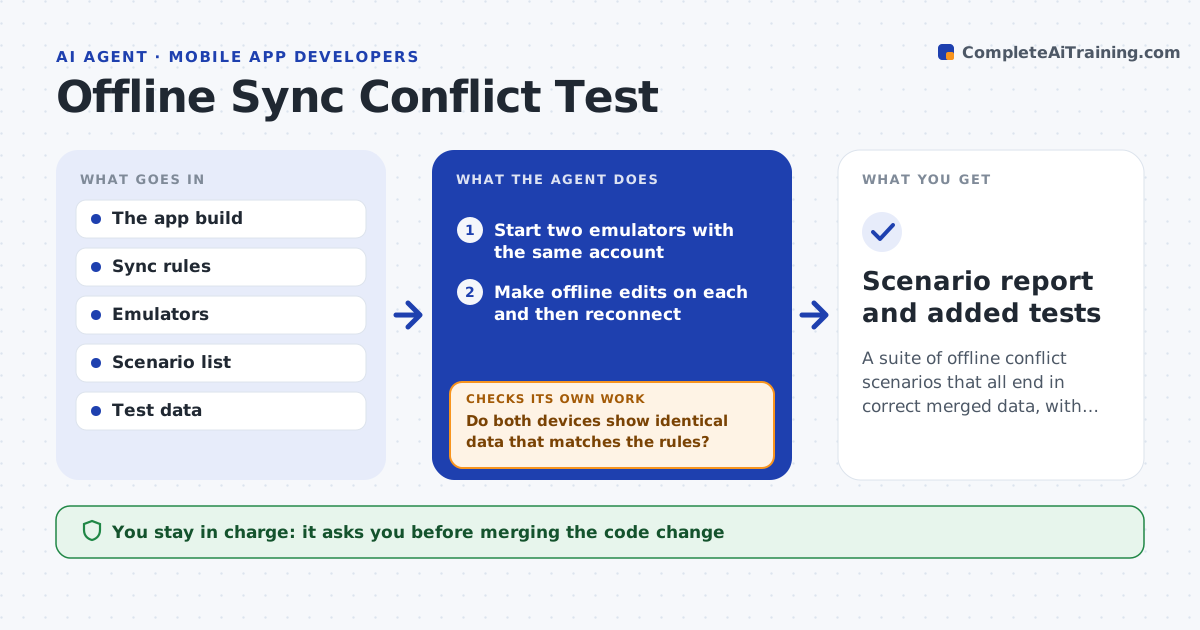
A user edits a note on a phone on the train, edits it again on a tablet at home, and one set of changes disappears. This agent reproduces these situations before users find them. It starts two emulators, makes offline edits on each to the same record, then reconnects both and lets the app sync. It checks the final data against the app's conflict rules: no lost edits, no duplicate records and the right winner for each field. Each conflict, loss or duplicate is logged with the exact steps. The agent proposes a fix and reruns all scenarios, since one rule change can break another case. The developer approves the code change. Edge case: deleting on one device while editing on another is a separate scenario.
How it works
Follow the arrows from top to bottom. The orange dashed arrow is the loop: when a check fails, the agent goes back and tries again.
Read the steps as a list
- Sync code changed or release candidate built
- Start two emulators with the same account
- Make offline edits on each and then reconnect
- Read the merged data from both devices
- Do both devices show identical data that matches the rules?If not: log the scenario, steps and difference. Back to step 3.
- Propose a fix for each failing rule
- Developer approves the code changeThe agent waits here for your OK.
- Rerun every scenario after the change
- Do all scenarios pass, including the earlier ones?If not: revise the fix that broke a scenario and rerun. Back to step 8.
- Scenario report and added tests
How it decides
A scenario passes only when the merged data follows the written rules and no edit disappears without a conflict notice.
- Include edit-edit, edit-delete, delete-delete and reorder cases
- Fail any scenario where an edit disappears without a notice
- Run each scenario 3 times to catch timing differences
- Add every failure as a permanent test
Make it yours
Every agent is a starting point. You choose these settings for your own situation.
- Scenario list
- Conflict rules to enforce
- Runs per scenario (default 3)
- Emulator types and OS versions
What keeps you in control
It always asks you first
- Merging the code change
Hard limits
- Uses only test accounts and test servers
- Never merges code
It stops when
- Done: all scenarios pass
- Stop: emulators cannot reach the test server
Set it up
We guide you through the set-up, step by step
Members get the full set-up guide for this agent. No technical skills needed: you copy, paste and upload.
- One set of instructions to paste into your AI, with the clicks for ChatGPT, Claude, Microsoft 365 Copilot, Gemini and Grok
- The agent then walks you through connecting your own data, one source at a time
- A downloadable copy with the flow chart, the rules and the full guide