AI agent for health and safety specialists
OSHA Injury Log Recordkeeping Agent
Every incident has a documented recordability decision and a correct log entry within seven days
What it does
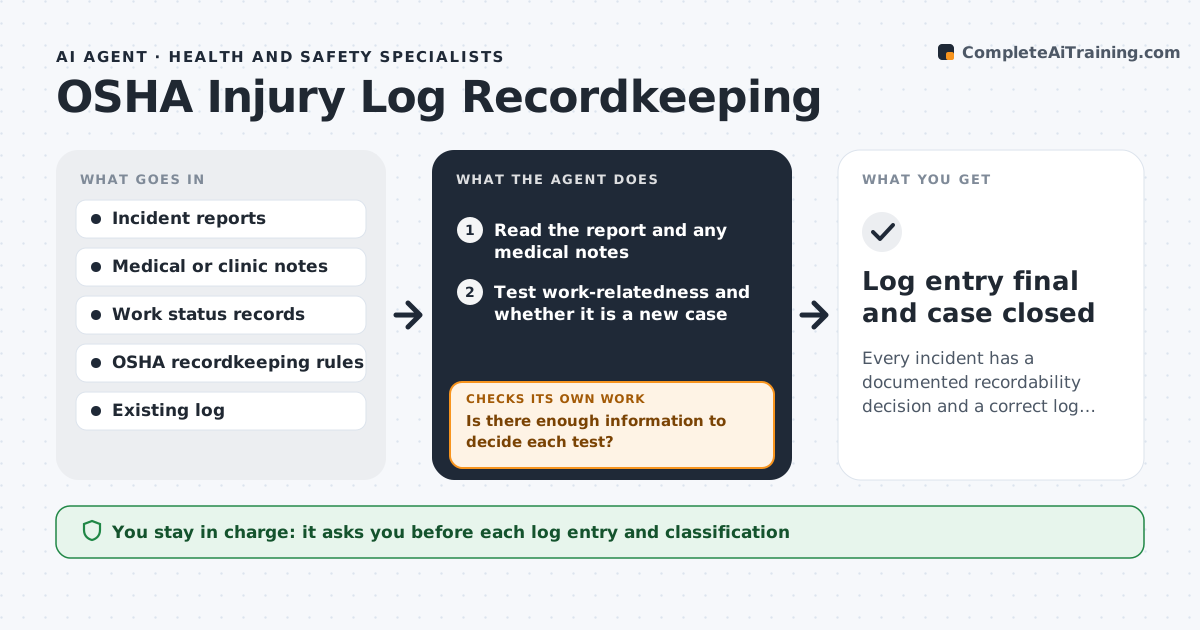
Employers must decide whether each work injury is recordable, then enter it in the OSHA log within seven days. The rules turn on medical treatment, days away, restricted duty and work-relatedness, and different people reach different answers. This agent reads each incident report and any medical notes. It checks the recordability rules step by step: is it work-related, is it a new case, and does it involve treatment beyond first aid, days away, restricted work or loss of consciousness. It fills the log entry with the right classification and dates and counts days away or restricted. If a case is unclear, it lists what facts are missing, asks the supervisor or clinic, and rechecks when they arrive. The specialist approves every entry. Edge case: a worsening injury was first aid, then needs stitches, and the agent reclassifies it with the new date.
How it works
Follow the arrows from top to bottom. The orange dashed arrow is the loop: when a check fails, the agent goes back and tries again.
Read the steps as a list
- An incident report is filed
- Read the report and any medical notes
- Test work-relatedness and whether it is a new case
- Test treatment beyond first aid, days away, restricted work and other criteria
- Is there enough information to decide each test?If not: list the missing facts, ask the supervisor or clinic and test again. Back to step 2.
- Classify the case and fill the log entry with dates and day counts
- Is the entry within seven days of learning about the case and consistent with the report?If not: correct the dates or fields and note the delay. Back to step 6.
- Specialist approves the entryThe agent waits here for your OK.
- Monitor the case for changes in treatment or work status
- Log entry final and case closed
How it decides
It walks through the recordability tests in order and records the rule that decided each case, and it reopens the case whenever treatment or work status changes.
- Record the case when treatment goes beyond first aid
- Count days away and restricted days by calendar days, up to 180
- Reopen a case when treatment changes
- Document the rule that decided the case
Make it yours
Every agent is a starting point. You choose these settings for your own situation.
- Log format and year
- Reminder before the seven-day limit
- Site and department fields
- Clinic contacts
What keeps you in control
It always asks you first
- Each log entry and classification
Hard limits
- Never decides alone, the specialist approves
- Does not enter medical details beyond the form
- Keeps injury records confidential
It stops when
- Done: log entry is approved
- Stop: the incident facts cannot be obtained
Set it up
We guide you through the set-up, step by step
Members get the full set-up guide for this agent. No technical skills needed: you copy, paste and upload.
- One set of instructions to paste into your AI, with the clicks for ChatGPT, Claude, Microsoft 365 Copilot, Gemini and Grok
- The agent then walks you through connecting your own data, one source at a time
- A downloadable copy with the flow chart, the rules and the full guide