AI agent for accounts receivable specialists
Overdue Invoice Reminder Agent
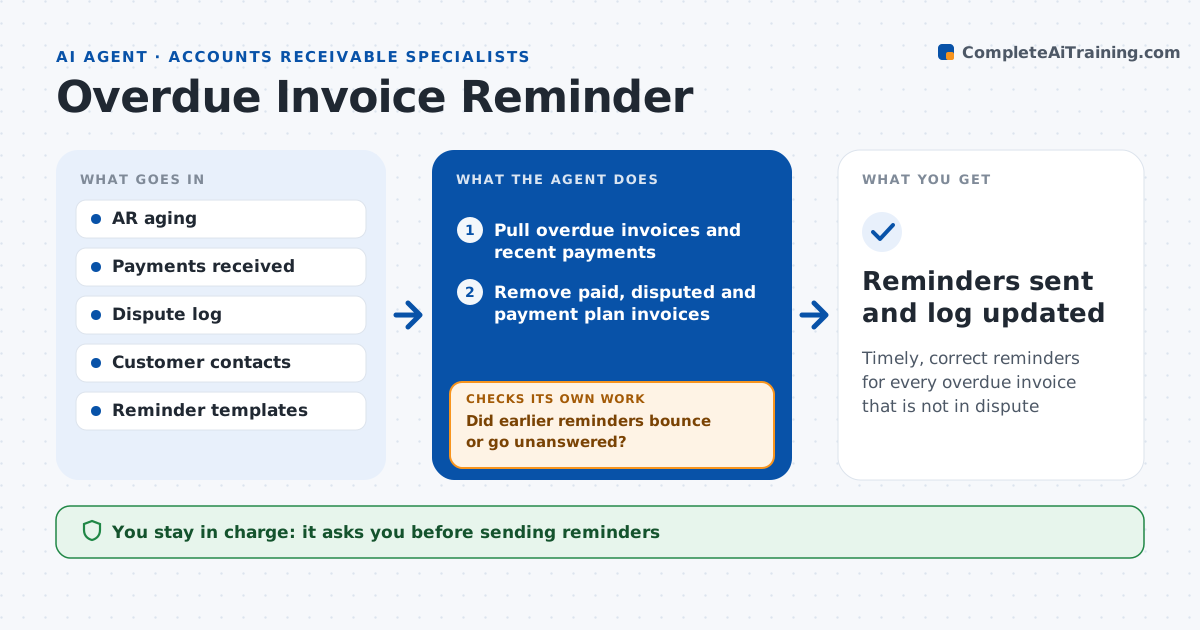
Timely, correct reminders for every overdue invoice that is not in dispute
What it does
Collections teams send reminders to customers who already paid or are in a dispute, which annoys good customers and wastes time. Each morning this agent reviews invoices that are past due. It checks recent payments and remittances so it never reminds a customer who already paid. It removes invoices with open disputes, credit memos in progress or active payment plans. For the rest it picks the reminder stage by days overdue and the customer's history, finds the right billing contact, and drafts the message with the invoice copy attached. It then checks whether earlier reminders bounced or went unanswered and finds another contact if needed. The specialist approves the batch before anything is sent. Edge case: a customer paid the total of three invoices in one payment, so the agent matches it to all three before drafting.
How it works
Follow the arrows from top to bottom. The orange dashed arrow is the loop: when a check fails, the agent goes back and tries again.
Read the steps as a list
- Daily overdue review
- Pull overdue invoices and recent payments
- Remove paid, disputed and payment plan invoices
- Choose reminder stage and contact
- Draft reminders with invoice copies
- Did earlier reminders bounce or go unanswered?If not: find another billing contact or move to a call task. Back to step 4.
- Specialist approves the reminder batchThe agent waits here for your OK.
- Reminders sent and log updated
How it decides
It sets the reminder stage by days overdue and skips any invoice with a dispute, a pending payment or a payment plan.
- 1 to 15 days late: friendly reminder
- 30 days or more: firm reminder and call task
- Open dispute: no reminder until resolved
Make it yours
Every agent is a starting point. You choose these settings for your own situation.
- Reminder stages and day counts
- Tone for each stage
- Customers who get calls instead of emails
- Time the batch is ready
What keeps you in control
It always asks you first
- Sending reminders
- Moving an account to collections
Hard limits
- Never sends without approval
- Never mentions late fees not in the contract
It stops when
- Done: all eligible invoices have a reminder or call task
- Stop: payment data not updated today
Set it up
We guide you through the set-up, step by step
Members get the full set-up guide for this agent. No technical skills needed: you copy, paste and upload.
- One set of instructions to paste into your AI, with the clicks for ChatGPT, Claude, Microsoft 365 Copilot, Gemini and Grok
- The agent then walks you through connecting your own data, one source at a time
- A downloadable copy with the flow chart, the rules and the full guide