
Learning path
Learning AI as a Billing Specialist
This path helps billing specialists use AI for invoices, reminders, disputes, and reports. It starts with setup and ends with video courses chosen for billing work.
Your path
Everything in the Billing Specialist AI kit, in the order that makes sense. Members tick off each step and see their progress.
Set up your AI
We guide you through each click.
Let skills do your everyday tasks
Connect your apps and pick your AI apps
Hand whole tasks to AI agents
Build your own tools
Keep growing
Everything for billing specialists
All the courses, certifications, AI tools, MCP servers and apps for billing specialists, most relevant first. Open any list to see more.
Take the prompt courses
A short framework course to learn how to ask, then 9 lessons with ready-to-use prompts for billing specialists.
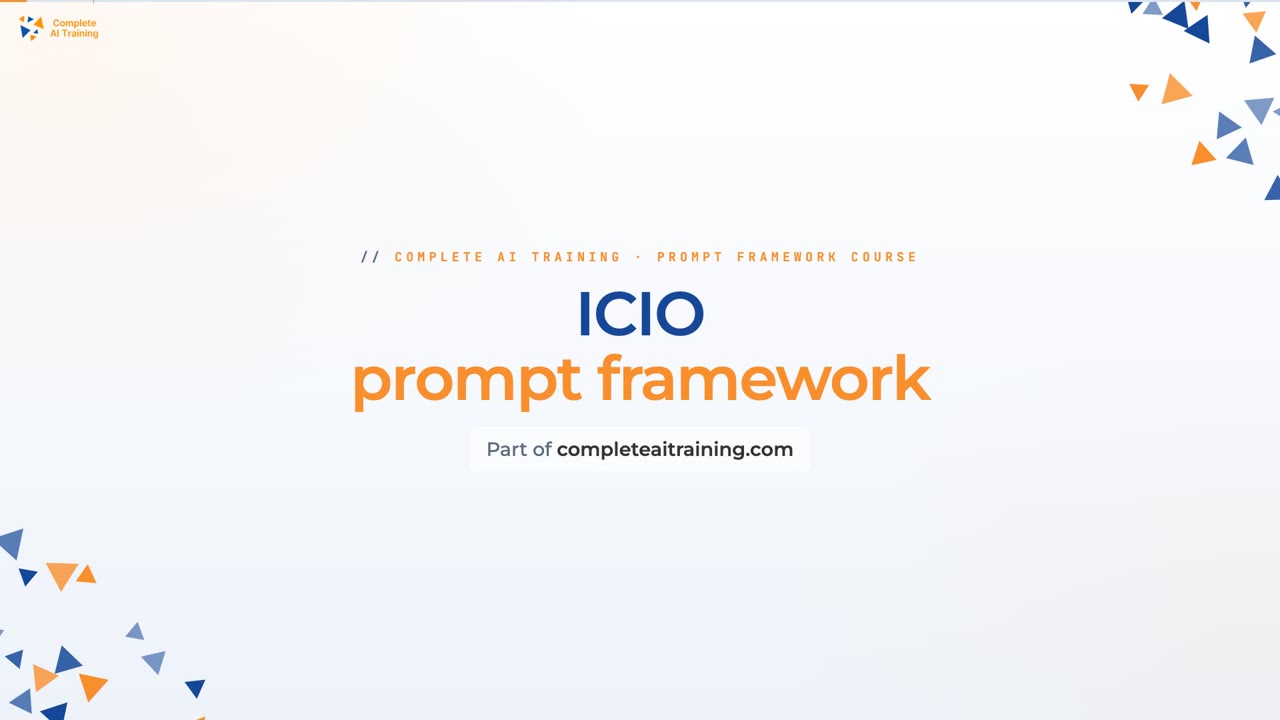
Start with this framework: how to talk to AI
ICIO and CIDI help you reuse prompts to classify invoice errors, extract payment terms, and generate billing templates for monthly client invoices.
Then your prompt course for billing specialists- 1Invoice Drafting Basics3 prompts
- 2Payment Reminders and Follow-Up3 prompts
- 3Billing Disputes and Resolutions3 prompts
- 4Payment Processing Help2 prompts
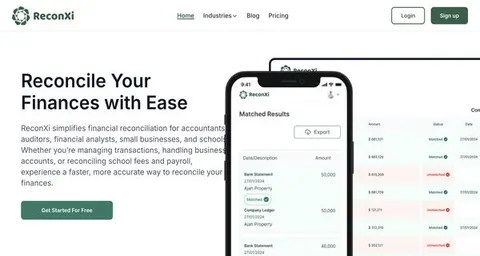
- 5Reconciling Billing Accounts2 prompts
- 6Billing Reports and Summaries3 prompts
- 7Verifying Client and Account Data3 prompts
- 8Billing System Updates and Documentation2 prompts
- 9Learning, Compliance and Admin2 prompts
Watch the video courses or add them to your Favorites for later
91 video courses our AI picked for billing specialists, most useful first. Save the ones you want to watch later with the heart.
Favorites are saved to your account: sign in or get your AI kit first.
Show all 91 video courses
Get certified, or add certifications to your Favorites
Every course ends in an exam and a certificate you can add to LinkedIn. Save the certifications you are aiming for with the heart.
Favorites are saved to your account: sign in or get your AI kit first.
More certifications for billing specialistsShow all 24 certifications
Try the AI tools for billing specialists
24 AI tools our AI matched to the work of billing specialists, best fit first. Each review shows what it does, its alternatives and the jobs it suits.
Favorites are saved to your account: sign in or get your AI kit first.
Show all 24 AI tools
Connect your AI to the apps billing specialists use
MCP servers let ChatGPT, Claude or Copilot look things up and get work done in other apps, like your email, calendar or bookkeeping software. These 12 fit the work of billing specialists best, well-known apps first.

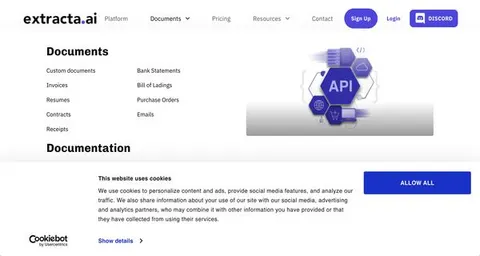
Xero MCP server
by XeroAPILets your AI look up and create Xero invoices, contacts, payments and reports for you.

Odoo 19 MCP server
by twtrubiksLet your AI look up, add, and update records in your Odoo 19 company system for you.

Odoo MCP server
by ivnvxdLet your AI look up, add, and update records in your Odoo business system just by asking.

Mistral MCP server
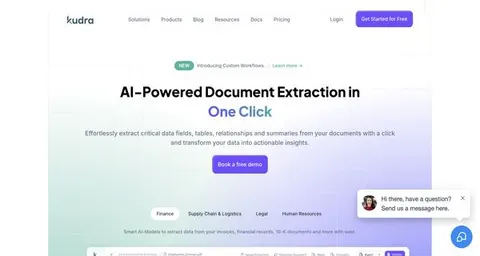
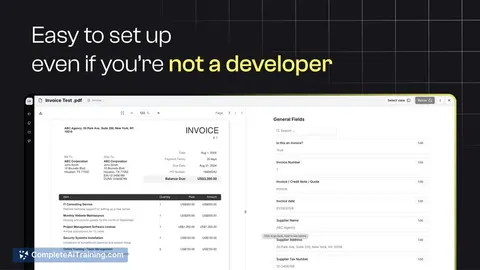
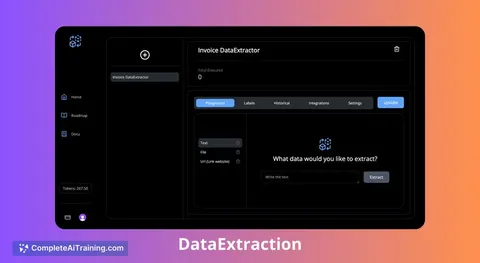
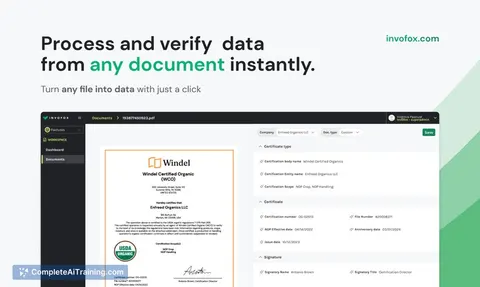
by SwihTurn invoices and documents into clean data, and use Mistral AI for chat, OCR, audio and images.

Debitura MCP server
by debituraLet your AI check, price, and submit international debt collection cases with Debitura.
Finance and crypto Official
EU VIES VAT checker MCP server
by bartosz-kucCheck any EU VAT number with your AI and get a proof number you can keep for your records.
Show all 12 MCP servers

Dodo Payments MCP server
by dodopaymentsLets your AI look up and manage Dodo Payments customers, payments, subscriptions, refunds and docs.
Finance and crypto Official
Xendit MCP server
by mrslbtLets your AI check Xendit balances, invoices, transactions, and stage payouts for you.

Czech National Bank FX rates MCP server
by martinhavelYour AI can look up official Czech National Bank exchange rates and convert amounts to or from Czech koruna.
Finance and cryptoNo install
Box MCP server
by hmkLets your AI search and read files stored in your Box account.

Easy Pay Direct MCP server
by praveendias1180Ask your AI to look up transactions, subscriptions and vault records in your payment gateway.

MCP Emails server
by AlbretsenLet your AI read, search, send and organize email in your own mailbox.
EmailNo installBuild your own AI apps for billing specialists
Apps you build yourself with your own AI, no coding needed and no monthly fee. Our AI picked the 12 that fit the work of billing specialists.
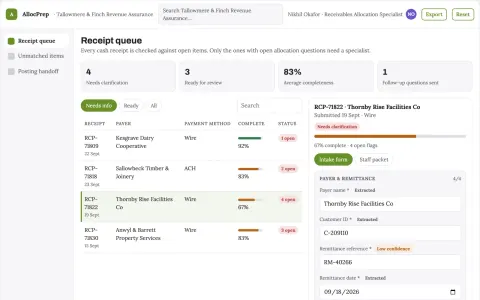
Cash receipt allocation preparation
Inspect candidate matches before ledger posting.
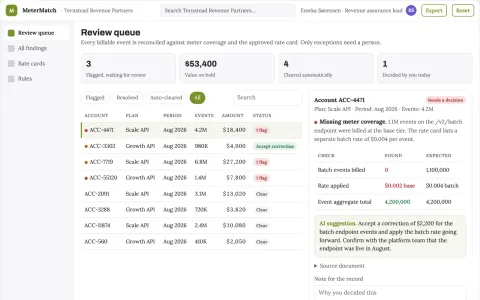
SaaS usage-to-billing reconciliation engine
Identify revenue leakage without inventing usage.
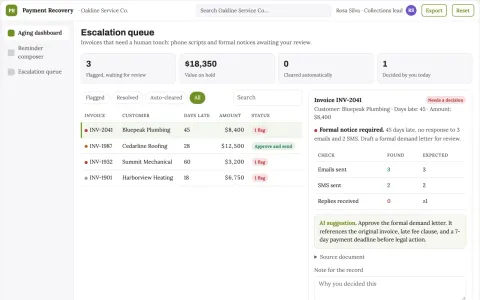
Polite Payment Recovery Agent
The agent writes genuinely human-sounding reminders and knows exactly when to stop and ask for approval.
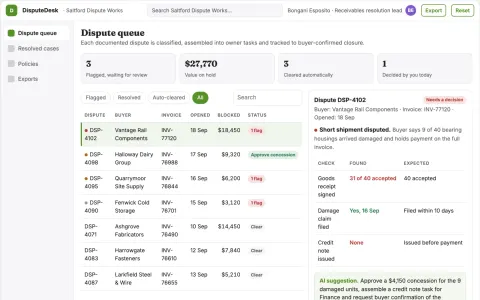
Receivables dispute-to-cash resolver
Turn documented disputes into completed actions that permit payment.
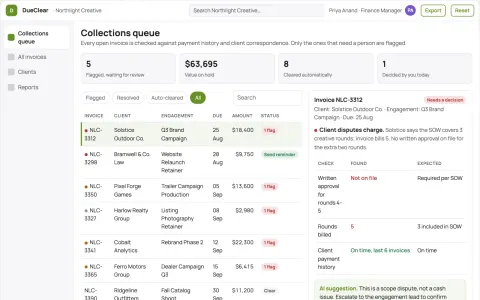
Accounts receivable assistant
Collections workflow preserves client relationships and separates billing disputes.
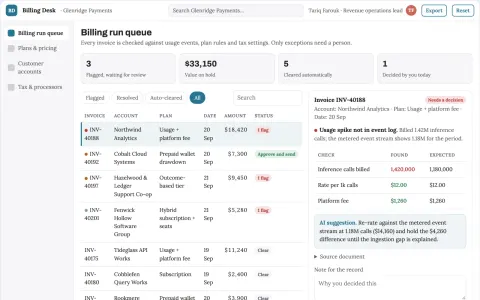
AI product billing and payments control portal
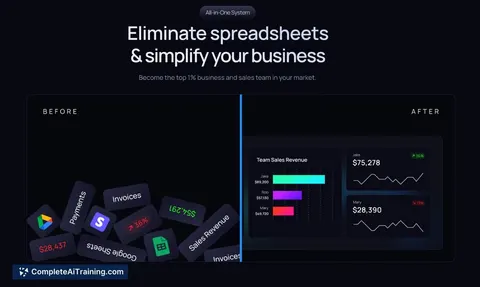
Reduce billing tool sprawl while keeping revenue operations auditable.
Show all 12 apps
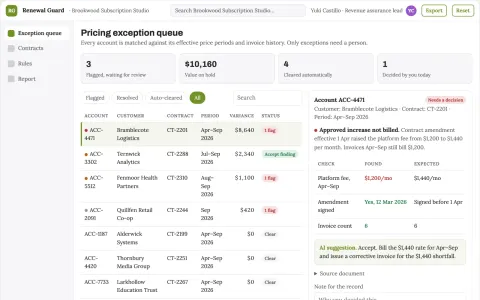
Subscription contract revenue leakage lab
Detect contractual billing omissions and overcharges.
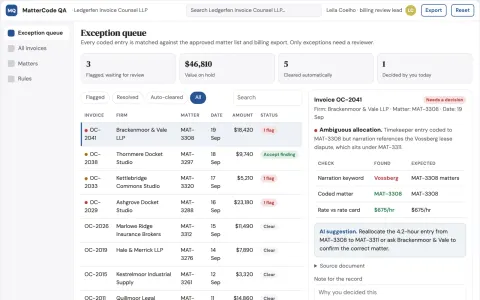
Legal invoice matter-code validator
Mechanical coding review before billing approval.
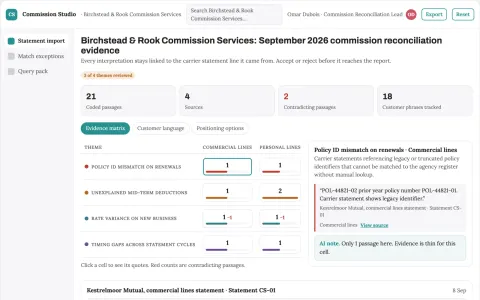
Broker commission reconciliation
Commission differences traced to statement evidence.
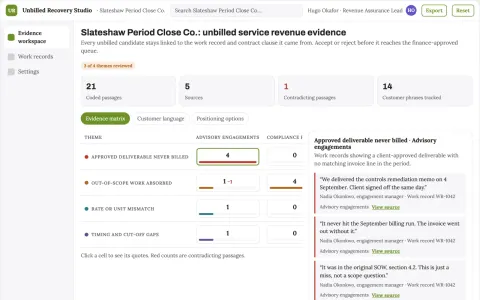
Unbilled service revenue recovery engine
Recover earned billable work lost between delivery and invoicing.
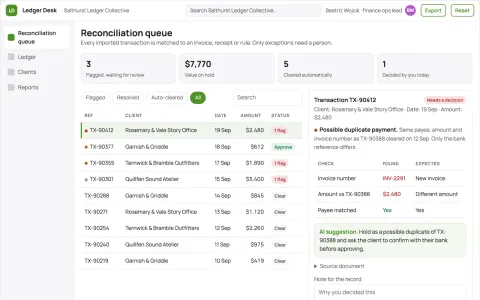
Financial operations coordination portal
Reduce manual reconciliation and reporting effort while keeping one owned record of financial and administrative work.
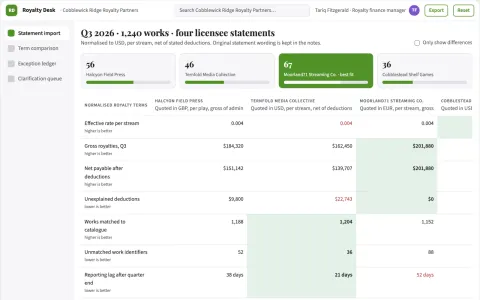
Royalty statement discrepancy desk
Trace royalty discrepancies to statement lines and supplied terms.






















































































About this learning path
7 topicsAI for Billing Specialists: A Clear Learning Path
Billing work runs on details: invoice lines, payment dates, client questions, and clean records. AI can help you draft, check, and explain those details faster, while you stay in charge of the final answer.
This path is built for working billing specialists who are not technical. You will set up your AI tool, connect it to your daily tasks, practice with billing prompts, and take short video courses that match the job.
Why AI Matters Now
Billing teams are asked to do more with the same hours. Clients expect quick answers, managers want clear reports, and every invoice needs to be right. AI gives you a calm assistant for the wording, checking, and summarizing parts of the job.
You do not need to become a programmer. You need to know where AI helps and where your judgment still leads.
What This Path Includes
You start with setup questions that help you choose a tool and get it ready. Then you connect your AI to the way you work, learn skills for billing tasks inside your AI, and go through this prompt course step by step.
The path also points you to video courses picked for billing work, along with the certifications those courses offer. Everything is short and practical, so you can use it between invoices and calls.
Certifications and Video Courses
The video courses focus on real billing tasks, such as invoice writing, payment follow-up, dispute notes, and account checks. Some courses include a certificate when you finish, which can support your resume and your yearly review.
You can move at your own pace. Watch one lesson, try one prompt, and come back when your queue is clear.
How It Saves You Time
AI can take the first pass at reminders, dispute replies, and report summaries. You review, adjust, and send. That turns a blank page into a draft you can shape in minutes.
It also helps you find mismatches and missing details before they become bigger problems, so you spend less time chasing old notes.
How It Protects Your Career
Billing specialists who can use AI well become the people who check the work, explain the numbers, and keep client trust. The path teaches you to keep private data safe and to confirm important facts before you send anything.
Your role grows from typing invoices to guiding the billing process. That is a stronger place to stand when tools change.
How to Start
Begin with the setup questions, then connect one AI tool you already have access to. Pick one lesson from the prompt course, such as payment reminders, and use it on a real account this week.
Keep a small note of what worked. In a few days, add another lesson. The path is built to fit around your work, not to pull you away from it.
Frequently asked questions
Do I need technical skills to start?
No. If you can write an email and use a billing system, you can use this path. The setup questions walk you through each choice in plain language.Which AI tool should I use?
You can use ChatGPT, Claude, Gemini, or another tool your workplace allows. The lessons focus on prompts and habits that work across tools.Will AI make mistakes on invoices?
Yes, AI can miss details or invent wording. That is why you always check amounts, names, dates, and policy before sending. The course shows you how to review and correct drafts.Does this path include certificates?
Yes. The video courses picked for billing work may offer certificates when you complete them. You can add those to your resume or share them with your manager.