AI agent for production coordinators
Overtime Approval and Coverage Agent
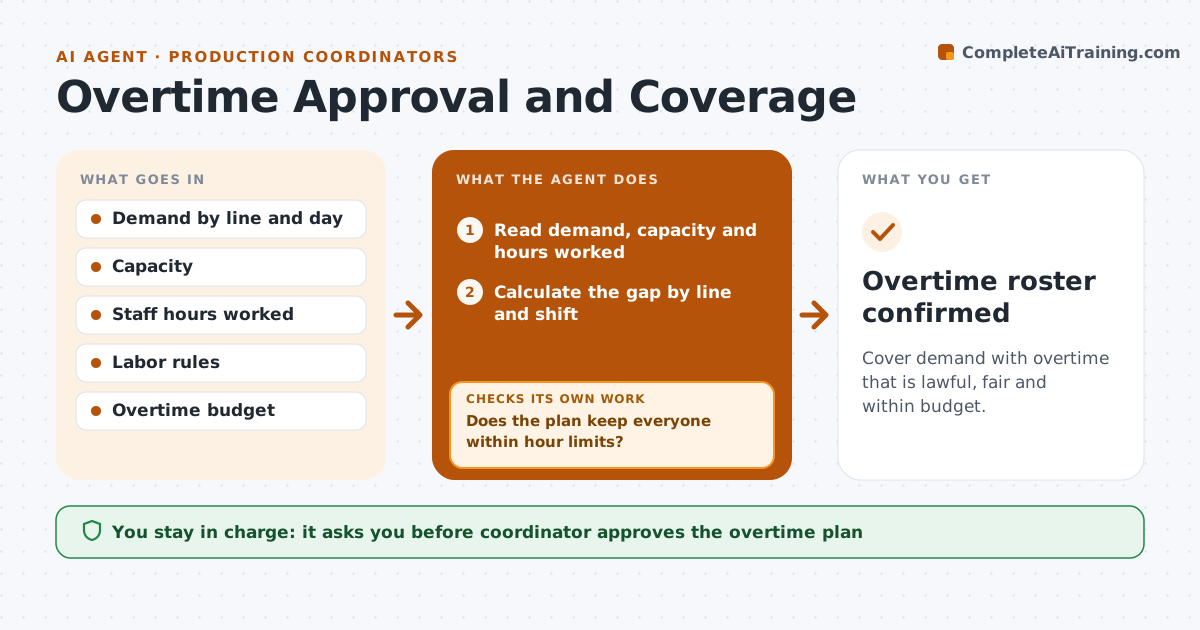
Cover demand with overtime that is lawful, fair and within budget.
What it does
Overtime is often decided in the afternoon, after the shortfall is obvious, without checking cost or fatigue limits. This agent compares the demand for the coming days with the capacity. When there is a gap, it proposes overtime by line and shift, and checks it against labor rules and the weekly hour limits. It prices the plan and compares it with the budget. If the cost is above the limit, it tries a smaller plan or other options, such as moving work or shifting a due date, before asking. It offers shifts to eligible staff. The coordinator approves. Edge case: a worker who would pass the weekly hour limit is skipped and the next in line is offered the shift.
How it works
Follow the arrows from top to bottom. The orange dashed arrow is the loop: when a check fails, the agent goes back and tries again.
Read the steps as a list
- Demand exceeds capacity
- Read demand, capacity and hours worked
- Calculate the gap by line and shift
- Propose overtime to close the gap
- Does the plan keep everyone within hour limits?If not: Swap people and recompute. Back to step 4.
- Price the plan against the budget
- Is the cost within the limit?If not: Try a smaller plan, moved work or a later due date. Back to step 4.
- Coordinator approves the overtimeThe agent waits here for your OK.
- Offer the shifts to eligible staff
- Have enough people accepted?If not: Offer to the next eligible staff. Back to step 9.
- Overtime roster confirmed
How it decides
It proposes the smallest overtime plan that closes the gap within limits and budget.
- Keep weekly hours within the legal and policy limit
- Rotate overtime fairly by hours worked
- Try moved work before paying premium rates
- Offer shifts 24 hours ahead when possible
Make it yours
Every agent is a starting point. You choose these settings for your own situation.
- Weekly hour limit
- Overtime budget
- Rotation rule
- Offer lead time
What keeps you in control
It always asks you first
- Coordinator approves the overtime plan
Hard limits
- Never exceed legal hour limits
- Never schedule overtime without approval
It stops when
- Done: shifts are filled within limits and budget
- Stop: the gap cannot be covered and the coordinator decides on due dates
Set it up
We guide you through the set-up, step by step
Members get the full set-up guide for this agent. No technical skills needed: you copy, paste and upload.
- One set of instructions to paste into your AI, with the clicks for ChatGPT, Claude, Microsoft 365 Copilot, Gemini and Grok
- The agent then walks you through connecting your own data, one source at a time
- A downloadable copy with the flow chart, the rules and the full guide