AI agent for packaging engineers
Packaging Change Run-Out Agent
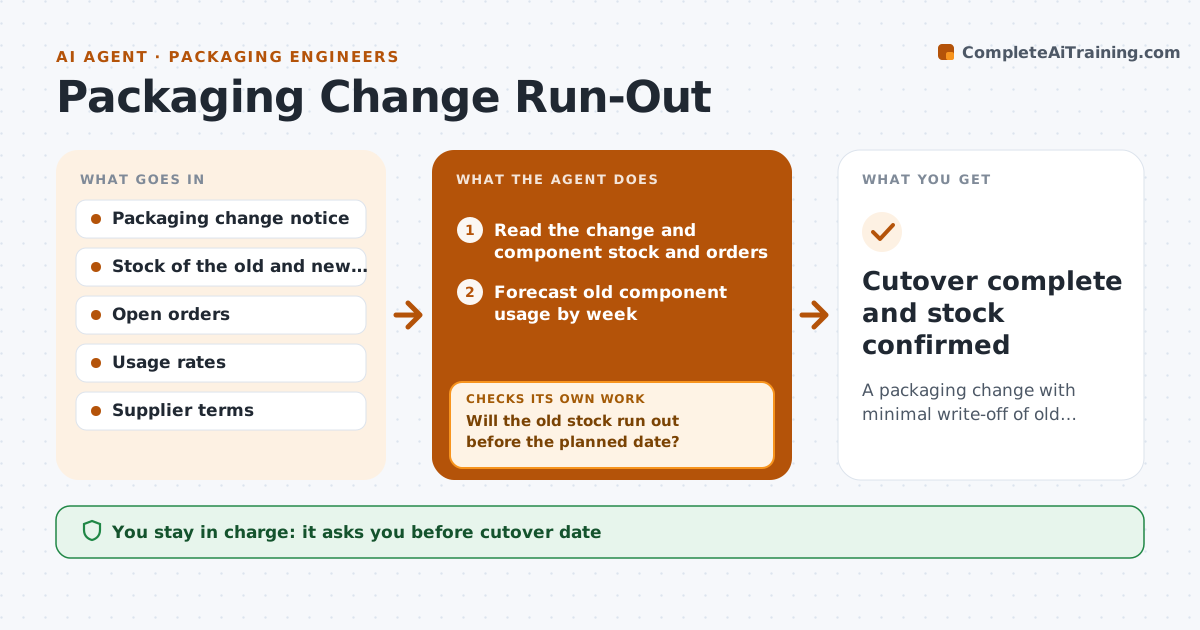
A packaging change with minimal write-off of old components
What it does
Old packaging components get written off because a change takes effect before the stock is used. For each packaging change, this agent checks the stock and open orders of the old component and sets a cutover date. It tracks consumption each week against the plan. If the stock will not run out in time, it tests options such as using up the old stock on a specific product or returning it to the supplier, then revises the date. It records any write-off risk in money. The engineer approves the cutover. Edge case: the supplier has a minimum order for the new part and the old part has 6 months of stock, so the agent proposes a split changeover.
How it works
Follow the arrows from top to bottom. The orange dashed arrow is the loop: when a check fails, the agent goes back and tries again.
Read the steps as a list
- A packaging change is planned
- Read the change and component stock and orders
- Forecast old component usage by week
- Set the cutover date from the forecast
- Will the old stock run out before the planned date?If not: test options: use up on one product, return to the supplier or delay the date. Back to step 2.
- Engineer approves the cutoverThe agent waits here for your OK.
- Track weekly consumption against the plan
- Is consumption on the forecast?If not: revise the forecast and the date, and check the write-off value. Back to step 4.
- Record any remaining write-off risk
- Cutover complete and stock confirmed
How it decides
The cutover date is when forecast usage exhausts the old stock. If the gap to the preferred date is too large, the agent tests options and recalculates the write-off.
- Plan for a stock of zero on the cutover date
- Escalate when write-off risk passes $2,000
- Test supplier returns before accepting a write-off
- Review weekly during run-out
Make it yours
Every agent is a starting point. You choose these settings for your own situation.
- Write-off alert level (default $2,000)
- Review frequency
- Components tracked
- Options to test
What keeps you in control
It always asks you first
- Cutover date
- Supplier returns
Hard limits
- Never order or return stock itself
- Never change the date without approval
It stops when
- Done: old stock used or disposed of and cutover complete
- Stop: change is cancelled
Set it up
We guide you through the set-up, step by step
Members get the full set-up guide for this agent. No technical skills needed: you copy, paste and upload.
- One set of instructions to paste into your AI, with the clicks for ChatGPT, Claude, Microsoft 365 Copilot, Gemini and Grok
- The agent then walks you through connecting your own data, one source at a time
- A downloadable copy with the flow chart, the rules and the full guide