AI agent for music teachers
Parent Progress Update Agent
Parents informed and engaged monthly
What it does
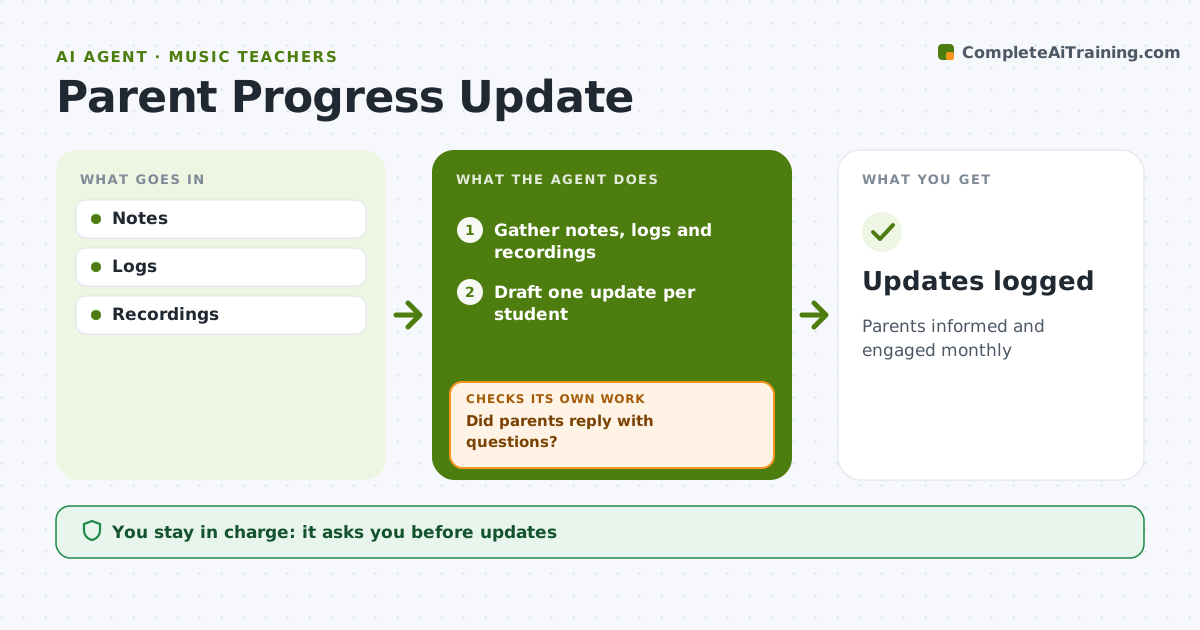
Parents of young music students support practice at home when they can see progress, but writing personal updates for every family takes hours. Once a month this agent gathers each student's lesson notes, practice logs, readiness ratings and any recordings. It drafts a short update per family with one thing that improved, one thing to work on next, and a simple way to help at home, choosing the clearest example from the evidence rather than general praise. The teacher edits and sends each update; the agent never sends on its own. Afterward it watches for replies, flags parent questions to the teacher, and drafts answers for review, checking again until every question has a response. Edge case: concerns such as a drop in motivation or practice minutes are written gently and marked for extra teacher review before the update goes out.
How it works
Follow the arrows from top to bottom. The orange dashed arrow is the loop: when a check fails, the agent goes back and tries again.
Read the steps as a list
- Month ends
- Gather notes, logs and recordings
- Draft one update per student
- Teacher edits and sendsThe agent waits here for your OK.
- Did parents reply with questions?If not: draft answers for the teacher to review. Back to step 3.
- Teacher approves repliesThe agent waits here for your OK.
- Note practice changes for the next lesson
- Updates logged
How it decides
Highlights from data.
- One win and one focus
- Gentle wording for concerns
- Questions flagged
Make it yours
Every agent is a starting point. You choose these settings for your own situation.
- Frequency
- Length
- Tone
- Channel
What keeps you in control
It always asks you first
- Updates
Hard limits
- No comparison with other students
It stops when
- Done: sent
- Stop: none
Set it up
We guide you through the set-up, step by step
Members get the full set-up guide for this agent. No technical skills needed: you copy, paste and upload.
- One set of instructions to paste into your AI, with the clicks for ChatGPT, Claude, Microsoft 365 Copilot, Gemini and Grok
- The agent then walks you through connecting your own data, one source at a time
- A downloadable copy with the flow chart, the rules and the full guide