AI agent for mediators
Party Position Capture Agent
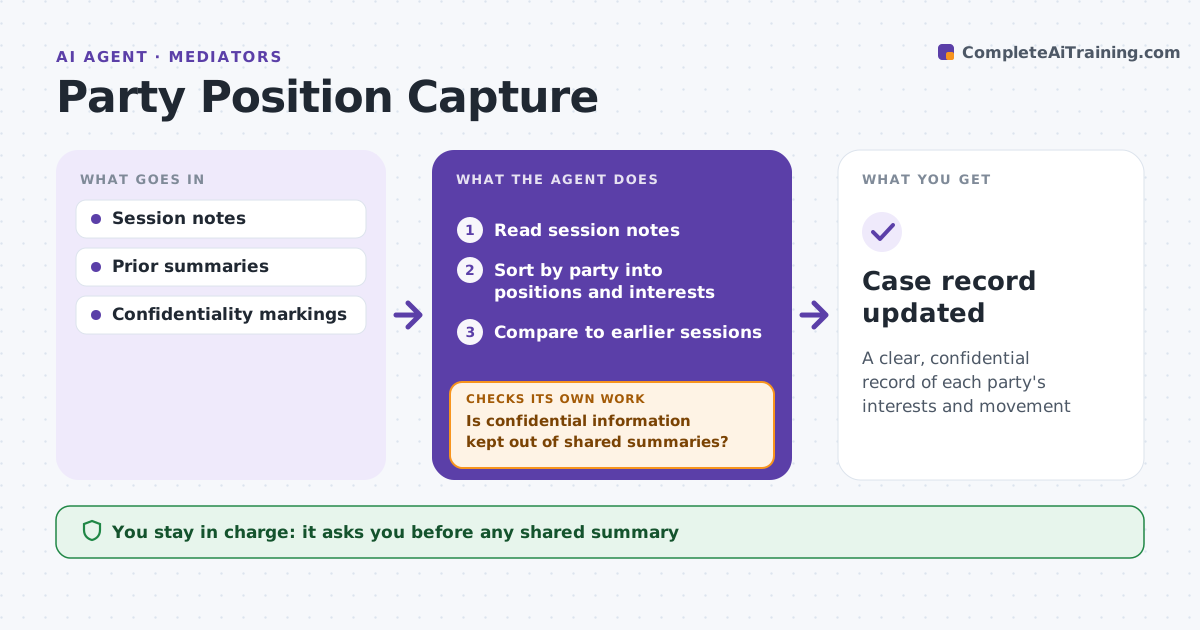
A clear, confidential record of each party's interests and movement
What it does
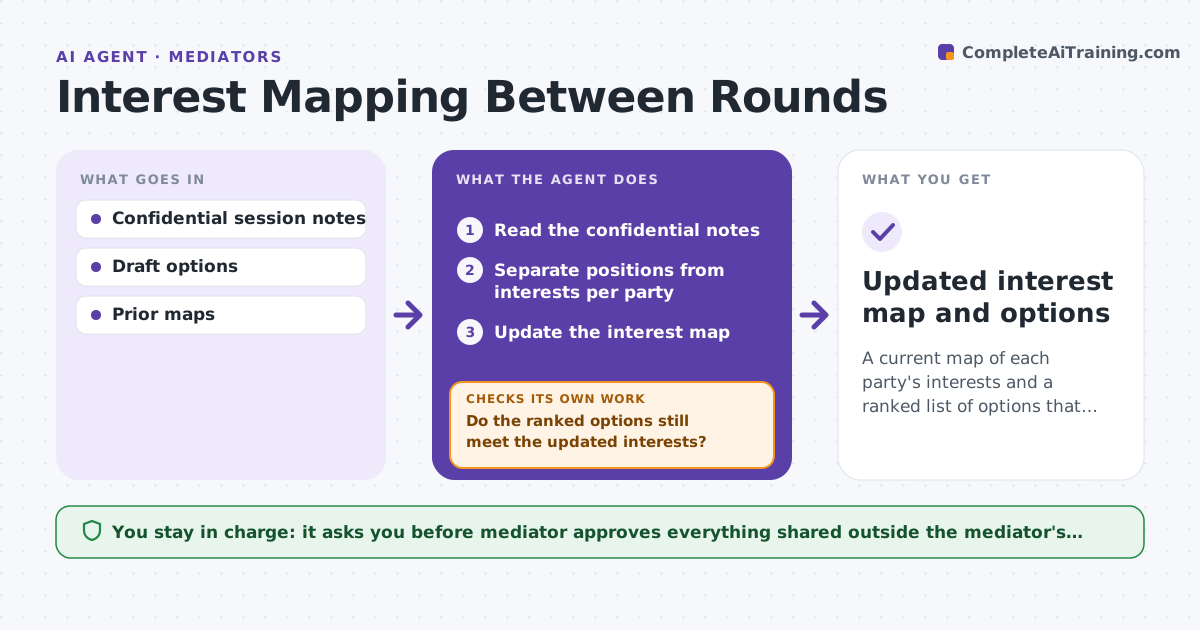
Mediators take pages of notes from private sessions and must never let one side's confidences slip into a shared summary. After each session, this agent organizes the notes by party into positions, underlying interests, concerns, offers and conditions. It keeps confidential information separate by party and marks what each side allowed to be shared, treating anything unmarked as confidential. It compares the new notes to earlier sessions and records movement in offers. It then checks every shared summary for confidential content and removes anything found before checking again. The mediator reviews all summaries before they are used. Edge case: a party later allows a fact to be shared, so the agent updates its status.
How it works
Follow the arrows from top to bottom. The orange dashed arrow is the loop: when a check fails, the agent goes back and tries again.
Read the steps as a list
- Session ends
- Read session notes
- Sort by party into positions and interests
- Compare to earlier sessions
- Is confidential information kept out of shared summaries?If not: remove it and re-check. Back to step 3.
- Mediator reviews summariesThe agent waits here for your OK.
- Case record updated
How it decides
It sorts notes by party and type and enforces confidentiality markings.
- Unmarked information: treat as confidential
- Offer change: record movement
- Permission to share: update status
Make it yours
Every agent is a starting point. You choose these settings for your own situation.
- Categories
- Confidentiality default
- Summary format
- Movement display
What keeps you in control
It always asks you first
- Any shared summary
Hard limits
- Never shares confidential information
- Never sends summaries
It stops when
- Done: record updated
- Stop: notes incomplete
Set it up
We guide you through the set-up, step by step
Members get the full set-up guide for this agent. No technical skills needed: you copy, paste and upload.
- One set of instructions to paste into your AI, with the clicks for ChatGPT, Claude, Microsoft 365 Copilot, Gemini and Grok
- The agent then walks you through connecting your own data, one source at a time
- A downloadable copy with the flow chart, the rules and the full guide