AI agent for game designers
Platform Certification Checklist Agent
A build with every platform requirement tested and passing, with evidence ready for the submission
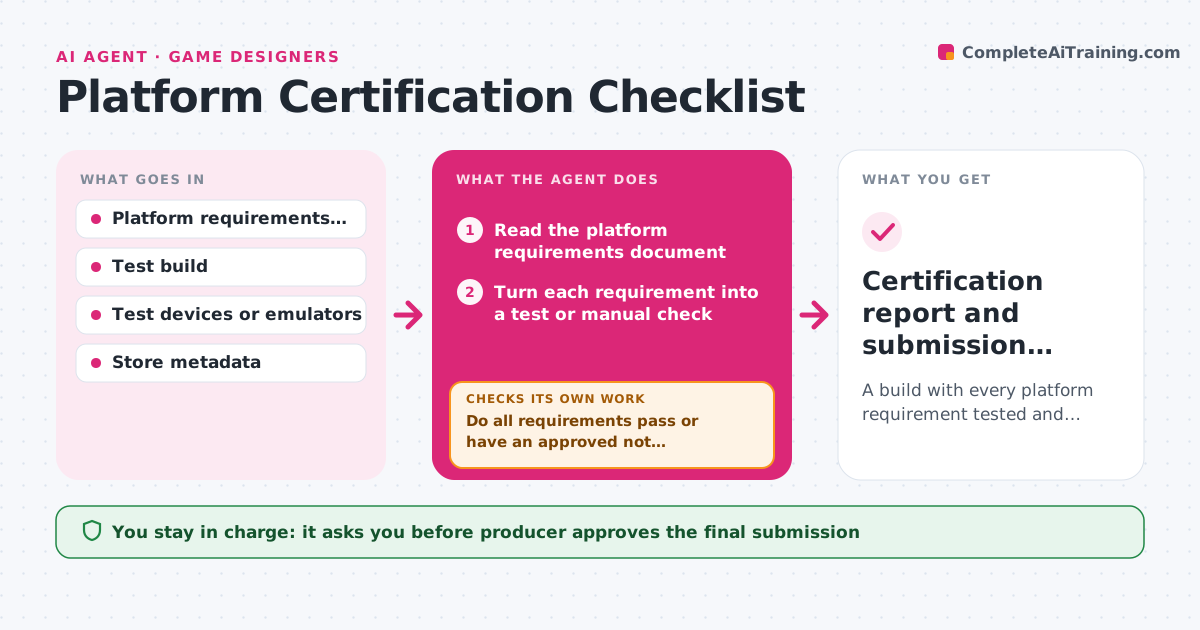
What it does
A console or store submission is rejected because the game does not handle a suspended state or a disconnected controller, and the team loses three weeks. This agent works through the platform's technical requirements before submission. It reads the requirements document and the build's behaviors, turns each requirement into a test, such as save during suspend, error on a network drop or a controller removed, and runs them against the build or lists the manual tests for the team. It records pass or fail with evidence. After the developer fixes failures, it retests them and any related requirements, looping until the list is clean. It also checks required metadata, ratings and store assets. The producer approves submission. Edge case: a requirement that applies only to online features is marked not applicable if the game has none.
How it works
Follow the arrows from top to bottom. The orange dashed arrow is the loop: when a check fails, the agent goes back and tries again.
Read the steps as a list
- Submission planned
- Read the platform requirements document
- Turn each requirement into a test or manual check
- Run the tests on the build or list the manual checks for the team
- Record pass, fail or not applicable with evidence
- Do all requirements pass or have an approved not applicable reason?If not: List failures with evidence and assign them to developers. Back to step 3.
- Wait for fixes and rebuild
- Retest the failed and related requirements
- Do the retested requirements now pass without breaking others?If not: Reopen the requirement and repeat the test on the new build. Back to step 8.
- Producer approves submissionThe agent waits here for your OK.
- Certification report and submission package
How it decides
A requirement passes only with recorded evidence from a test. Not applicable needs a stated reason from the producer.
- A requirement passes only with recorded evidence
- Retest related requirements when a fix touches shared code
- Mark a requirement not applicable only with the producer's reason
- Stop submission if any mandatory requirement fails
Make it yours
Every agent is a starting point. You choose these settings for your own situation.
- Platform and requirement version
- Test devices available
- Requirements marked not applicable
- Evidence format
- Who approves submission
What keeps you in control
It always asks you first
- Producer approves the final submission
Hard limits
- Never submit a build itself
- Never mark a failed requirement as passed
It stops when
- Done: All mandatory requirements pass with evidence
- Stop: A requirement cannot be tested with the available devices, so the agent lists it for manual testing
Set it up
We guide you through the set-up, step by step
Members get the full set-up guide for this agent. No technical skills needed: you copy, paste and upload.
- One set of instructions to paste into your AI, with the clicks for ChatGPT, Claude, Microsoft 365 Copilot, Gemini and Grok
- The agent then walks you through connecting your own data, one source at a time
- A downloadable copy with the flow chart, the rules and the full guide