AI agent for public relations specialists
PR Embargo Package Agent
Embargo packages with one unambiguous release time.
What it does
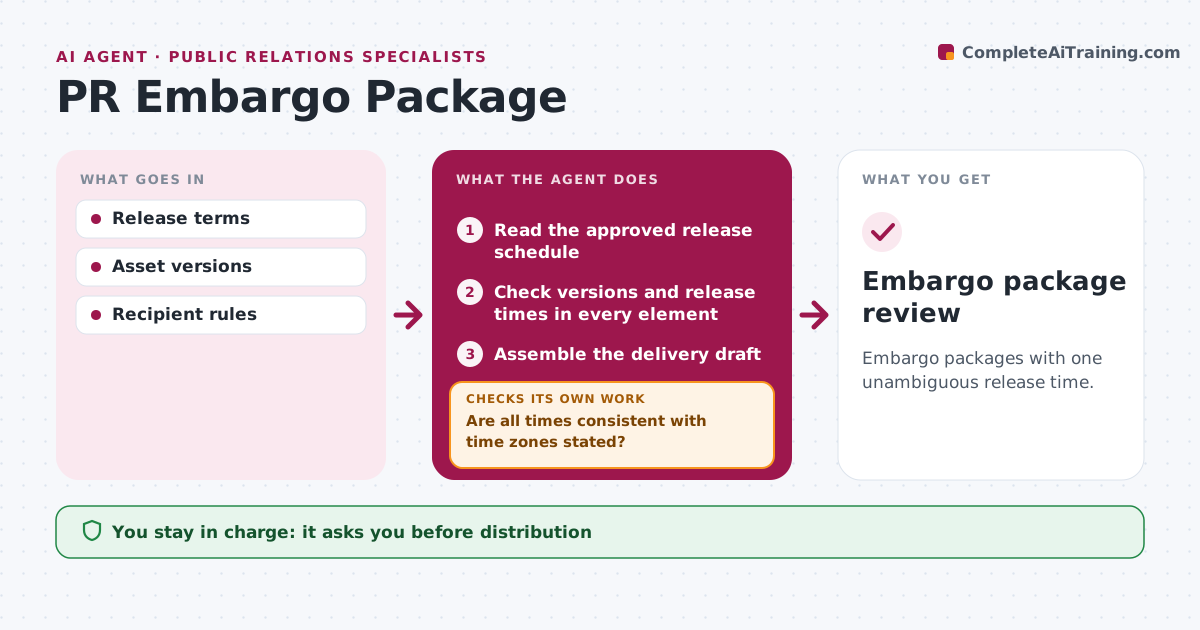
Embargoed press materials often show inconsistent release times, especially across time zones. When an embargoed release is prepared, this agent checks every element of the package, such as the press release, fact sheet, images and email, against the approved release schedule. It repairs fields that do not match the schedule. Any time without an explicit time zone, or with conflicting time zones, blocks the package from being marked ready until it is fixed. It then assembles the delivery draft and checks it once more. The release coordinator approves distribution and any embargo agreement. Edge case: one asset says 'embargo 9:00' with no time zone, so the package is blocked.
How it works
Follow the arrows from top to bottom. The orange dashed arrow is the loop: when a check fails, the agent goes back and tries again.
Read the steps as a list
- Embargoed package prepared
- Read the approved release schedule
- Check versions and release times in every element
- Are all times consistent with time zones stated?If not: repair from the schedule or block until resolved. Back to step 3.
- Assemble the delivery draft
- Does the assembled draft show one release time?If not: recheck the element that differs. Back to step 3.
- Release coordinator approves distributionThe agent waits here for your OK.
- Embargo package review
How it decides
It corrects from the approved schedule and blocks on timezone conflicts.
- Every time must have an explicit time zone.
- The approved schedule is the source of truth.
- Conflicts block ready status until fixed.
Make it yours
Every agent is a starting point. You choose these settings for your own situation.
- Approved schedule source
- Time zones to show in every asset
- Package elements to check
- Who approves distribution
What keeps you in control
It always asks you first
- Distribution
- Embargo agreements
Hard limits
- No distribution.
It stops when
- Done: consistent.
Set it up
We guide you through the set-up, step by step
Members get the full set-up guide for this agent. No technical skills needed: you copy, paste and upload.
- One set of instructions to paste into your AI, with the clicks for ChatGPT, Claude, Microsoft 365 Copilot, Gemini and Grok
- The agent then walks you through connecting your own data, one source at a time
- A downloadable copy with the flow chart, the rules and the full guide