
AI agent for public affairs specialists
Spokesperson Brief Evidence Agent
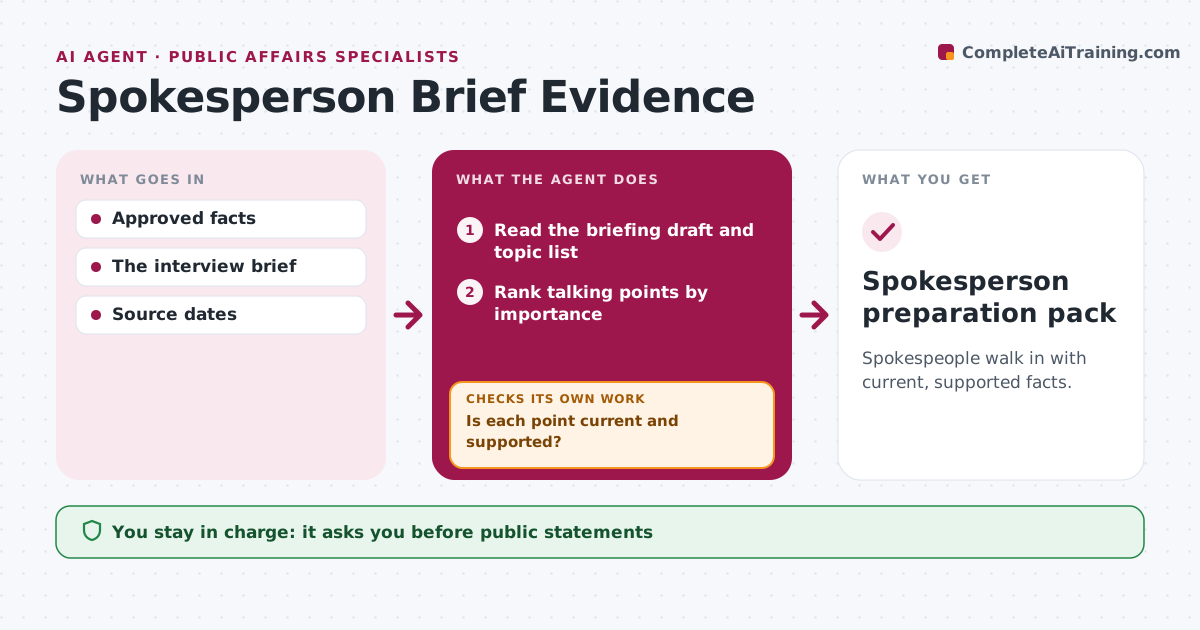
Spokespeople walk in with current, supported facts.
What it does
Spokesperson briefings often contain outdated facts, which can end up quoted in public. When an interview is scheduled, this agent matches every talking point in the brief to current approved evidence. It checks the most important claims first, such as customer numbers, results and dates. Points that are stale or unsupported are revised from the current source, or turned into an explicit unanswered question so the spokesperson knows not to guess. It prepares the briefing pack with the source date next to each fact. The communications lead approves the pack and any commitments the spokesperson may make. Edge case: the brief cites last year's customer number, so it is updated from the current source.
How it works
Follow the arrows from top to bottom. The orange dashed arrow is the loop: when a check fails, the agent goes back and tries again.
Read the steps as a list
- Interview scheduled
- Read the briefing draft and topic list
- Rank talking points by importance
- Match talking points to approved evidence
- Is each point current and supported?If not: revise from the current source or mark as unanswered. Back to step 4.
- Prepare the briefing with source dates
- Communications lead approvesThe agent waits here for your OK.
- Spokesperson preparation pack
How it decides
It checks the most material stale claims first.
- Freshness is judged by the source date.
- Check the most material claims first.
- Unsupported points become open questions, not guesses.
Make it yours
Every agent is a starting point. You choose these settings for your own situation.
- Maximum age of facts by type (default 6 months)
- Order of checks (default most material first)
- Briefing format (one page or full pack)
- Who approves the pack
What keeps you in control
It always asks you first
- Public statements
- Spokesperson commitments
Hard limits
- No commitments.
It stops when
- Done: brief ready.
Set it up
We guide you through the set-up, step by step
Members get the full set-up guide for this agent. No technical skills needed: you copy, paste and upload.
- One set of instructions to paste into your AI, with the clicks for ChatGPT, Claude, Microsoft 365 Copilot, Gemini and Grok
- The agent then walks you through connecting your own data, one source at a time
- A downloadable copy with the flow chart, the rules and the full guide



