AI agent for mediators
Pre-Session Document Exchange Agent
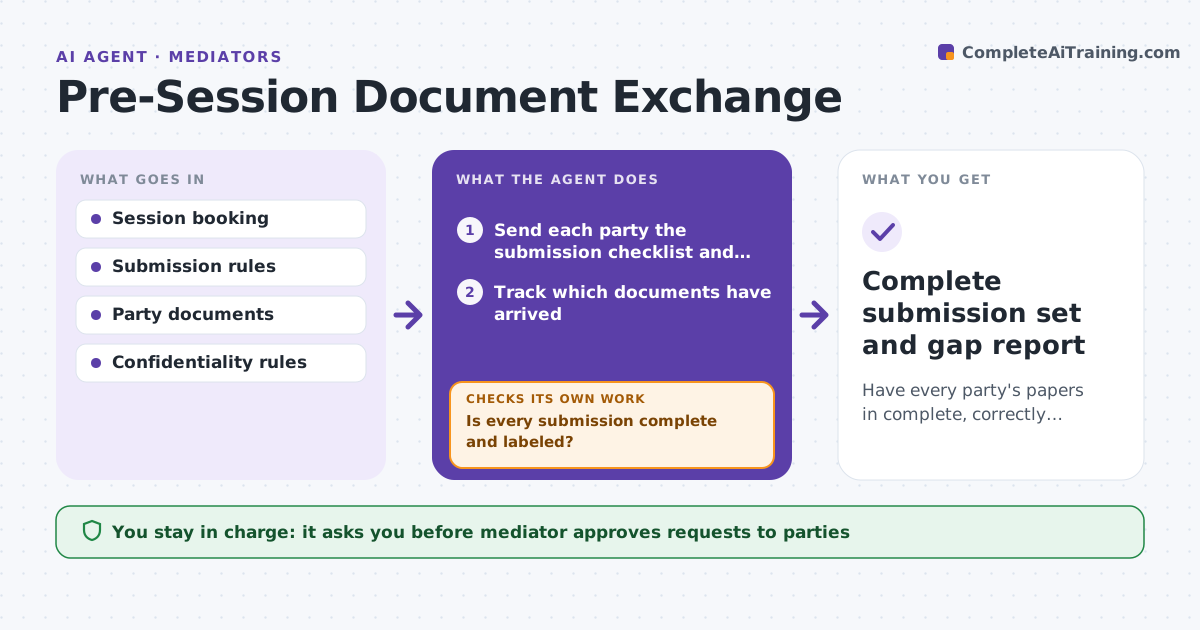
Have every party's papers in complete, correctly labeled form before the session.
What it does
Before a mediation session, parties are supposed to send position papers and exhibits, but they arrive late, in different formats, or without the documents they cite. After the session is booked, the agent sends a submission checklist and tracks what has arrived. It opens each document to check page counts, cited exhibits and confidentiality labels. It chases missing items, using a different message for each type of gap. It reports gaps to the mediator and keeps checking until the deadline. The mediator approves what is shared with the other side. Edge case: a statement marked confidential is addressed to the other party, so the agent holds it until the mediator decides.
How it works
Follow the arrows from top to bottom. The orange dashed arrow is the loop: when a check fails, the agent goes back and tries again.
Read the steps as a list
- Session booked
- Send each party the submission checklist and deadline
- Track which documents have arrived
- Open each document and check pages, exhibits and labels
- Is every submission complete and labeled?If not: Draft a specific request for each gap. Back to step 3.
- Mediator approves requests to partiesThe agent waits here for your OK.
- Send the requests and set follow-up dates
- Did the missing items arrive by the deadline?If not: Report remaining gaps to the mediator and propose a call. Back to step 3.
- Mediator approves what is shared with the other sideThe agent waits here for your OK.
- Complete submission set and gap report
How it decides
A submission is complete when it meets page limits, includes every cited exhibit and has the right confidentiality label. Each type of gap triggers its own request.
- A cited exhibit that is missing is a gap
- A document marked confidential is not shared without approval
- Chase 7, 3 and 1 day before the deadline
- Page limits come from the session rules
Make it yours
Every agent is a starting point. You choose these settings for your own situation.
- Submission deadline before session (default 5 days)
- Page limit
- Follow-up schedule
- Labels treated as confidential
What keeps you in control
It always asks you first
- Mediator approves requests to parties
- Mediator approves what is shared with the other side
Hard limits
- Never shares one party's paper with the other without the mediator's approval
- Never changes a party's document
It stops when
- Done: submissions complete and shared
- Stop: a party refuses to submit, so the mediator decides
Set it up
We guide you through the set-up, step by step
Members get the full set-up guide for this agent. No technical skills needed: you copy, paste and upload.
- One set of instructions to paste into your AI, with the clicks for ChatGPT, Claude, Microsoft 365 Copilot, Gemini and Grok
- The agent then walks you through connecting your own data, one source at a time
- A downloadable copy with the flow chart, the rules and the full guide