AI agent for public relations specialists
Press Asset Permission Agent
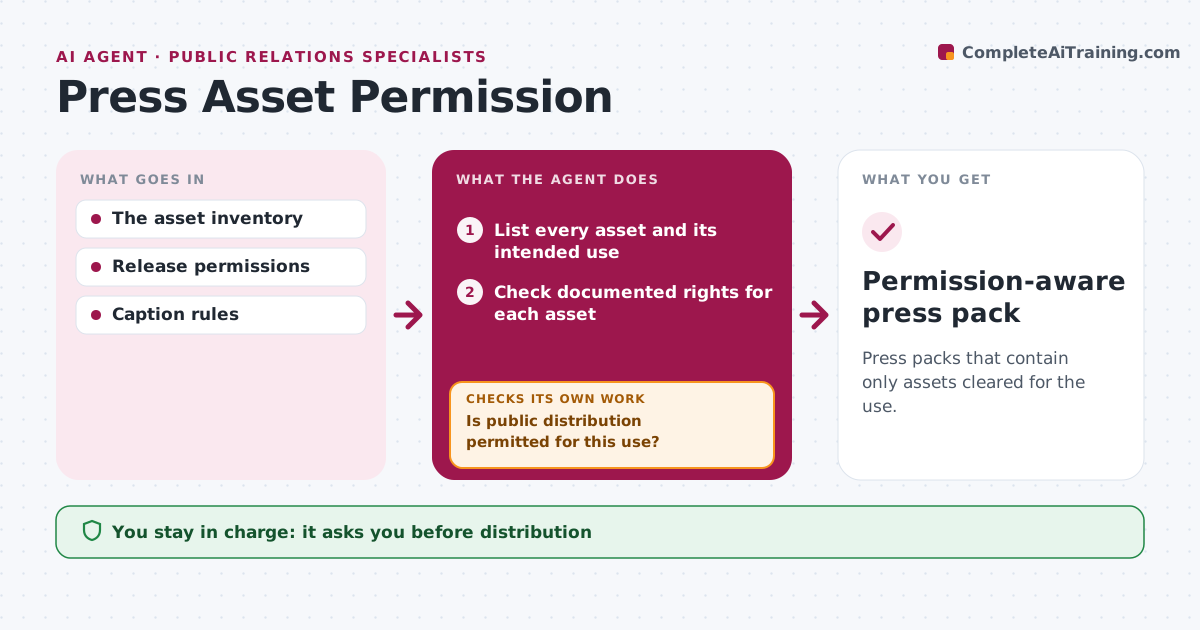
Press packs that contain only assets cleared for the use.
What it does
Press packs sometimes include images or videos that the company has no permission to share publicly. When a pack is assembled, this agent checks each asset's documented rights against the intended use, such as public press, social or print. Assets cleared for that use are included. Assets with internal-only rights, expired licenses or no record are excluded, and the agent drafts a follow-up to the asset owner or photographer. If permission arrives in time, it rechecks and adds the asset. It assembles the pack with a rights note per asset. The asset manager approves distribution and makes any legal permission decisions. Edge case: a strong event photo has internal-use rights only, so it is excluded.
How it works
Follow the arrows from top to bottom. The orange dashed arrow is the loop: when a check fails, the agent goes back and tries again.
Read the steps as a list
- Press pack assembled
- List every asset and its intended use
- Check documented rights for each asset
- Is public distribution permitted for this use?If not: exclude it and draft a follow-up to the owner. Back to step 3.
- Assemble the permitted pack with rights notes
- Did any follow-up return new permissions?If not: keep the asset excluded. Back to step 3.
- Asset manager approves distributionThe agent waits here for your OK.
- Permission-aware press pack
How it decides
It includes only assets whose rights fit the use.
- Include only assets whose rights fit the use.
- No record or expired license means exclusion.
- Legal permission decisions stay with the asset manager.
Make it yours
Every agent is a starting point. You choose these settings for your own situation.
- Intended uses to check (press, social, print, broadcast)
- Where rights records are stored
- Follow-up deadline before release (default 3 days)
- Who approves distribution
What keeps you in control
It always asks you first
- Distribution
- Legal permission decisions
Hard limits
- No unverified assets.
It stops when
- Done: pack ready.
Set it up
We guide you through the set-up, step by step
Members get the full set-up guide for this agent. No technical skills needed: you copy, paste and upload.
- One set of instructions to paste into your AI, with the clicks for ChatGPT, Claude, Microsoft 365 Copilot, Gemini and Grok
- The agent then walks you through connecting your own data, one source at a time
- A downloadable copy with the flow chart, the rules and the full guide