AI agent for sustainability analysts
Product Carbon Footprint Hotspot Agent
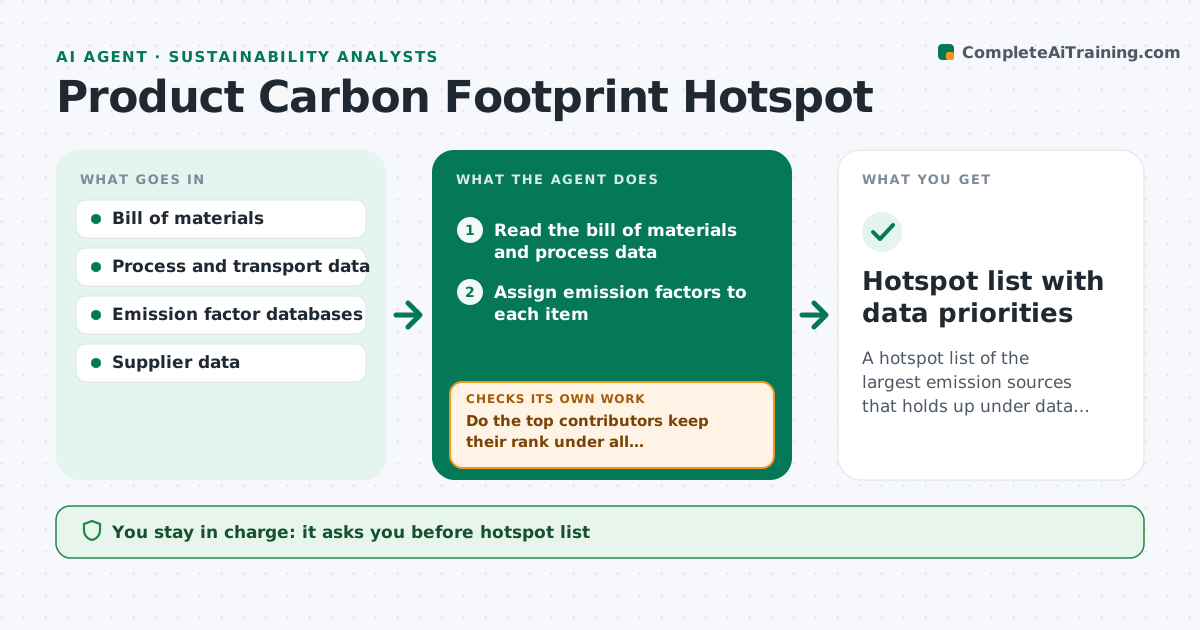
A hotspot list of the largest emission sources that holds up under data uncertainty
What it does
Teams often cut emissions where it is easy rather than where most of the carbon sits. This agent builds a bill of materials from product data, assigns emission factors to each material and process, and ranks contributors. Then it tests how stable the ranking is: it swaps in other factor choices, fills data gaps with ranges, and checks whether the top items change. For the top contributors where the data is weak, it requests better data from suppliers or design. It reranks after each update. The analyst approves the hotspot list. Edge case: a plastic part ranks fifth with default factors but first with a regional factor, so the agent marks it as a data priority.
How it works
Follow the arrows from top to bottom. The orange dashed arrow is the loop: when a check fails, the agent goes back and tries again.
Read the steps as a list
- Footprint study starts or data updates
- Read the bill of materials and process data
- Assign emission factors to each item
- Rank contributors by emissions
- Test ranking under alternate factors and gap ranges
- Do the top contributors keep their rank under all variations?If not: mark the unstable items and list the factor choices that change them. Back to step 3.
- Request better data for the top weak-data items
- Do the updated results change the hotspot list?If not: rerank and repeat the sensitivity test. Back to step 3.
- Draft the hotspot summary
- Analyst approves the hotspot listThe agent waits here for your OK.
- Hotspot list with data priorities
How it decides
Items are ranked by emissions. A ranking is stable when the top items stay in place under alternate factors and data ranges.
- Treat the top 80% of emissions as hotspots
- Prioritize data requests on unstable top items
- Document the factor source for each item
- Fill gaps with ranges, not single guesses
Make it yours
Every agent is a starting point. You choose these settings for your own situation.
- Hotspot cut-off (default 80%)
- Factor databases
- Data gap ranges
- Supplier list
What keeps you in control
It always asks you first
- Hotspot list
- Requests sent to suppliers
Hard limits
- Never claims a footprint is certified
- Never sends supplier requests without approval
It stops when
- Done: ranking is stable and approved
- Stop: no factors exist for key materials
Set it up
We guide you through the set-up, step by step
Members get the full set-up guide for this agent. No technical skills needed: you copy, paste and upload.
- One set of instructions to paste into your AI, with the clicks for ChatGPT, Claude, Microsoft 365 Copilot, Gemini and Grok
- The agent then walks you through connecting your own data, one source at a time
- A downloadable copy with the flow chart, the rules and the full guide