AI agent for meteorologists
Product Delivery Check Agent
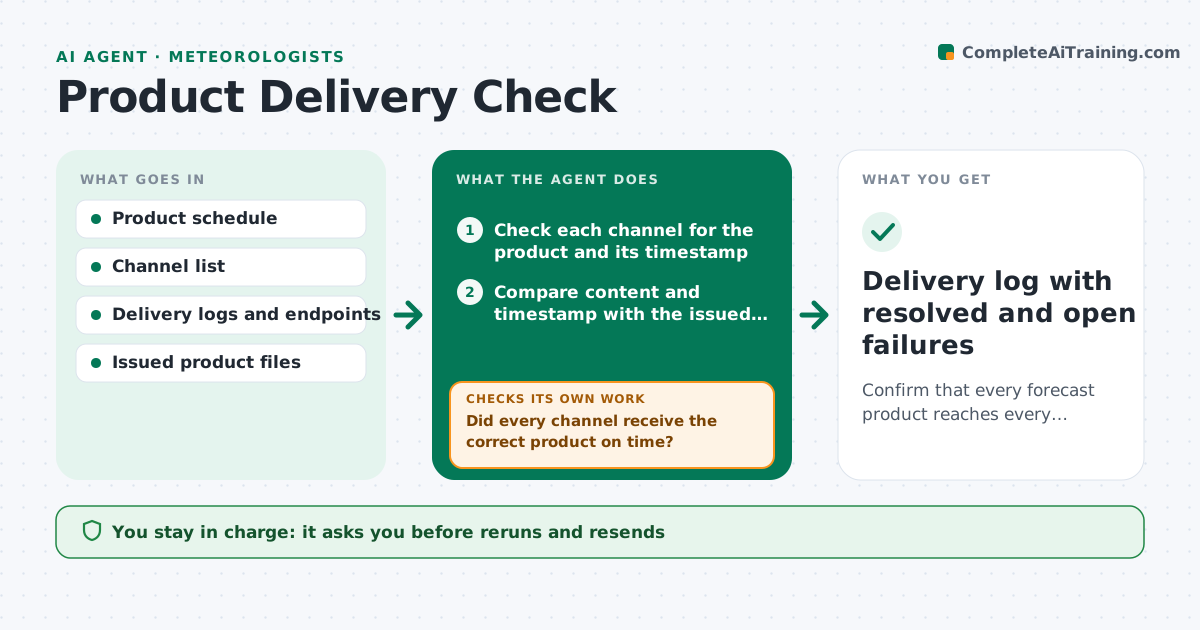
Confirm that every forecast product reaches every channel on time, and act when it does not.
What it does
A forecast can be finished and still never reach the website, radio feed, or partner system. This agent holds a schedule of every product, the channels that should receive it and the expected time. After each release, it checks that each product arrived on each channel on time and matches the content that was issued. If one is missing, late or out of date, it flags it, checks the likely cause such as a stalled queue or a failed upload, and retries a safe resend where it is set to do so. If the retry fails, it drafts a message to the technical contact. It rechecks until the product shows up. It never edits product content. The forecaster approves reruns. Edge case: a product delivered with an old timestamp is treated as failed.
How it works
Follow the arrows from top to bottom. The orange dashed arrow is the loop: when a check fails, the agent goes back and tries again.
Read the steps as a list
- Product release time passes
- Check each channel for the product and its timestamp
- Compare content and timestamp with the issued file
- Did every channel receive the correct product on time?If not: wait one retry interval and check again, then mark the channel failed. Back to step 2.
- Diagnose the likely cause from the logs
- Forecaster approves a rerun or resendThe agent waits here for your OK.
- Resend the product to the failed channel
- Does the product now appear correctly?If not: draft a message to the technical contact with the log extract. Back to step 7.
- Forecaster approves the message to the contactThe agent waits here for your OK.
- Delivery log with resolved and open failures
How it decides
A delivery passes only if the product is present on the channel, with the right timestamp and the same content hash, within the allowed delay.
- Treat a product as failed when late by more than 5 minutes
- Treat an old timestamp as a failure
- Allow one automatic resend only for channels marked safe
- Escalate any failure unresolved after 2 attempts
Make it yours
Every agent is a starting point. You choose these settings for your own situation.
- Products and channels
- Allowed delay (default 5 minutes)
- Retry limit (default 2)
- Contact for each channel
- Safe resend list
What keeps you in control
It always asks you first
- Reruns and resends
- Messages to the technical contact
Hard limits
- Never change product content
- Never resend more than the set attempts
It stops when
- Done: all channels confirmed
- Stop: unresolved after the set attempts
Set it up
We guide you through the set-up, step by step
Members get the full set-up guide for this agent. No technical skills needed: you copy, paste and upload.
- One set of instructions to paste into your AI, with the clicks for ChatGPT, Claude, Microsoft 365 Copilot, Gemini and Grok
- The agent then walks you through connecting your own data, one source at a time
- A downloadable copy with the flow chart, the rules and the full guide