AI agent for chief product officers
Product Metrics Weekly Anomaly Review Agent
A weekly product metrics review with real anomalies explained
What it does
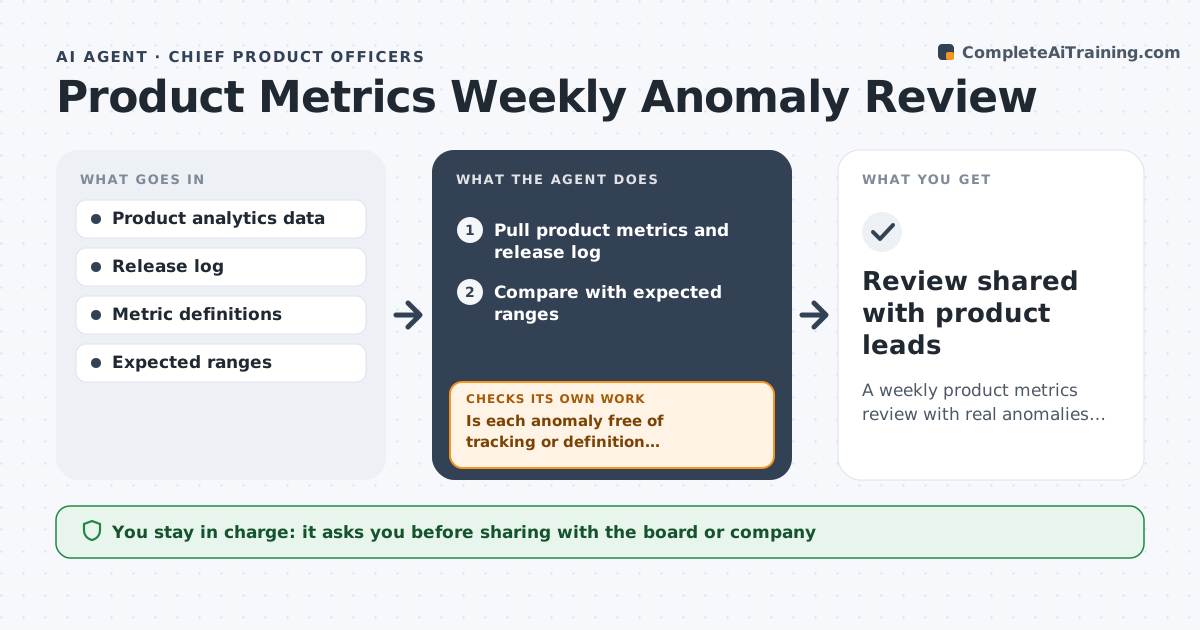
Each week the product leader needs to know which metrics changed and why, but drops are noticed late or chased when they are only tracking errors. This agent pulls activation, engagement, retention and conversion, compares them with expected ranges from recent weeks and seasonality, and flags anomalies. Before reporting, it checks for tracking problems: event volumes falling to zero, a new app version missing events or a definition change. If it finds one, it labels the metric a data issue and alerts the data team. For real anomalies it breaks them down by platform, segment and release to find the source. The CPO approves the weekly review.
How it works
Follow the arrows from top to bottom. The orange dashed arrow is the loop: when a check fails, the agent goes back and tries again.
Read the steps as a list
- Monday review
- Pull product metrics and release log
- Compare with expected ranges
- Is each anomaly free of tracking or definition problems?If not: label as data issue and alert the data team. Back to step 3.
- Break down real anomalies by platform, segment and release
- Draft the weekly review
- CPO approves the reviewThe agent waits here for your OK.
- Review shared with product leads
How it decides
It flags metrics outside the expected range and only reports them as real after ruling out tracking issues.
- Event volume drops over 50% are treated as tracking issues first
- Seasonal ranges used where history allows
- Anomalies tied to releases are linked by version
Make it yours
Every agent is a starting point. You choose these settings for your own situation.
- Metrics list
- Expected range method
- Review day
- Breakdown dimensions
What keeps you in control
It always asks you first
- Sharing with the board or company
Hard limits
- Does not roll back releases
- Aggregated data only
It stops when
- Done: review shared
- Stop: analytics source down
Set it up
We guide you through the set-up, step by step
Members get the full set-up guide for this agent. No technical skills needed: you copy, paste and upload.
- One set of instructions to paste into your AI, with the clicks for ChatGPT, Claude, Microsoft 365 Copilot, Gemini and Grok
- The agent then walks you through connecting your own data, one source at a time
- A downloadable copy with the flow chart, the rules and the full guide