
AI agent for language teachers
Proficiency Progress Check Agent
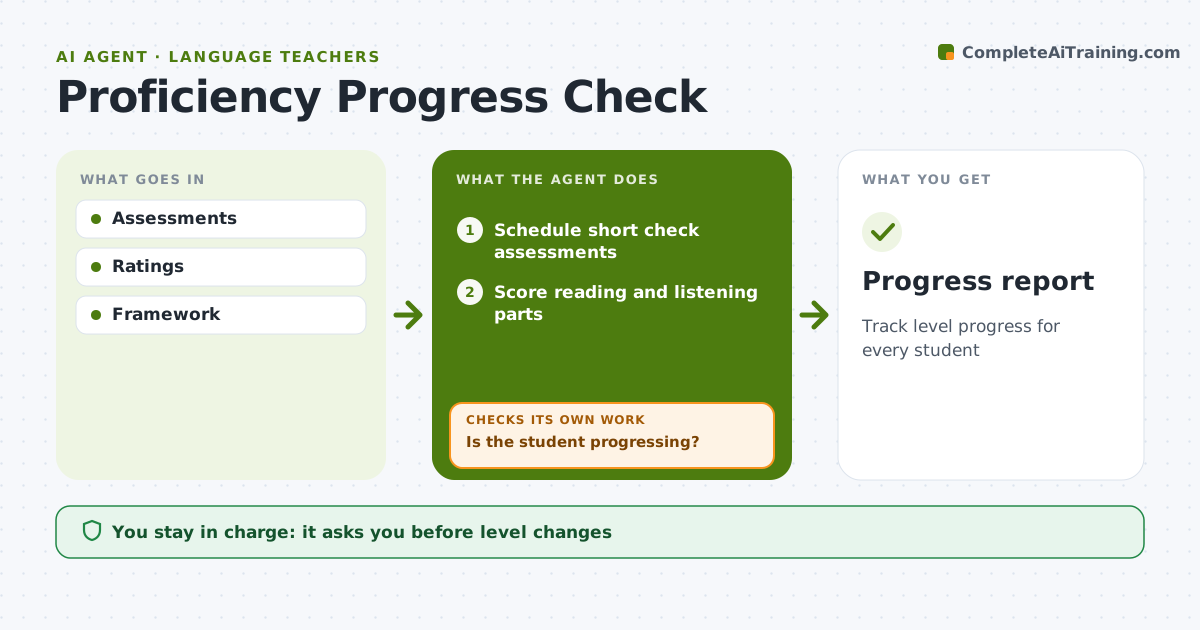
Track level progress for every student
What it does
Students move through proficiency levels in reading, listening, speaking and writing at different speeds, and slow progress can go unnoticed for a term. Every six weeks this agent schedules short check assessments. It scores the objective reading and listening parts and collects the teacher's ratings for speaking and writing against the level descriptors. It maps results to the level framework and shows each student's progress by skill. Students who have not moved in two checks are flagged. For them, it looks at item results to find the weakest skill and suggests practice. The teacher confirms any level change. Edge case: a single sharp drop is retested before it changes anything, since one bad day does not mean a lower level.
How it works
Follow the arrows from top to bottom. The orange dashed arrow is the loop: when a check fails, the agent goes back and tries again.
Read the steps as a list
- Six-week check point
- Schedule short check assessments
- Score reading and listening parts
- Collect teacher scores for speaking and writing
- Map results to proficiency levels
- Is the student progressing?If not: look at item results to find the weak skill and suggest practice. Back to step 5.
- Teacher confirms levelsThe agent waits here for your OK.
- Progress report
How it decides
Scores mapped to levels.
- Retest single drops
- Speaking rated by teacher
- Focus on weakest skill
Make it yours
Every agent is a starting point. You choose these settings for your own situation.
- Framework
- Interval
- Skills
- Report
What keeps you in control
It always asks you first
- Level changes
Hard limits
- No placement without teacher
It stops when
- Done: report
- Stop: none
Set it up
We guide you through the set-up, step by step
Members get the full set-up guide for this agent. No technical skills needed: you copy, paste and upload.
- One set of instructions to paste into your AI, with the clicks for ChatGPT, Claude, Microsoft 365 Copilot, Gemini and Grok
- The agent then walks you through connecting your own data, one source at a time
- A downloadable copy with the flow chart, the rules and the full guide



