AI agent for civil servants
Public Records Request Handling Agent
A timely, complete response with correct redactions and a record of each decision

What it does
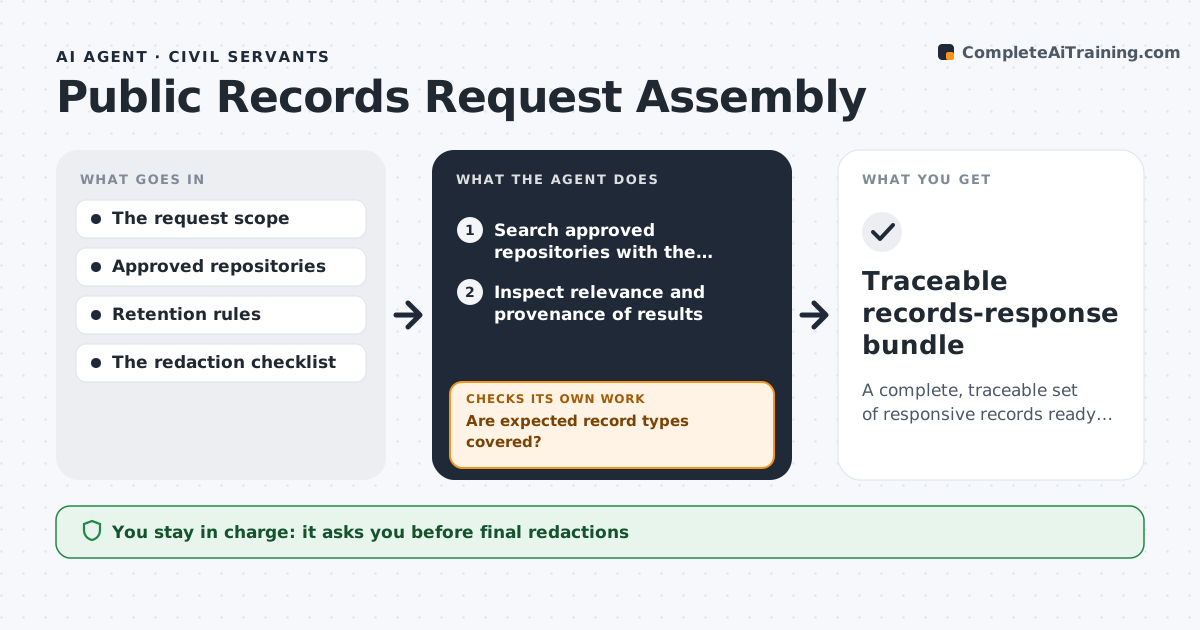
Each public records request has a statutory clock, and a missed date or a missed redaction can mean a penalty or a leak. This agent logs each request and calculates the deadline from the date received, counting only the days the law counts. It searches the records systems for matching documents and flags material that is exempt, such as personal data, legal advice or open investigations. It drafts the redactions with the legal basis for each. Before release, it checks every redaction against the rules and scans the final files for text that survived, including hidden text and metadata. If something remains, it fixes the file and scans again. It sends status updates to the requester on schedule. The records officer approves the response. Edge case: a request that is too broad gets a draft clarification letter that pauses the clock if the law allows.
How it works
Follow the arrows from top to bottom. The orange dashed arrow is the loop: when a check fails, the agent goes back and tries again.
Read the steps as a list
- Request received
- Log the request and calculate the legal deadline
- Search records systems for responsive documents
- Flag exempt material and propose redactions with the legal basis
- Does each redaction cite an allowed exemption?If not: remove the redaction or find the correct basis and redraft. Back to step 4.
- Apply redactions to copies of the files
- Does a scan find any redacted text or hidden data remaining?If not: clean the file, remove metadata and scan again. Back to step 6.
- Draft the response letter and the exemption log
- Records officer approves the responseThe agent waits here for your OK.
- Response sent and file closed
How it decides
A document is released unless an exemption applies. Each redaction needs a cited legal basis. The deadline comes from the statute and clock rules.
- Count the deadline using the statute's day rules
- Redact only with a cited exemption
- Scan every released file for hidden text and metadata
- Send a status update to the requester at the midpoint of the period
Make it yours
Every agent is a starting point. You choose these settings for your own situation.
- Deadline rules
- Exemption list
- Search systems
- Update schedule
What keeps you in control
It always asks you first
- The response and each release
Hard limits
- Never releases documents
- Never redacts without a cited legal basis
It stops when
- Done: the response is sent within the deadline
- Stop: the request is withdrawn
Set it up
We guide you through the set-up, step by step
Members get the full set-up guide for this agent. No technical skills needed: you copy, paste and upload.
- One set of instructions to paste into your AI, with the clicks for ChatGPT, Claude, Microsoft 365 Copilot, Gemini and Grok
- The agent then walks you through connecting your own data, one source at a time
- A downloadable copy with the flow chart, the rules and the full guide