AI agent for benefits administrators
Qualifying Life Event Processing Agent
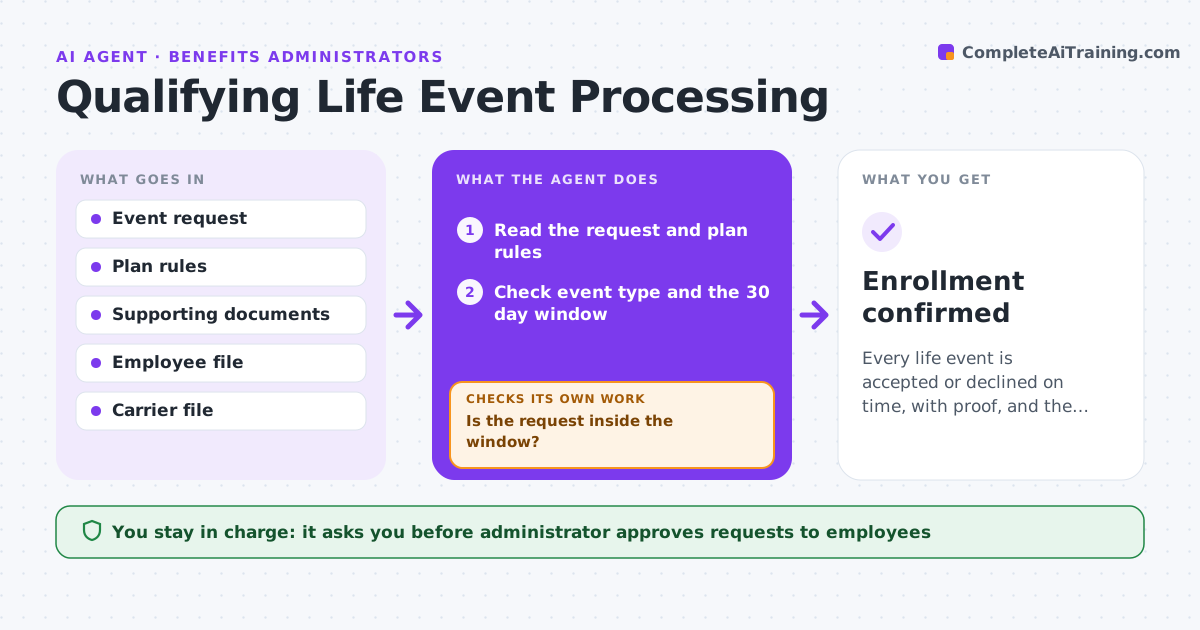
Every life event is accepted or declined on time, with proof, and the carrier file is correct.
What it does
Employees report marriages, births and other life events with missing proof and wrong dates, and the 30 day window is easy to miss. The agent checks the event type, the enrollment window and the documents, requests anything missing, and prepares the carrier changes. It rechecks after documents arrive, compares names and dates with the employee file, and confirms the effective date. If a request falls outside the window, it does not decide; it lists the dates for the administrator. It never changes coverage itself. The administrator approves enrollment changes. Edge case: a birth reported on day 28 where the certificate is not yet issued, so the agent follows the plan's rule for temporary proof.
How it works
Follow the arrows from top to bottom. The orange dashed arrow is the loop: when a check fails, the agent goes back and tries again.
Read the steps as a list
- Life event reported
- Read the request and plan rules
- Check event type and the 30 day window
- Is the request inside the window?If not: Flag for the administrator with the dates. Back to step 3.
- Check the documents against the proof list
- Are the documents complete?If not: Draft a request for the missing items. Back to step 5.
- Administrator approves the request to the employeeThe agent waits here for your OK.
- Wait for documents and recheck
- Prepare the carrier changes and effective date
- Administrator approves the enrollment changeThe agent waits here for your OK.
- Enrollment confirmed
How it decides
It accepts an event only when the type is eligible, the request is inside the window and the proof matches the rules.
- Window is 30 days from the event
- Coverage starts on the event date for births and marriages
- Check that dependents match the documents
- Remind after 5 days
Make it yours
Every agent is a starting point. You choose these settings for your own situation.
- Window length (default 30 days)
- Accepted event types
- Proof list
- Reminder timing
What keeps you in control
It always asks you first
- Administrator approves requests to employees
- Administrator approves each enrollment change
Hard limits
- Never change coverage without approval
- Do not accept events after the window without the administrator
It stops when
- Done: change confirmed by the carrier
- Stop: the event is outside the window and the administrator decides
Set it up
We guide you through the set-up, step by step
Members get the full set-up guide for this agent. No technical skills needed: you copy, paste and upload.
- One set of instructions to paste into your AI, with the clicks for ChatGPT, Claude, Microsoft 365 Copilot, Gemini and Grok
- The agent then walks you through connecting your own data, one source at a time
- A downloadable copy with the flow chart, the rules and the full guide