AI agent for data entry specialists
Quality Measure Data Validation Agent
Submitted quality measures are accurate, with error rates under the agreed limit
What it does
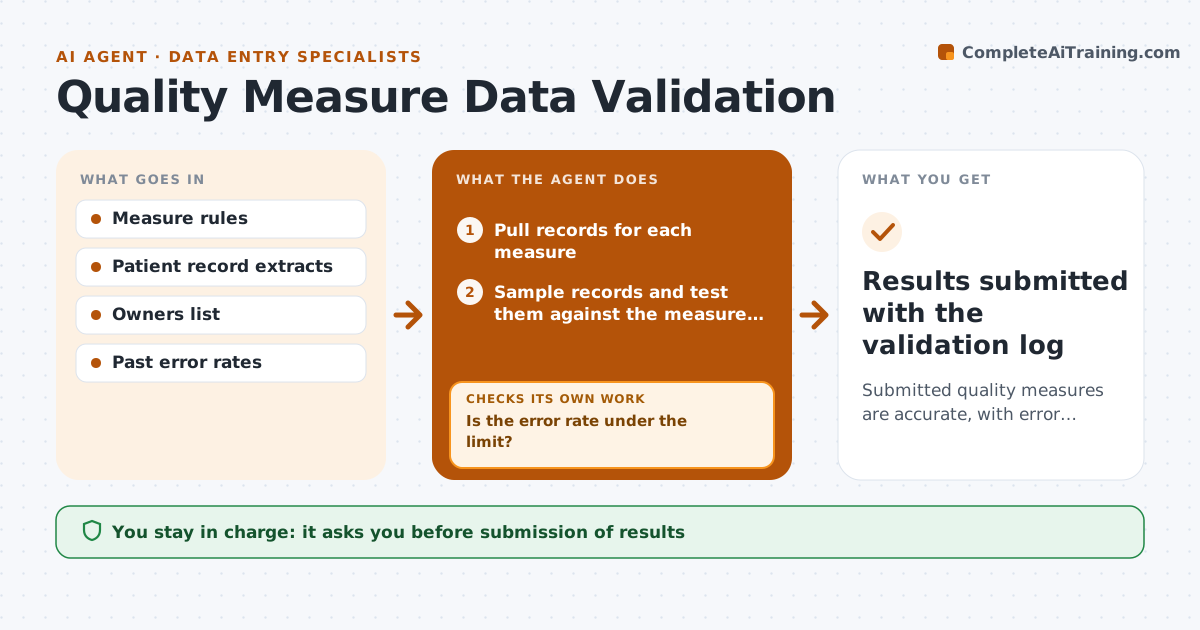
Quality measures are often reported with wrong data, and the errors surface during review. Before each reporting deadline, this agent samples records against the measure rules, such as the denominator, exclusions and time windows. It flags errors and sends them to the record owners with the evidence. After the corrections, it rechecks the same records and a fresh sample. If the error rate is still above the limit, it widens the sample and repeats. The administrator approves submission. Edge case: a record has a discharge date before the admission date, so the agent flags it as a data entry error rather than excluding it.
How it works
Follow the arrows from top to bottom. The orange dashed arrow is the loop: when a check fails, the agent goes back and tries again.
Read the steps as a list
- Reporting deadline is approaching
- Pull records for each measure
- Sample records and test them against the measure rules
- List errors with the evidence and record owner
- Send the errors to the owners and track replies
- Recheck corrected records and a fresh sample
- Is the error rate under the limit?If not: widen the sample and repeat; recommend a full review if errors persist. Back to step 3.
- Prepare the measure results and error log
- Administrator approves submissionThe agent waits here for your OK.
- Results submitted with the validation log
How it decides
A measure is ready when the sample error rate is under the limit after corrections. If not, the sample is widened until the limit is met or a full review is needed.
- Accept a sample error rate below 2 percent
- Treat impossible dates as data errors
- Widen the sample by 50 percent after a failed check
- Do not edit records, only flag them
Make it yours
Every agent is a starting point. You choose these settings for your own situation.
- Error rate limit (default 2 percent)
- Sample size
- Measures covered
- Owner contacts
What keeps you in control
It always asks you first
- Submission of results
Hard limits
- Never alter patient records
- Never submit without approval
It stops when
- Done: error rate under limit and submitted
- Stop: deadline passes with no approval
Set it up
We guide you through the set-up, step by step
Members get the full set-up guide for this agent. No technical skills needed: you copy, paste and upload.
- One set of instructions to paste into your AI, with the clicks for ChatGPT, Claude, Microsoft 365 Copilot, Gemini and Grok
- The agent then walks you through connecting your own data, one source at a time
- A downloadable copy with the flow chart, the rules and the full guide