AI agent for regulatory affairs specialists
Regulatory Variation and Post-Approval Change Agent
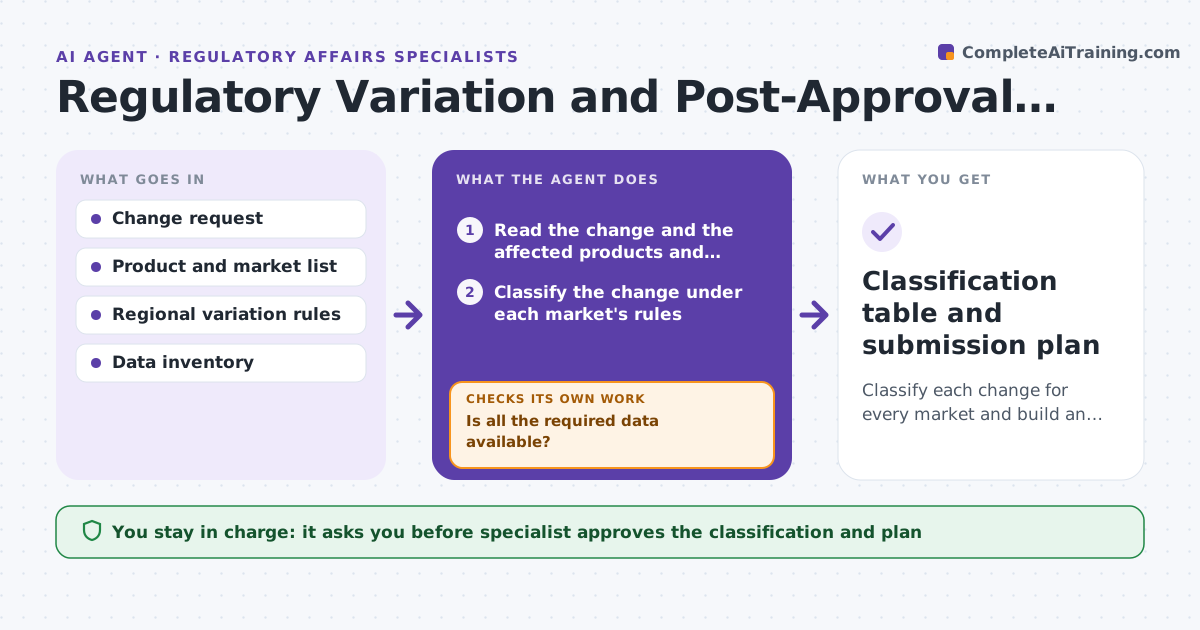
Classify each change for every market and build an accurate, complete submission plan.
What it does
A change to a drug or device, such as a new site, a changed process or a label update, has to be classified under each market's rules, and some changes need prior approval. The agent takes the change request and classifies it under each market's rules, lists the data needed for each, and checks whether the data exists. It requests missing items from owners and re-checks as they arrive. It then builds a submission plan with dates and sequence. The specialist approves the classification and the plan. Edge case: a site change is minor in one country and needs prior approval in another, so the plan files them in different orders.
How it works
Follow the arrows from top to bottom. The orange dashed arrow is the loop: when a check fails, the agent goes back and tries again.
Read the steps as a list
- Change request raised
- Read the change and the affected products and markets
- Classify the change under each market's rules
- List the data and documents required for each category
- Check what data exists in the inventory
- Is all the required data available?If not: Request the missing items from owners with due dates. Back to step 3.
- Specialist approves the classificationThe agent waits here for your OK.
- Build the submission plan with sequence and dates
- Re-check the data after items arrive
- Is the plan complete and are all dependencies met?If not: Update the plan and chase remaining items. Back to step 3.
- Classification table and submission plan
How it decides
It applies each market's rules to the change to assign a category, then compares required data with what exists. Missing data triggers a request. The specialist makes the classification decision.
- Each market is classified separately
- A change needing prior approval sets the plan sequence
- Data requests have a due date at least 2 weeks before filing
- Reclassify if the change scope changes
Make it yours
Every agent is a starting point. You choose these settings for your own situation.
- Markets in scope
- Lead time before filing (default 2 weeks)
- Rule source and version
- Data owners
What keeps you in control
It always asks you first
- Specialist approves the classification and plan
Hard limits
- Never files or contacts a regulator
- Never decides classification without the specialist
It stops when
- Done: plan approved and data complete
- Stop: change withdrawn, so the plan closes
Set it up
We guide you through the set-up, step by step
Members get the full set-up guide for this agent. No technical skills needed: you copy, paste and upload.
- One set of instructions to paste into your AI, with the clicks for ChatGPT, Claude, Microsoft 365 Copilot, Gemini and Grok
- The agent then walks you through connecting your own data, one source at a time
- A downloadable copy with the flow chart, the rules and the full guide