
Learning path
Learning AI as a Biomedical Engineer
This path helps biomedical engineers use AI to handle clinical requirements, device documentation, troubleshooting, and regulatory work. You will learn practical prompts and workflows that fit your daily engineering tasks.
Your path
Everything in the Biomedical Engineer AI kit, in the order that makes sense. Members tick off each step and see their progress.
Set up your AI
We guide you through each click.
Let skills do your everyday tasks
Connect your apps and pick your AI apps
Hand whole tasks to AI agents
Build your own tools
Keep growing
Everything for biomedical engineers
All the courses, certifications, AI tools, MCP servers and apps for biomedical engineers, most relevant first. Open any list to see more.
Take the prompt courses
A short framework course to learn how to ask, then 8 lessons with ready-to-use prompts for biomedical engineers.
Start with this framework: how to talk to AI
RACE fits your work by defining role, action, context, and quality expectations for tasks like analyzing pacemaker battery performance data.
Then your prompt course for biomedical engineers- 1Clinical Requirements & Needs3 prompts
- 2Explaining Devices & Procedures3 prompts
- 3Troubleshooting & Technical Support3 prompts
- 4Design & Test Documentation3 prompts
- 5Regulatory & Risk Compliance3 prompts
- 6Data Analysis & Device Improvement3 prompts
- 7Collaboration & Project Communication5 prompts
- 8Advanced Regulatory Submissions3 prompts
Watch the video courses or add them to your Favorites for later
87 video courses our AI picked for biomedical engineers, most useful first. Save the ones you want to watch later with the heart.
Favorites are saved to your account: sign in or get your AI kit first.
Show all 87 video courses
Get certified, or add certifications to your Favorites
Every course ends in an exam and a certificate you can add to LinkedIn. Save the certifications you are aiming for with the heart.
Favorites are saved to your account: sign in or get your AI kit first.
More certifications for biomedical engineersShow all 24 certifications
Try the AI tools for biomedical engineers
24 AI tools our AI matched to the work of biomedical engineers, best fit first. Each review shows what it does, its alternatives and the jobs it suits.
Favorites are saved to your account: sign in or get your AI kit first.
Show all 24 AI tools
Connect your AI to the apps biomedical engineers use
MCP servers let ChatGPT, Claude or Copilot look things up and get work done in other apps, like your email, calendar or bookkeeping software. These 12 fit the work of biomedical engineers best, well-known apps first.

Tech Trend MCP server
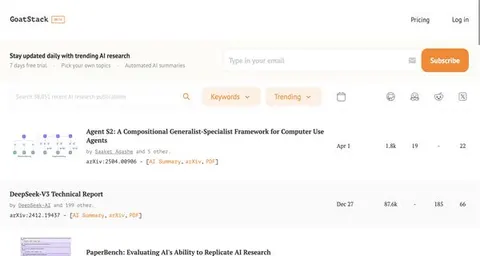
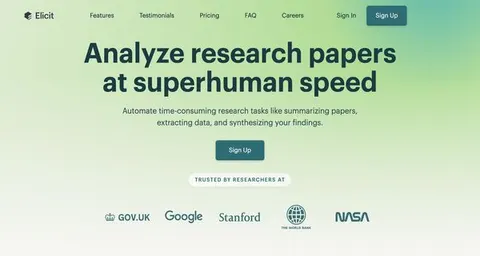
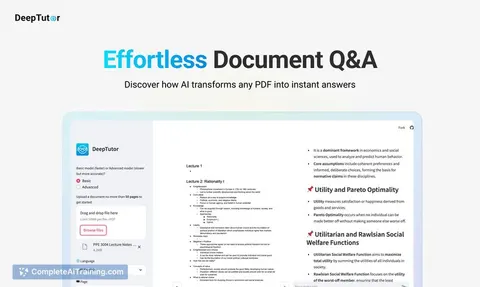
by salwksYour AI can gather fresh research papers, trending code, and FDA device news, then write you a short newspaper-style briefing.

Scholar MCP server
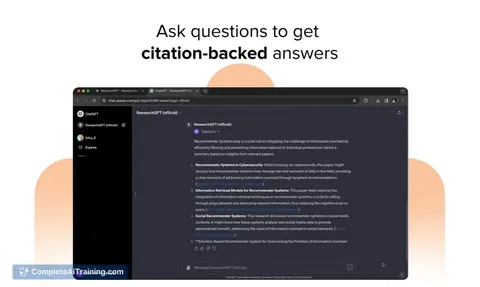
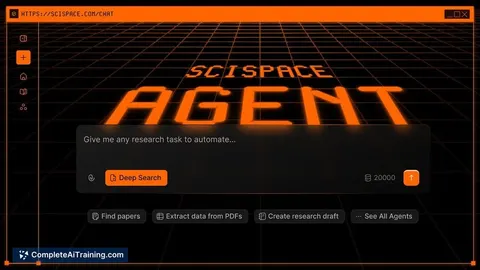
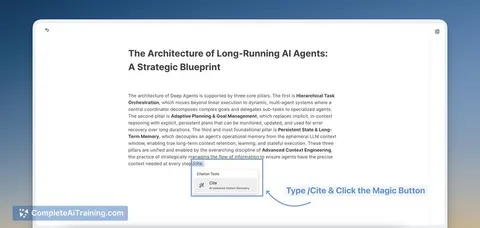
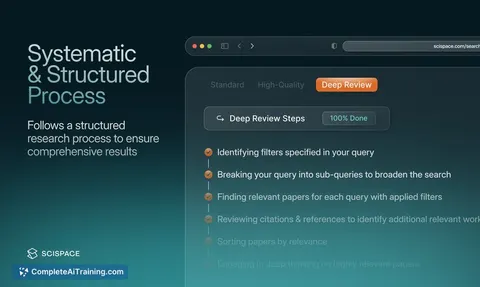
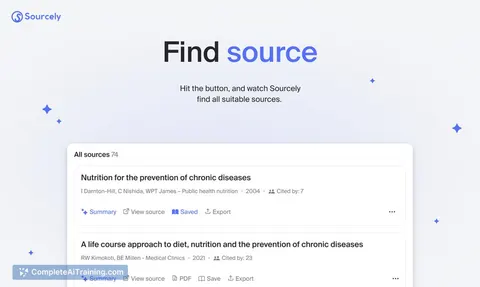
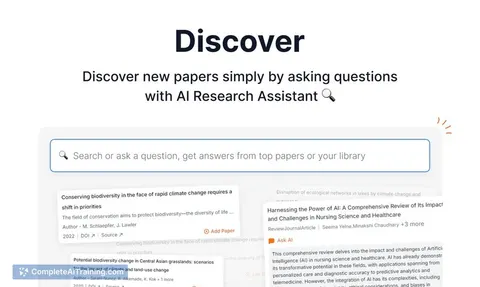
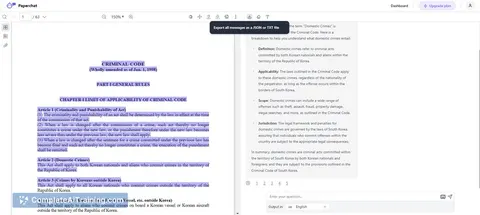
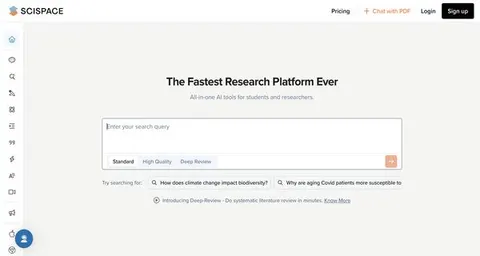
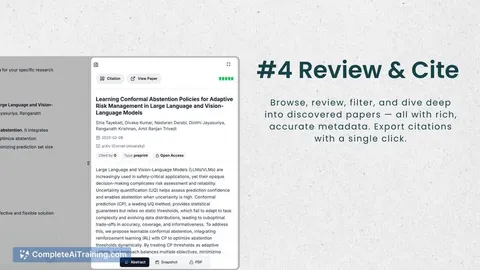
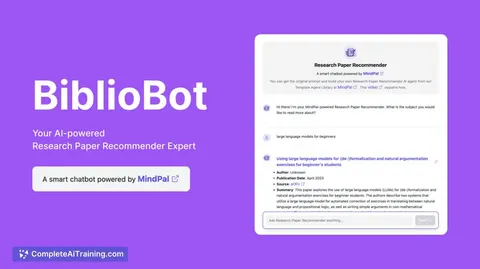
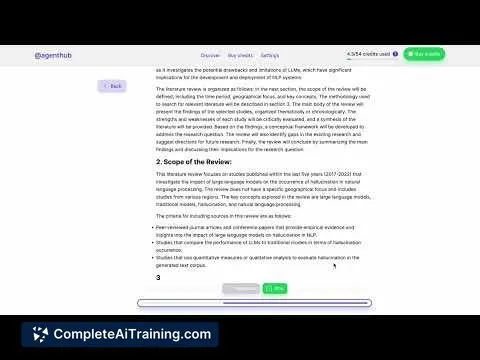
by Liyux3Your AI can search academic papers, read them, map citations, and save them into a personal library.

Research Hub MCP server
by WenyuChiouLets your AI search for papers, save them to Zotero, and write notes into your Obsidian vault for you.

NCBI PubMed MCP server
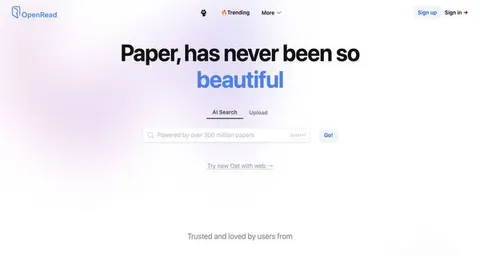
by vitorpavinatoSearch PubMed's millions of research articles and get summaries, authors, and related papers through your AI.

Patsnap Patent & Literature Search MCP server
by patsnapLets your AI search global patents and scientific papers in plain language and pull back readable records.
ResearchNo install
Google Scholar MCP server
by HasDataLets your AI search Google Scholar and pull ready-made citations for papers you find.
ResearchNo installShow all 12 MCP servers

Mendeley MCP server
by pallaprolusLets your AI search your Mendeley library, read your papers, and organize your folders for you.

arXiv MCP server
by andybrandtLets your AI search arXiv for research papers and pull up their details and full text.
ResearchNo install
Web Researcher MCP server
by zoharbabinLets your AI search trusted sites, read full articles, and give you real, clickable sources.

MATLAB MCP server
by HanSur94Let your AI write and run MATLAB code, make interactive plots, and run long jobs for you.

Annota MCP server
by dengls24Let your AI read your Zotero papers, highlight key findings, explain formulas, and save reading notes back to your library.

Bing Search MCP server
by leehanchungLets your AI search the web, news, and images through Microsoft Bing while you chat.






















































































About this learning path
6 topicsAI for Biomedical Engineers: A Practical Learning Path
Biomedical engineers balance device design, clinical needs, and regulatory rules. AI can help you move through that work with less friction and more clarity.
This learning path brings together setup questions, connecting your AI, job-specific skills, this prompt course, and video courses chosen for biomedical engineering. You will also see the certifications that come with those courses.
Why AI Matters for This Job Now
Medical devices are getting more connected and more complex. Clinicians and hospitals expect faster answers, clear documentation, and strong evidence that devices are safe and effective.
AI can help you draft requirements, explain devices, troubleshoot issues, and prepare regulatory documents. It does not replace your engineering judgment, but it can handle the first pass so you can focus on the hard parts.
What the Path Includes
You start with setup questions to get your AI tool ready for your work. Then you connect your AI to the files and notes you already use.
Next you build skills for the job inside your AI, take this prompt course, and watch video courses picked for biomedical engineers. Each video course comes with a certification you can add to your professional profile.
How It Saves You Time
Much of your day goes to writing and rewriting documents: user needs, test protocols, risk tables, and training materials. AI can produce a solid first draft from your notes and prompts.
You still review and correct everything, but you start from a useful draft instead of a blank page. That shift gives you hours back for testing, design reviews, and talking with clinicians.
How It Protects Your Career
Biomedical engineering is changing as AI tools become common. Engineers who can use these tools well will be better prepared for new roles and responsibilities.
Learning to work with AI also helps you stay focused on the parts that need a human: clinical judgment, safety, and creative problem solving. You become the person who guides the tool, not the person replaced by it.
How to Start
Begin with the setup questions and connect your AI to a small project you already know well. Then take the prompt course and try one lesson at a time.
Pick the video course that matches your current work, whether that is regulatory submissions, data analysis, or device troubleshooting. Small steps build confidence quickly.
Frequently asked questions
Do I need to be technical to use AI as a biomedical engineer?
No. You already have the engineering knowledge. The course teaches you how to ask clear questions and review the answers, so you stay in control.Will AI replace my engineering judgment?
No. AI is a drafting and organizing tool. You still make the final calls on safety, performance, and clinical fit.How much time does the path take?
You can move at your own pace. Most learners spend a few hours a week and see useful results within the first few lessons.Is my patient or device data safe?
The course covers privacy and safety for biomedical work. You will learn what to share, what to keep out, and how to use AI responsibly.