AI agent for chief sales officers
Sales Content Win Impact Agent
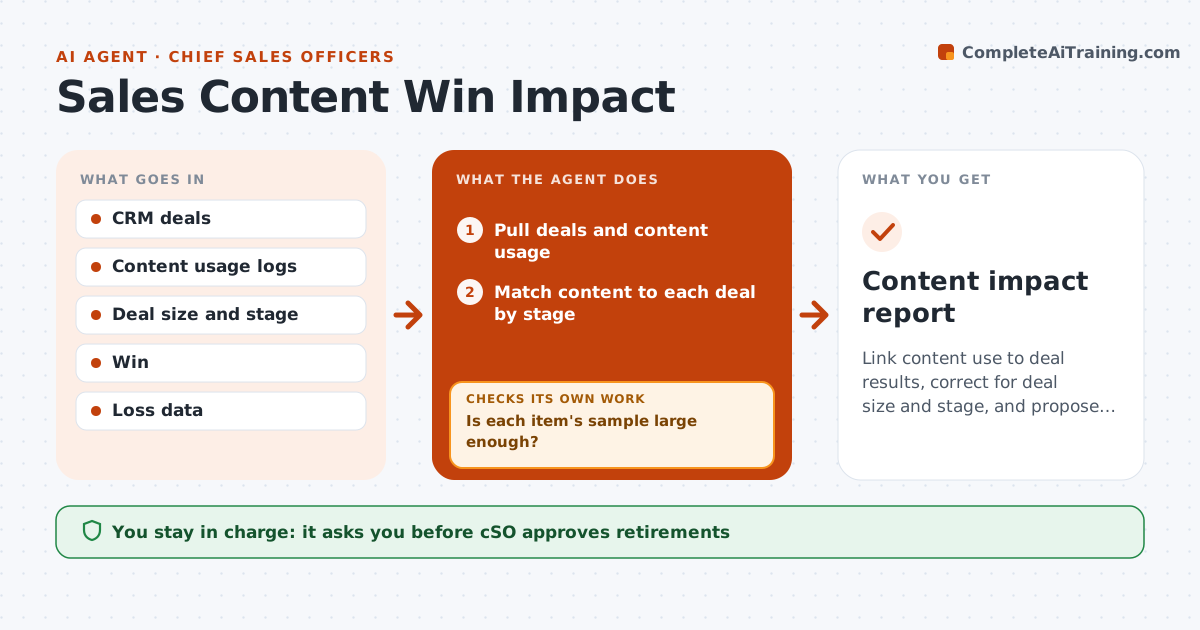
Link content use to deal results, correct for deal size and stage, and propose retiring content only with enough evidence
What it does
Nobody knows which sales content helps win deals. The agent links content use to deal outcomes in the CRM. It adjusts for deal size, stage and segment so that content used only in large deals does not look better by luck. It flags content that is linked to higher win rates and content linked to lower ones. It checks the sample size before it names anything and marks small samples as unclear. It then proposes which items to promote, update or retire. The CSO approves. Edge case: a case study appears in many wins, but only in later stages, so the agent flags the bias.
How it works
Follow the arrows from top to bottom. The orange dashed arrow is the loop: when a check fails, the agent goes back and tries again.
Read the steps as a list
- Quarter closes
- Pull deals and content usage
- Match content to each deal by stage
- Adjust win rates for size, stage and segment
- Is each item's sample large enough?If not: Mark items as unclear and widen the period. Back to step 3.
- Rank items by adjusted effect
- Check for timing bias and overlap
- Does the ranking hold after the bias check?If not: Remove biased items and re-rank. Back to step 5.
- Draft promote, update or retire proposals
- CSO approves the actionsThe agent waits here for your OK.
- Content impact report
How it decides
A content item is judged only after adjusting for deal context; items with small samples are not judged.
- Require 30 deals per item
- Compare within the same stage and segment
- Retire only items with a negative effect over two quarters
- Promote items with a consistent positive effect
Make it yours
Every agent is a starting point. You choose these settings for your own situation.
- Minimum deals (default 30)
- Stage groups
- Review period
- Retirement rule
What keeps you in control
It always asks you first
- CSO approves retirements
- CSO approves changes to what reps must use
Hard limits
- Never retire content on a small sample
- Never judge reps by content use
It stops when
- Done: ranking reviewed and approved
- Stop: usage data is not linked to deals
Set it up
We guide you through the set-up, step by step
Members get the full set-up guide for this agent. No technical skills needed: you copy, paste and upload.
- One set of instructions to paste into your AI, with the clicks for ChatGPT, Claude, Microsoft 365 Copilot, Gemini and Grok
- The agent then walks you through connecting your own data, one source at a time
- A downloadable copy with the flow chart, the rules and the full guide