
Learning path
Learning AI as a Revenue Operations Manager
Revenue operations managers keep sales, marketing, and customer success moving in the same direction. This path shows you how to use AI for the data, processes, and tools behind that work.

Your path
Everything in the Revenue Operations Manager AI kit, in the order that makes sense. Members tick off each step and see their progress.
Set up your AI
We guide you through each click.
Let skills do your everyday tasks
Connect your apps and pick your AI apps
Hand whole tasks to AI agents
Build your own tools
Keep growing
Everything for revenue operations managers
All the courses, certifications, AI tools, MCP servers and apps for revenue operations managers, most relevant first. Open any list to see more.
Take the prompt courses
A short framework course to learn how to ask, then 8 lessons with ready-to-use prompts for revenue operations managers.
Start with this framework: how to talk to AI
Reusable ICIO and CIDI prompts let you classify inbound leads and extract renewal risks, keeping your weekly pipeline reports repeatable.
Then your prompt course for revenue operations managersWatch the video courses or add them to your Favorites for later
163 video courses our AI picked for revenue operations managers, most useful first. Save the ones you want to watch later with the heart.
Favorites are saved to your account: sign in or get your AI kit first.
Show all 163 video courses
Get certified, or add certifications to your Favorites
Every course ends in an exam and a certificate you can add to LinkedIn. Save the certifications you are aiming for with the heart.
Favorites are saved to your account: sign in or get your AI kit first.
More certifications for revenue operations managersShow all 24 certifications
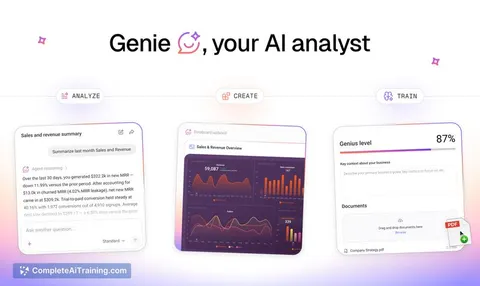
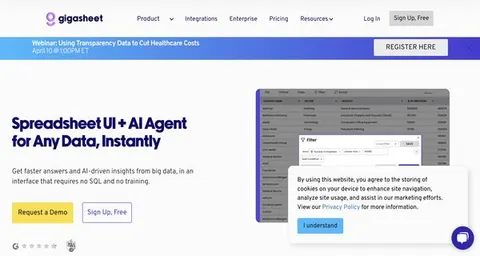
Try the AI tools for revenue operations managers
24 AI tools our AI matched to the work of revenue operations managers, best fit first. Each review shows what it does, its alternatives and the jobs it suits.
Favorites are saved to your account: sign in or get your AI kit first.
Show all 24 AI tools
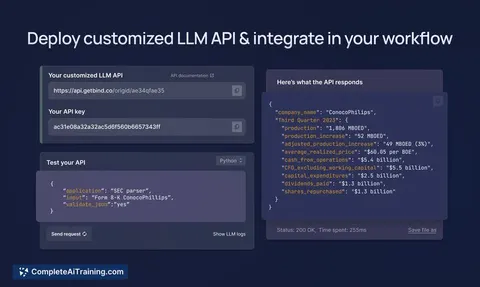
Connect your AI to the apps revenue operations managers use
MCP servers let ChatGPT, Claude or Copilot look things up and get work done in other apps, like your email, calendar or bookkeeping software. These 12 fit the work of revenue operations managers best, well-known apps first.

MCP Analytics server
by embeddedlayersAsk your AI to run real statistical analysis on your data and get back a chart-filled report you can cite.
AnalyticsNo install
amoCRM / Kommo MCP server
by penmadebykisssConnect your AI to amoCRM or Kommo so it can look up deals, contacts and tasks, and report on sales.

Vruum MCP server
by vruum-gtmLets your AI research prospects, draft outreach, track deals, and check revenue inside your Vruum account.
Customer communication Official
PrivacyFence MCP server
by privacyfenceLet your AI reach Gmail, Drive, Slack and more, with your approval on anything sensitive.

Excel MCP server
by haris-musaLets your AI create, read and edit Excel workbooks for you, without opening Excel.
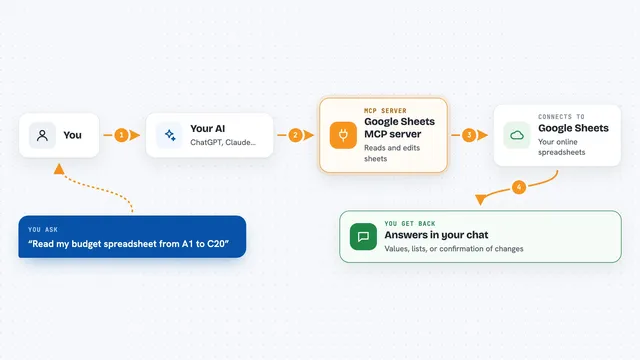
Google Sheets MCP server
by xing5Lets your AI read, write, and manage your Google Sheets for you, right from the chat.
Show all 12 MCP servers

MCP Dashboards
by KyuRishYour AI can turn plain numbers into interactive charts and dashboards right inside the chat.

Metabase MCP server
by 1luvc0d3Ask your AI to explore Metabase dashboards, run safe SQL queries, and explain your data in plain words.

LogiSheets MCP server
by logiskyLet your AI build and edit real Excel spreadsheets with live formulas, then save a .xlsx file you can open.
Productivity Official
chartlink MCP server
by oscarleooYour AI can build charts, maps and tables from templates and hand you a link that updates when the data changes.
Analytics Official
AstroFabric MCP server
by sam1siamAsk your AI to build verified company and contact lists, enrich them, and deliver them to your tools.
Research Official
PipesHub MCP server
by pipeshub-aiLets your AI search across your work apps like Google Workspace, Microsoft 365, Slack and Jira, and answer with the sources it found.
Build your own AI apps for revenue operations managers
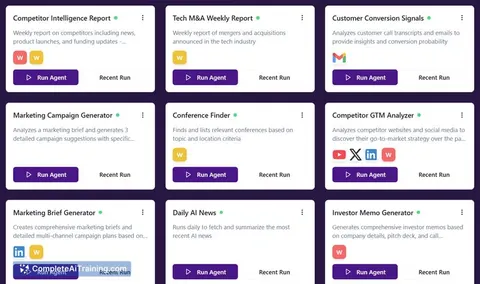
Apps you build yourself with your own AI, no coding needed and no monthly fee. Our AI picked the 12 that fit the work of revenue operations managers.
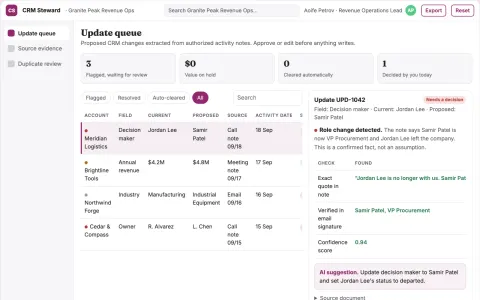
CRM maintenance service
Evidence-backed updates that separate confirmed facts from assumptions.
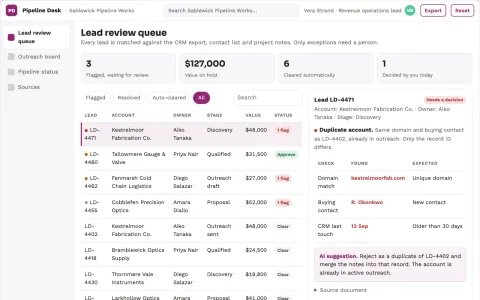
Sales data and pipeline coordination portal
Reduce manual re-entry and reporting while keeping one traceable record from question to outreach to pipeline.
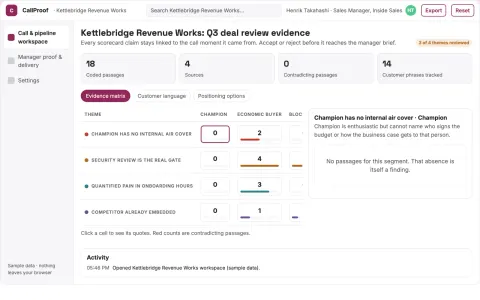
Evidence-backed sales call and pipeline workbench
Reduce deal review effort while keeping coaching tied to recorded buyer evidence.
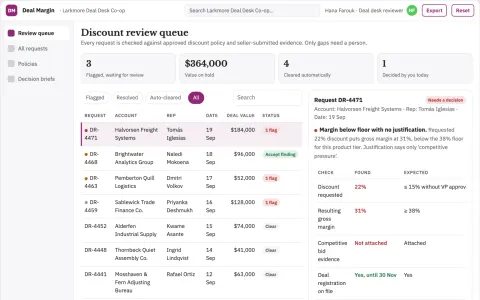
Sales discount rationale reviewer
Make discount justification reviewable before approval.
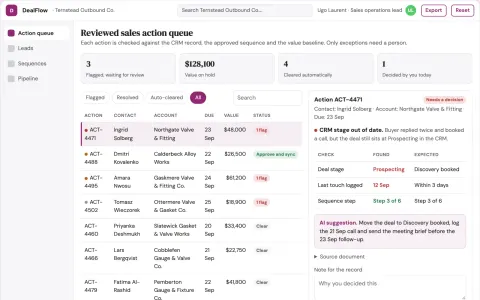
Sales coordination and outreach operations portal
Reduce manual coordination work while keeping sales records accurate.
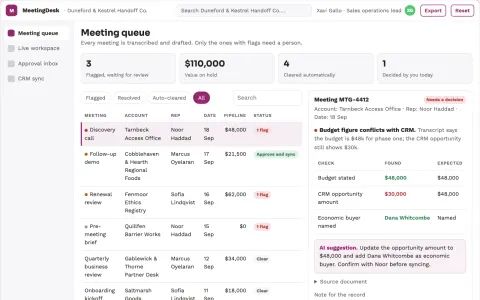
Sales meeting admin coordination portal
Reduce manual sales admin while keeping CRM records and follow-ups accurate.
Show all 12 apps
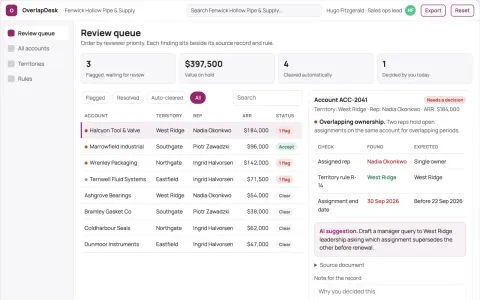
Sales territory account overlap desk
Evidence-based ownership clarification.
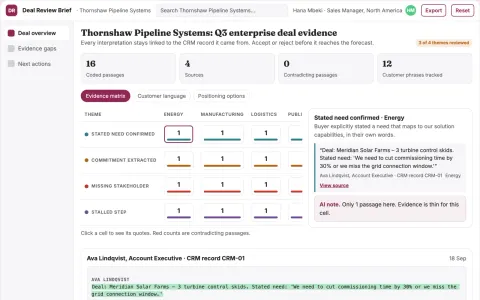
Deal review briefing
Deal narratives separate verified buyer evidence from seller assumptions.
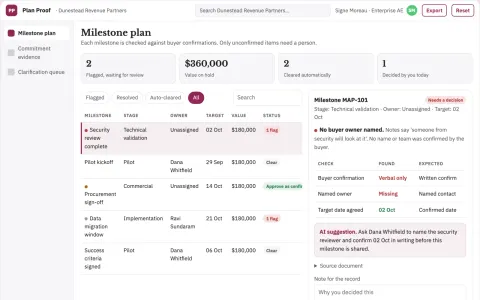
Mutual action plan evidence desk
Separate confirmed buyer commitments from seller assumptions.
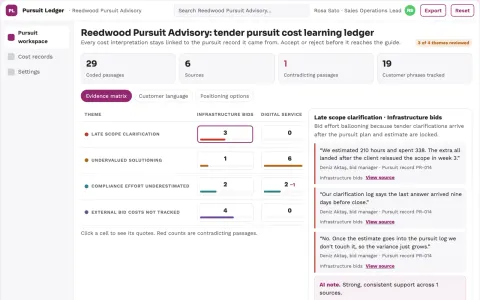
Tender pursuit cost learning ledger
Improve visibility into the true cost of competitive bids.
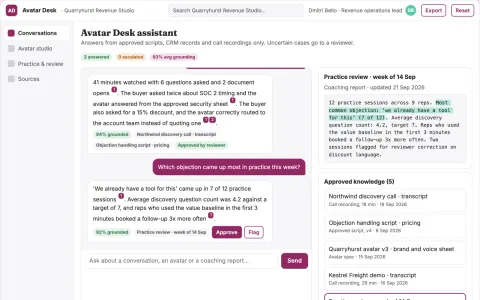
Real-time interactive video avatar sales assistant
Reduce tool sprawl while keeping sales conversations grounded and measurable.
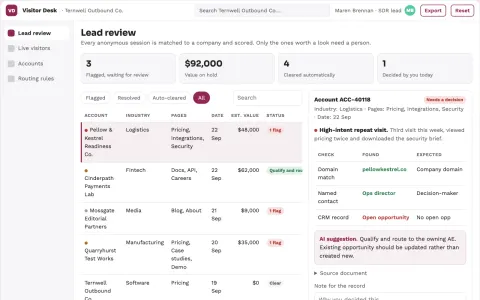
Anonymous visitor to qualified lead workbench
Reduce manual visitor research while giving sales a reviewed, prioritized lead list.





































































































































About this learning path
6 topicsAI Skills for Revenue Operations Managers
You sit between sales, marketing, and customer success. Your days are full of data requests, process questions, and tools that need to talk to each other.
This learning path starts with setup questions so your AI tools are ready, then walks through the skills you need, the prompt course below, and video courses chosen for revenue operations. Certifications come with the video courses, so you can show what you have learned.
Why AI Matters for This Job
Revenue operations work runs on data, process, and tools. AI can help you read that data faster, write the documents that keep teams aligned, and spot problems before they grow.
The job is not going away, but the way it is done is changing. Managers who can use AI well will have more room to focus on the judgment calls that matter.
What the Path Includes
You start with setup questions to get your AI assistant ready. Then you connect your AI to the tools you already use. Next come skills for the job inside your AI, the prompt course below, and video courses picked for revenue operations.
Each video course comes with a certification. There is no separate handbook to buy or read.
How the Path Saves Time
The prompts in this path are built for the tasks that fill your week: alignment notes, data questions, CRM cleanups, KPI documents, process maps, forecasts, funnel reviews, and tool comparisons.
You ask, the AI drafts, and you edit. What used to take an afternoon can take a short sitting.
How It Protects Your Career
AI does not replace the judgment that revenue operations managers bring. It replaces the busywork around that judgment.
When you can show that you use AI to make teams faster and data cleaner, you become the person others ask for help.
How to Start
Begin with the setup questions and connect one AI tool you already have access to. Then take the prompt course below and try one prompt on a real task this week.
Pick the video course that matches the problem in front of you, and finish the certification when you can.
Frequently asked questions
Do I need to know how to code?
No. The prompts in this path are written in plain language. You copy them into ChatGPT, Claude, or Gemini and adjust the details to match your company.How long does the path take?
You can move at your own pace. Most people start with the setup questions and the prompt course, then add video courses as their schedule allows.Will this work with the tools I already use?
Yes. The path covers connecting your AI to the systems you already have, like your CRM and reporting tools. You do not need to buy new software to begin.What if my company has rules about AI use?
Follow your company's rules first. The safety and privacy section of the prompt course covers how to keep customer data out of public AI tools and when to use approved internal tools.