AI agent for diplomats
Sanctions Screening of Contacts Agent
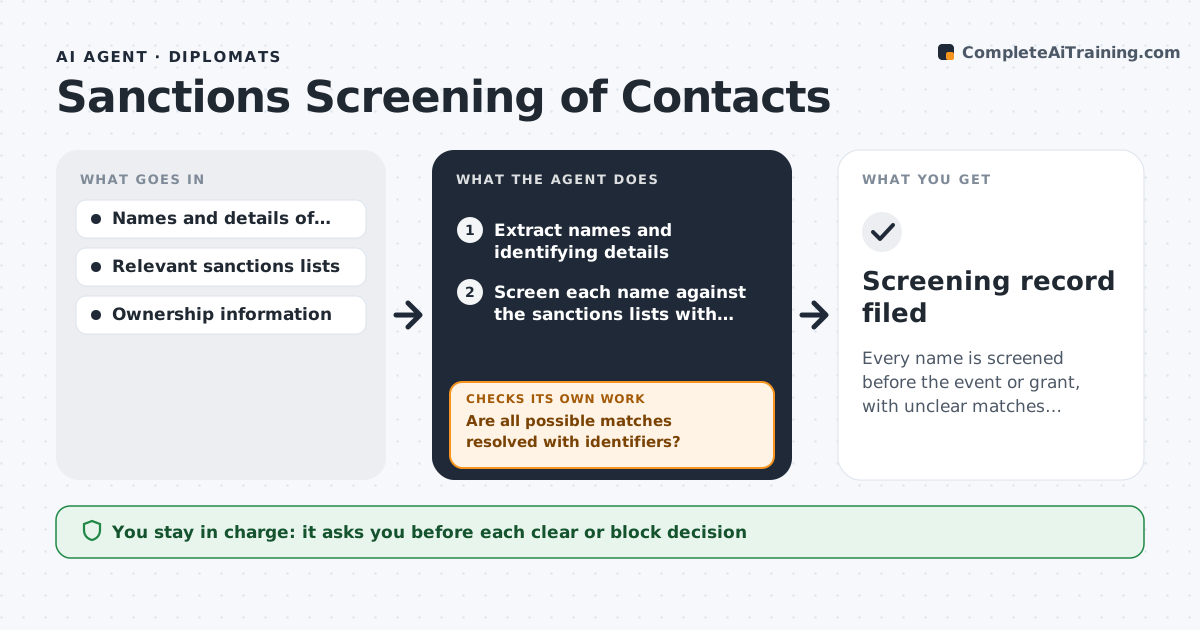
Every name is screened before the event or grant, with unclear matches resolved or escalated
What it does
Before an embassy hosts an event or gives a grant, staff should be sure none of the guests, partners or grantees appear on a sanctions list or are owned by someone who does. Doing this from memory or one search is risky. This agent takes the names of invitees, partners and grantees, and screens each against the relevant sanctions lists. It tries alternate spellings and aliases, checks the organization's owners and directors where available and notes how close each match is. It sorts results into clear, possible match and confirmed match. For possible matches it asks for more detail, such as date of birth or registration number, and screens again. The officer approves each decision. Edge case: a common name matches a listed person, and the date of birth rules it out.
How it works
Follow the arrows from top to bottom. The orange dashed arrow is the loop: when a check fails, the agent goes back and tries again.
Read the steps as a list
- A guest, partner or grantee list is submitted
- Extract names and identifying details
- Screen each name against the sanctions lists with alias variants
- Score matches by name and supporting details
- Are all possible matches resolved with identifiers?If not: request date of birth, registration number or ownership details and screen again. Back to step 3.
- Check owners and directors of listed entities
- Sort results into clear, possible and confirmed
- Do owner checks reveal any listed owner at 50% or more?If not: mark the entity as a possible match and add the ownership evidence. Back to step 6.
- Officer approves each decisionThe agent waits here for your OK.
- Screening record filed
How it decides
It scores matches on name similarity and supporting details and treats anything above a set score or with matching identifiers as a possible match needing human review.
- Treat a name score of 85 or more as a possible match
- Always rescreen with aliases and transliterations
- Treat 50% or more listed ownership as a hit
- Never mark clear on a name alone when identifiers differ
Make it yours
Every agent is a starting point. You choose these settings for your own situation.
- Lists screened
- Match score for review (default 85)
- Ownership threshold (default 50%)
- Information requested for unclear matches
What keeps you in control
It always asks you first
- Each clear or block decision
Hard limits
- Never makes the final decision
- Keeps screening data confidential
- Records the list version used
It stops when
- Done: all names are screened and decided
- Stop: the sanctions lists cannot be loaded
Set it up
We guide you through the set-up, step by step
Members get the full set-up guide for this agent. No technical skills needed: you copy, paste and upload.
- One set of instructions to paste into your AI, with the clicks for ChatGPT, Claude, Microsoft 365 Copilot, Gemini and Grok
- The agent then walks you through connecting your own data, one source at a time
- A downloadable copy with the flow chart, the rules and the full guide