AI agent for medical records clerks
Scanned Document Indexing Check Agent
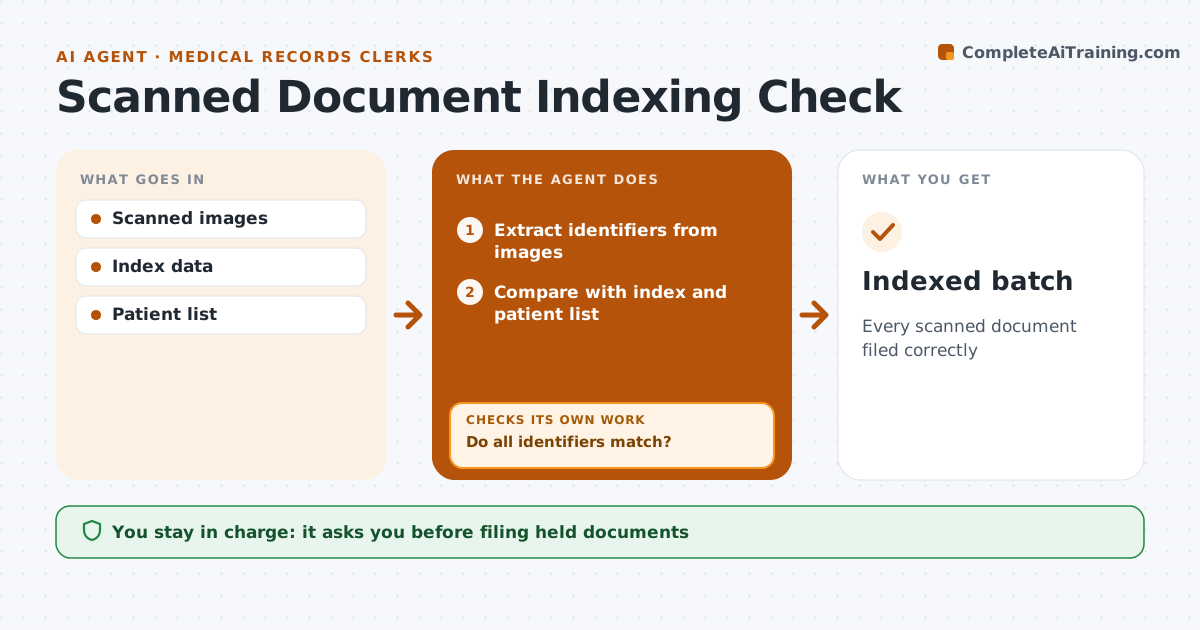
Every scanned document filed correctly
What it does
Paper records are scanned and filed into the electronic record, and one indexing error puts a document in the wrong patient's chart. After each scanning batch, this agent reads every scanned page and extracts the patient name, date of birth and record number. It compares these with the index and the patient list. If any identifier does not match, it holds the document instead of filing it and asks the clerk to resolve it. It also checks the document type and date against the index and checks image quality, so blurry or cut-off pages go back for rescanning. Each day it produces a list of held documents and the reason for each. The clerk approves filing for every held document; the agent never guesses the right chart. Edge case: two patients with the same name are only matched when date of birth and record number also agree.
How it works
Follow the arrows from top to bottom. The orange dashed arrow is the loop: when a check fails, the agent goes back and tries again.
Read the steps as a list
- Scanning batch done
- Extract identifiers from images
- Compare with index and patient list
- Do all identifiers match?If not: hold the document and ask the clerk. Back to step 3.
- Check image quality and type
- Clerk approves filing held documentsThe agent waits here for your OK.
- Indexed batch
How it decides
It requires name, birth date and record number to match before filing.
- All three identifiers must match
- Blurry images rescanned
- Type must match
Make it yours
Every agent is a starting point. You choose these settings for your own situation.
- Identifiers required
- Quality threshold
- Batch size
What keeps you in control
It always asks you first
- Filing held documents
Hard limits
- Never deletes images
It stops when
- Done
- Stop: system down
Set it up
We guide you through the set-up, step by step
Members get the full set-up guide for this agent. No technical skills needed: you copy, paste and upload.
- One set of instructions to paste into your AI, with the clicks for ChatGPT, Claude, Microsoft 365 Copilot, Gemini and Grok
- The agent then walks you through connecting your own data, one source at a time
- A downloadable copy with the flow chart, the rules and the full guide