AI agent for data entry specialists
Scanned Form Double-Check Agent
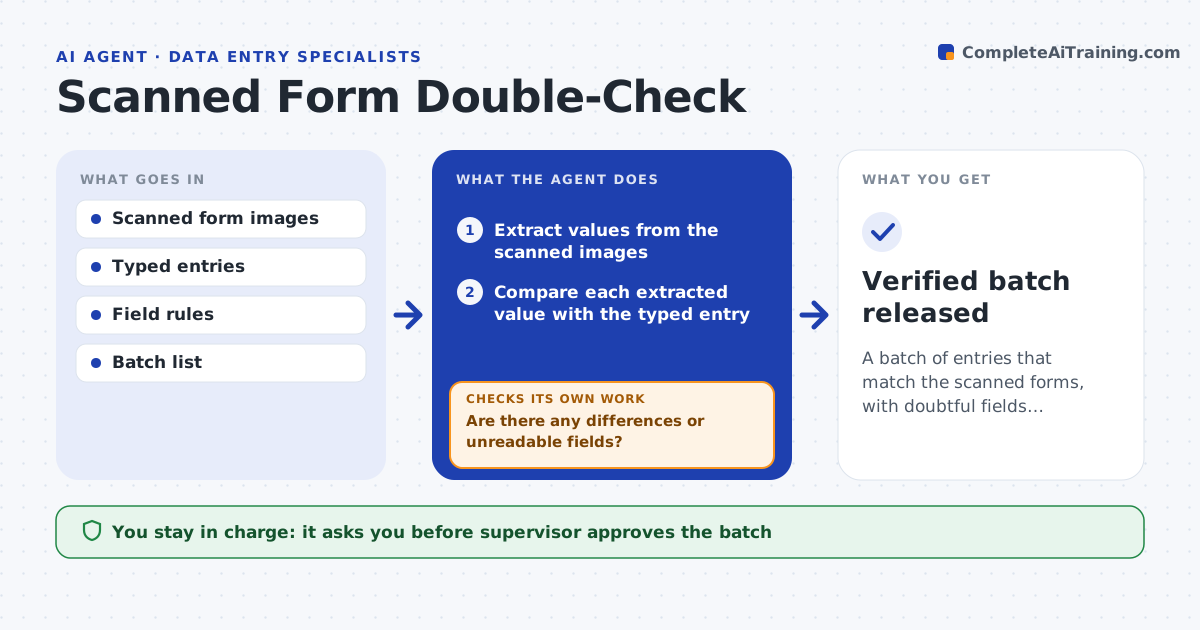
A batch of entries that match the scanned forms, with doubtful fields resolved by a person
What it does
Typing errors from paper forms reach the database and are found much later. This agent extracts the values from the scanned form image and compares them with what was typed in. It flags differences and fields that are unreadable. For each flagged item, it asks a person for a second look and rechecks the entry after the correction. It also checks formats such as dates and numbers against the field rules. A supervisor approves the batch before it is released. Edge case: a handwritten 1 looks like a 7, so the agent marks the field as uncertain and asks for a person's view.
How it works
Follow the arrows from top to bottom. The orange dashed arrow is the loop: when a check fails, the agent goes back and tries again.
Read the steps as a list
- A batch of forms is typed
- Extract values from the scanned images
- Compare each extracted value with the typed entry
- Check dates and numbers against the field rules
- List differences and unreadable fields
- Are there any differences or unreadable fields?If not: mark them for a second look and ask a person to decide the right value. Back to step 3.
- Update the entries after the person's correction
- Do the corrected entries now match the scan and the rules?If not: flag the remaining fields again. Back to step 3.
- Supervisor approves the batchThe agent waits here for your OK.
- Verified batch released
How it decides
A field passes when the scanned value and the typed value match and follow the field rules. Unreadable or differing fields go to a person.
- Flag any difference between scan and entry
- Flag fields with low reading confidence
- Check dates and numbers against rules
- Never decide which value is right when unsure
Make it yours
Every agent is a starting point. You choose these settings for your own situation.
- Confidence level that sends a field to a person
- Field rules
- Batch size
- Who confirms flagged fields
What keeps you in control
It always asks you first
- Supervisor approves the batch
Hard limits
- Never changes an entry without a person's confirmation
- Never releases a batch with open flags
It stops when
- Done: all fields match or are resolved and the batch is approved
- Stop: scans are too poor to read
Set it up
We guide you through the set-up, step by step
Members get the full set-up guide for this agent. No technical skills needed: you copy, paste and upload.
- One set of instructions to paste into your AI, with the clicks for ChatGPT, Claude, Microsoft 365 Copilot, Gemini and Grok
- The agent then walks you through connecting your own data, one source at a time
- A downloadable copy with the flow chart, the rules and the full guide