AI agent for construction project managers
Schedule Delay Recovery Agent
Find the cheapest recovery plan that restores the finish date, with a checked schedule.
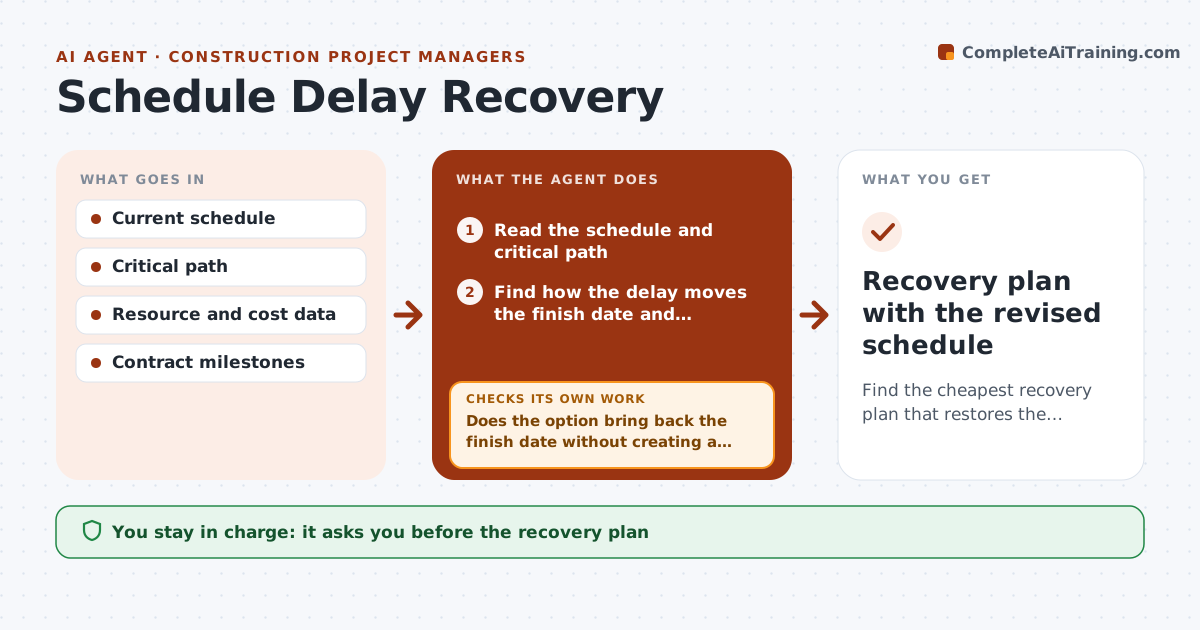
What it does
When the schedule slips, recovery plans are often made in a hurry. This agent reads the updated schedule and finds how the delay moves the critical path and the finish date. It tests recovery options such as resequencing tasks, adding crews, overlapping tasks or adding overtime. For each option, it checks the effect on cost and on other tasks, then reruns the schedule. It continues until the finish date is back inside your limit or no option remains. You approve the plan and any notices to owners or subcontractors. Edge case: adding a crew shortens one task but delays another that shares the same equipment, and the agent catches the clash.
How it works
Follow the arrows from top to bottom. The orange dashed arrow is the loop: when a check fails, the agent goes back and tries again.
Read the steps as a list
- Schedule update shows a delay
- Read the schedule and critical path
- Find how the delay moves the finish date and milestones
- List recovery options with cost per day
- Rerun the schedule with each option
- Does the option bring back the finish date without creating a clash?If not: Reject it and record the reason. Back to step 4.
- Combine the best options and rerun the schedule
- Is the finish date within the limit?If not: Add the next best option and rerun. Back to step 4.
- Compare total recovery cost with the cost of delay
- Manager approves the recovery plan and any noticesThe agent waits here for your OK.
- Recovery plan with the revised schedule
How it decides
It ranks options by cost per day recovered. It reruns the whole schedule after each option and rejects any that create a resource clash or move another milestone.
- Rank options by cost per day recovered
- Reject any option that creates a resource clash
- Delay under 3 days is only monitored (default)
- Never shorten safety or inspection tasks
Make it yours
Every agent is a starting point. You choose these settings for your own situation.
- Delay threshold
- Cost limit
- Allowed recovery methods
- Milestones that cannot move
- Who receives notices
What keeps you in control
It always asks you first
- The recovery plan
- Notices to the owner or subcontractors
Hard limits
- Never sends notices
- Never cuts safety tasks
- Shows all options considered
It stops when
- Done: finish date restored
- Stop: no combination restores the date; manager discusses an extension
Set it up
We guide you through the set-up, step by step
Members get the full set-up guide for this agent. No technical skills needed: you copy, paste and upload.
- One set of instructions to paste into your AI, with the clicks for ChatGPT, Claude, Microsoft 365 Copilot, Gemini and Grok
- The agent then walks you through connecting your own data, one source at a time
- A downloadable copy with the flow chart, the rules and the full guide