AI agent for meteorologists
Seasonal Outlook Skill Agent
Show where outlooks are skillful, where they are not, and whether another method would do better.
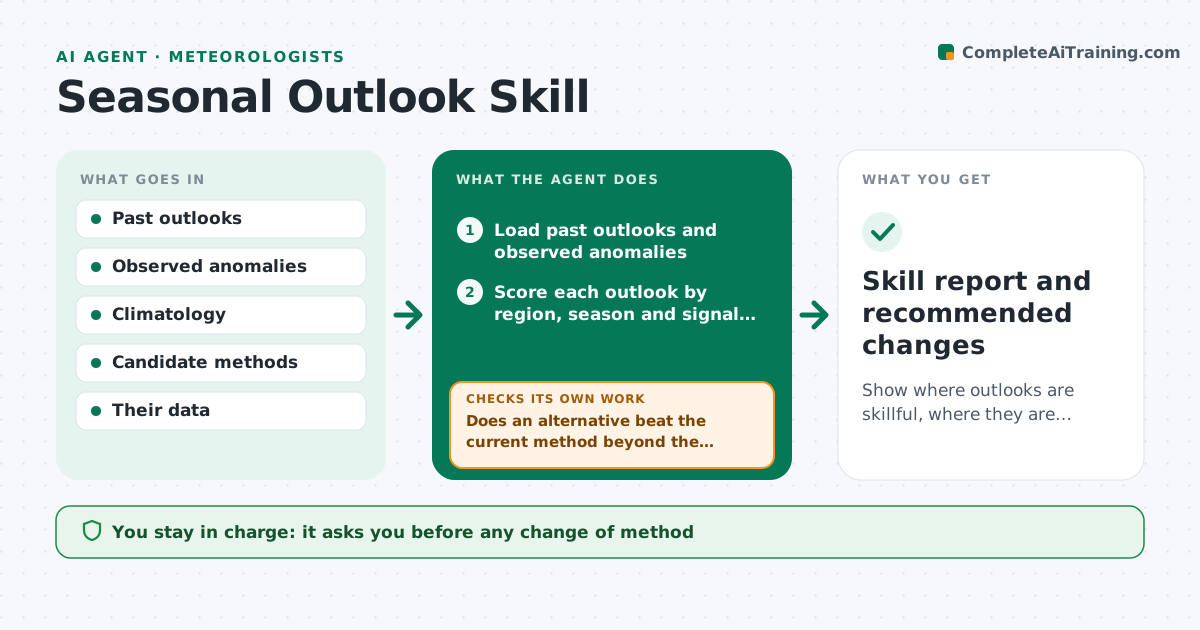
What it does
Seasonal outlooks are issued every month, but few offices check systematically how well they did. This agent collects the past outlooks, the observed temperature and precipitation for each region and season, and scores them with the measure the office uses, such as hit rate or a skill score against climatology. It breaks the scores down by region, season and signal strength, and flags places and seasons where skill is weak or worse than climatology. It then tests alternative methods, such as a different ENSO weighting, trend adjustment or a blend of tools, on the same history without looking ahead. It reports skill changes with the uncertainty from the short record. It never changes the method. The forecaster approves method changes. Edge case: a small sample is reported as inconclusive.
How it works
Follow the arrows from top to bottom. The orange dashed arrow is the loop: when a check fails, the agent goes back and tries again.
Read the steps as a list
- Monthly observations finalized
- Load past outlooks and observed anomalies
- Score each outlook by region, season and signal strength
- Flag weak or worse-than-climatology cells
- Test alternative methods on the same history with cross-validation
- Does an alternative beat the current method beyond the uncertainty range?If not: try the next candidate method and mark the cell inconclusive if none passes. Back to step 5.
- Is the sample large enough for the cell?If not: merge nearby cells or report no conclusion. Back to step 3.
- Write the skill report with uncertainty ranges
- Forecaster approves any change of methodThe agent waits here for your OK.
- Skill report and recommended changes
How it decides
It calls a result a real change only if the improvement holds in cross-validated testing and exceeds the uncertainty range. Otherwise it reports the result as inconclusive.
- Count an alternative as better only if it wins in cross-validation and beyond the uncertainty range
- Report cells with fewer than 20 cases as inconclusive
- Flag any cell worse than climatology for 3 straight seasons
- Never test a method on data it was trained on
Make it yours
Every agent is a starting point. You choose these settings for your own situation.
- Skill measure
- Regions and seasons
- Minimum cases per cell (default 20)
- Candidate methods
- Report schedule
What keeps you in control
It always asks you first
- Any change of method
- Publication of the skill report
Hard limits
- Never alter the issued outlooks
- Always show the uncertainty range
It stops when
- Done: report approved
- Stop: observation data incomplete for the period
Set it up
We guide you through the set-up, step by step
Members get the full set-up guide for this agent. No technical skills needed: you copy, paste and upload.
- One set of instructions to paste into your AI, with the clicks for ChatGPT, Claude, Microsoft 365 Copilot, Gemini and Grok
- The agent then walks you through connecting your own data, one source at a time
- A downloadable copy with the flow chart, the rules and the full guide