AI agent for presentation designers
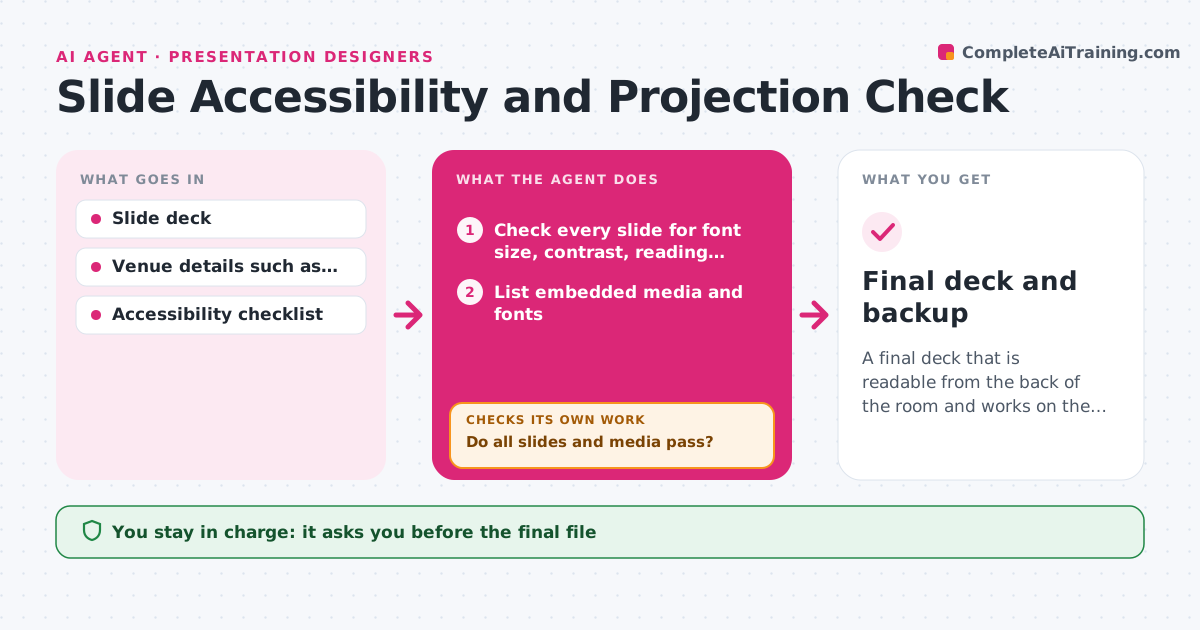
Slide Accessibility and Projection Check Agent
A final deck that is readable from the back of the room and works on the venue's equipment
What it does
Text is too small, contrast too low, and videos fail on the venue's equipment. This agent checks every slide for font size, contrast, reading order, alt text and embedded media. It exports a test version in the venue's format, such as a 4:3 projector or a PDF, and checks that fonts, animations and video work. When it finds problems, it lists them by slide, fixes what is safe and checks again. It repeats until the deck passes or lists what must be done by hand. The designer approves the final file. Edge case: a fancy font that the venue's computer does not have is embedded or replaced by a safe one in the backup file.
How it works
Follow the arrows from top to bottom. The orange dashed arrow is the loop: when a check fails, the agent goes back and tries again.
Read the steps as a list
- Deck ready for delivery
- Check every slide for font size, contrast, reading order and alt text
- List embedded media and fonts
- Export a test version in the venue's format
- Test the export for fonts, animations and video
- Do all slides and media pass?If not: fix safe items such as size or contrast and list manual items, then test again. Back to step 3.
- Create a backup file with embedded fonts and a PDF
- Does the backup file open correctly?If not: re-embed the fonts or replace them. Back to step 3.
- Designer approves the final fileThe agent waits here for your OK.
- Final deck and backup
How it decides
A slide passes when body text is at least 24 pt, contrast is at least 4.5 to 1, the reading order is correct, images have alt text and media plays in the export.
- Require body text of 24 pt or more
- Require contrast of 4.5 to 1
- Add alt text to every informative image
- Embed fonts or replace them in the backup
Make it yours
Every agent is a starting point. You choose these settings for your own situation.
- Minimum text size (default 24 pt)
- Contrast ratio
- Venue format
- Backup file types
What keeps you in control
It always asks you first
- The final file
- Changes to the design
Hard limits
- Never changes the meaning of a slide
- Never sends the file to the venue
It stops when
- Done: deck passes and the designer approved
- Stop: the venue's format is unknown
Set it up
We guide you through the set-up, step by step
Members get the full set-up guide for this agent. No technical skills needed: you copy, paste and upload.
- One set of instructions to paste into your AI, with the clicks for ChatGPT, Claude, Microsoft 365 Copilot, Gemini and Grok
- The agent then walks you through connecting your own data, one source at a time
- A downloadable copy with the flow chart, the rules and the full guide