AI agent for investor relations managers
Speaker Notes and Timing Rehearsal Agent
A deck and notes that fit the allotted time with a buffer and clear time checkpoints
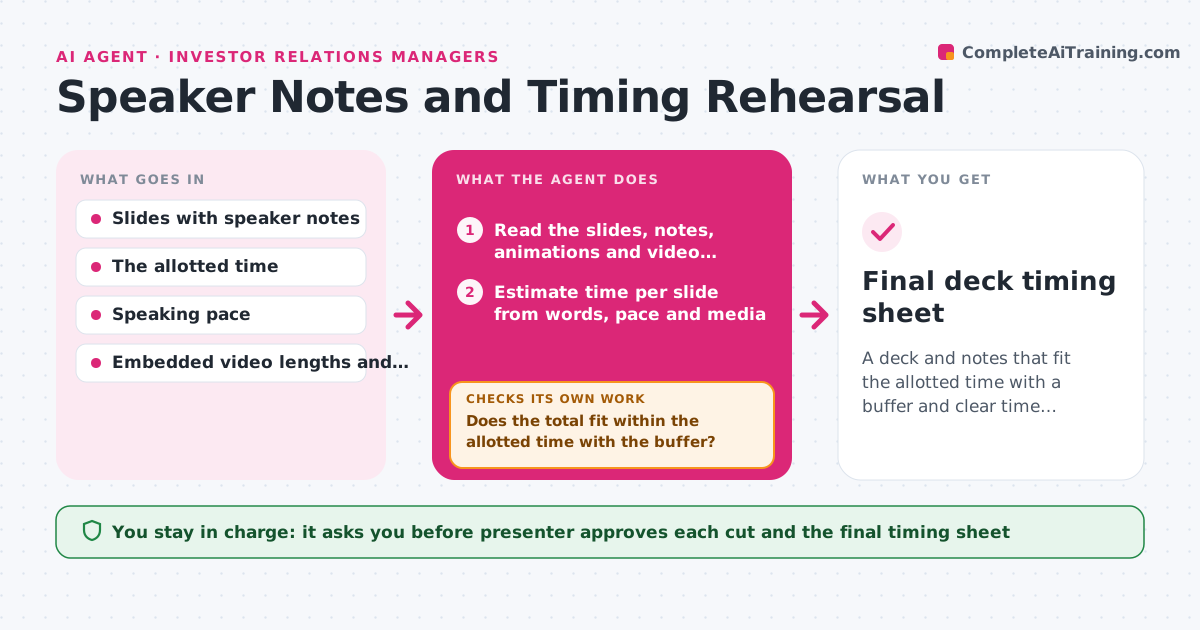
What it does
A presenter has 20 minutes and 34 slides, and the notes are partly written and partly missing. This agent reads the slides and speaker notes and estimates time per slide from the word count, speaking pace, animations, demos and videos. It adds the times, compares the total with the allotted time and plans where to cut or merge. It suggests cuts that protect the main message, such as moving detail to an appendix, merging two slides or shortening a story. After each edit, it re-estimates and loops until the deck fits, leaving a short buffer. It also marks time checkpoints in the notes, such as 'by 10:00 you should be on slide 15'. The presenter approves the final cuts. Edge case: a video that runs 90 seconds is counted at its real length, not as a slide.
How it works
Follow the arrows from top to bottom. The orange dashed arrow is the loop: when a check fails, the agent goes back and tries again.
Read the steps as a list
- Deck drafted or edited
- Read the slides, notes, animations and video lengths
- Estimate time per slide from words, pace and media
- Add the total and compare with the allotted time minus the buffer
- Does the total fit within the allotted time with the buffer?If not: Propose cuts, merges or moving slides to an appendix and re-estimate. Back to step 2.
- Rank cut options by effect on the main message
- Presenter approves the cutsThe agent waits here for your OK.
- Apply the cuts to a copy and add time checkpoints to the notes
- Re-read the edited deck and re-estimate
- Does the edited deck fit and are all notes present for key slides?If not: List slides still missing notes or over time and repeat. Back to step 8.
- Final deck timing sheet
How it decides
It estimates time as words divided by pace plus fixed time for visuals, videos and demos, and proposes the lowest-impact cut that restores the buffer.
- Default speaking pace is 130 words per minute
- Keep a buffer of 10 percent of the allotted time
- Count video at its real length
- Protect slides marked as key message before cutting others
Make it yours
Every agent is a starting point. You choose these settings for your own situation.
- Speaking pace (default 130 words per minute)
- Buffer (default 10 percent)
- Key slides
- Format of time checkpoints
- Allotted time
What keeps you in control
It always asks you first
- Presenter approves each cut and the final timing sheet
Hard limits
- Always edit a copy, never the original deck
- Never cut a slide marked key without approval
It stops when
- Done: The deck fits with a buffer and checkpoints are added
- Stop: The deck cannot fit without cutting key slides, so the agent asks for more time or a scope change
Set it up
We guide you through the set-up, step by step
Members get the full set-up guide for this agent. No technical skills needed: you copy, paste and upload.
- One set of instructions to paste into your AI, with the clicks for ChatGPT, Claude, Microsoft 365 Copilot, Gemini and Grok
- The agent then walks you through connecting your own data, one source at a time
- A downloadable copy with the flow chart, the rules and the full guide