AI agent for ecologists
Species Distribution Model Validation Agent
A model chosen on spatially honest validation, with its known biases and limits documented.
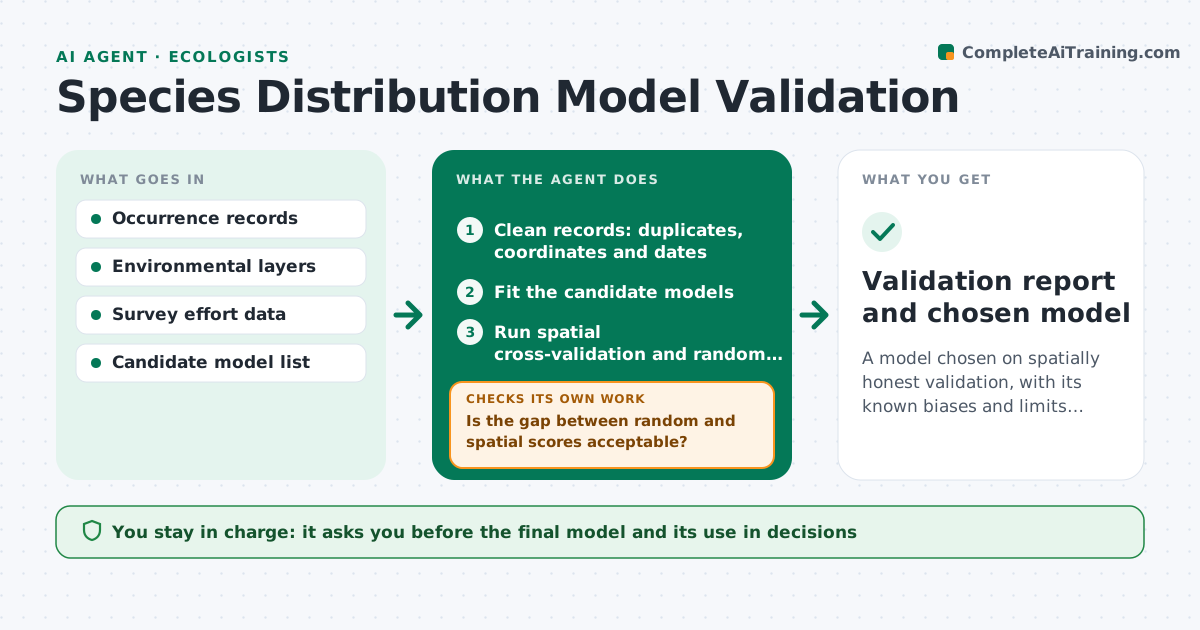
What it does
A species distribution model can look excellent because it learned where people sampled, not where the species lives. This agent runs candidate models and tests them for sampling bias and spatial overfit. It uses spatial cross-validation rather than random splits, compares scores, and checks how much the predictions follow roads or survey effort. When tests fail, it reruns with corrections such as thinning the records, changing the background points or limiting the variables, and tests again. It reports the safest model with its limits in plain language. You approve the result. Edge case: a model that scores much better in random than spatial validation is flagged as overfit even if its random score is the best.
How it works
Follow the arrows from top to bottom. The orange dashed arrow is the loop: when a check fails, the agent goes back and tries again.
Read the steps as a list
- Occurrence data and layers ready
- Clean records: duplicates, coordinates and dates
- Fit the candidate models
- Run spatial cross-validation and random validation
- Is the gap between random and spatial scores acceptable?If not: reduce variables or complexity and refit. Back to step 3.
- Test whether predictions follow survey effort or roads
- Is bias within the acceptable limit?If not: thin the records or change background points and rerun. Back to step 3.
- Compare scores and select the safest model
- Write a plain-language note on limits and areas of low confidence
- Ecologist approves the model for useThe agent waits here for your OK.
- Validation report and chosen model
How it decides
It ranks models by spatial cross-validation scores and bias tests, not random splits. A model passes if spatial and random scores are close and predictions do not follow survey effort.
- Spatial score lower than random by over 0.1 AUC: treat as overfit
- Predictions correlate with effort above 0.5: apply bias correction
- Fewer than 30 clean records: do not model, report as data limited
- Two models within 0.02 score: choose the simpler
Make it yours
Every agent is a starting point. You choose these settings for your own situation.
- Spatial block size
- Score gap limit (default 0.1)
- Bias limit
- Variables allowed
- Minimum records (default 30)
What keeps you in control
It always asks you first
- The final model and its use in decisions
Hard limits
- Never present random split scores alone
- Never hide a bias test failure
It stops when
- Done: validated model reported
- Stop: too few records to fit
Set it up
We guide you through the set-up, step by step
Members get the full set-up guide for this agent. No technical skills needed: you copy, paste and upload.
- One set of instructions to paste into your AI, with the clicks for ChatGPT, Claude, Microsoft 365 Copilot, Gemini and Grok
- The agent then walks you through connecting your own data, one source at a time
- A downloadable copy with the flow chart, the rules and the full guide