AI agent for speechwriters
Speech Q&A Preparation Agent
A checked Q&A brief covering likely and tough questions
What it does
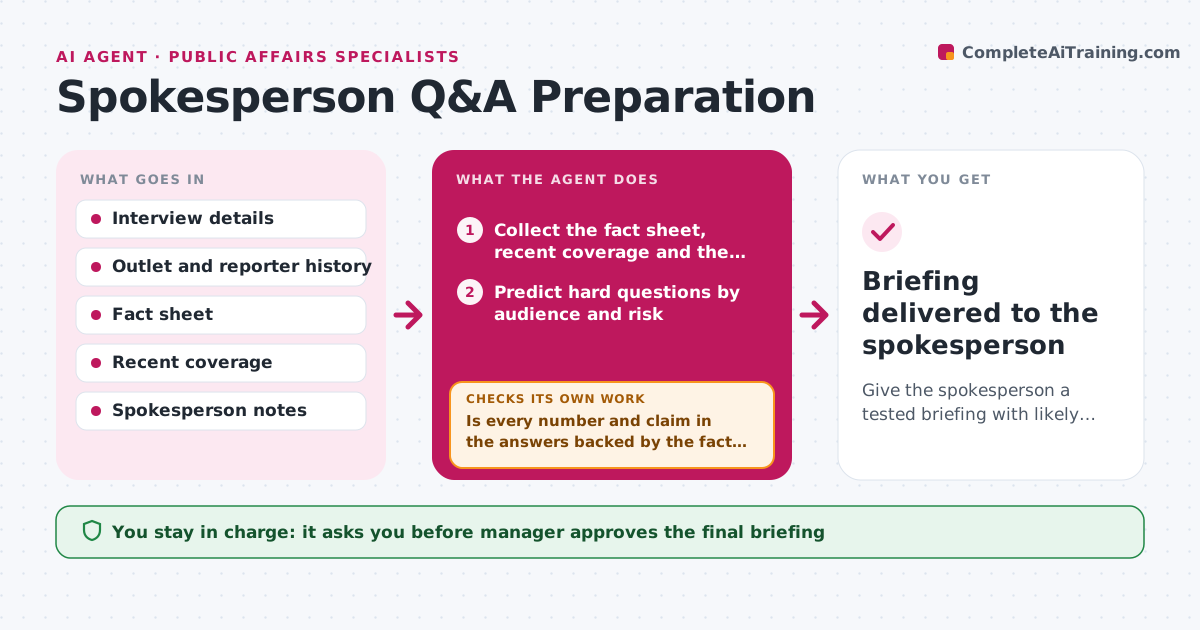
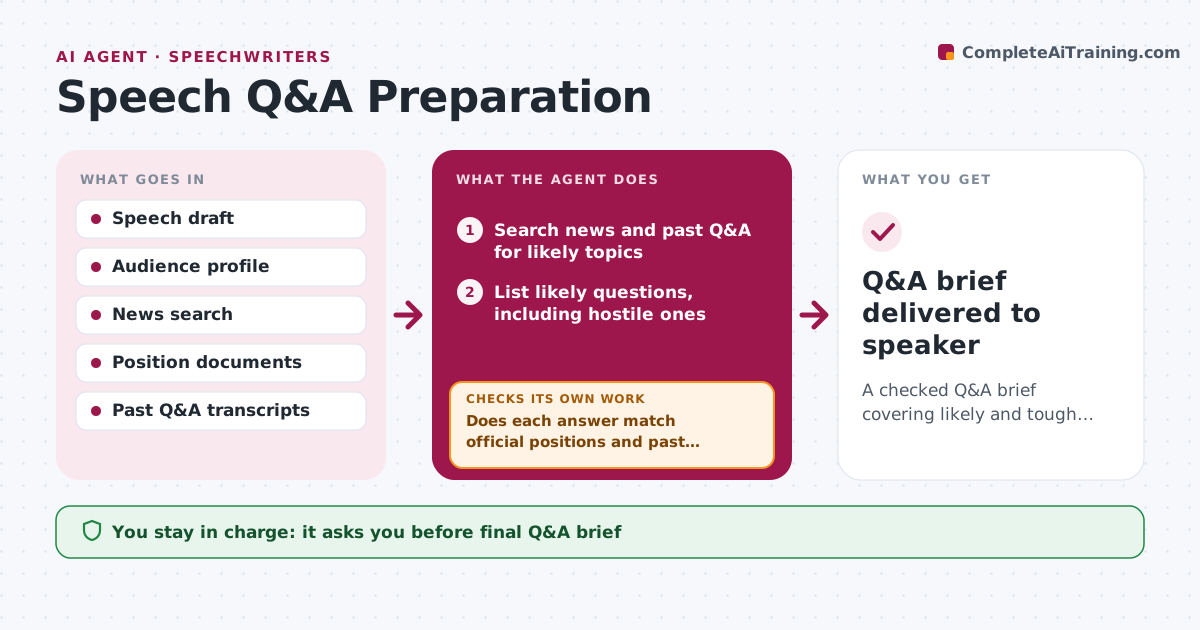
Speakers get caught out when a Q&A answer contradicts something the organization said last month. Using the speech, the audience, recent news and past Q&A sessions, this agent lists likely questions, including hostile ones. For each it drafts a short answer using approved positions and facts. Then it checks each answer against the official position documents and recent statements so the speaker does not contradict earlier messages. If an answer conflicts, it rewrites it to match. If there is no approved position, it marks the question for policy or legal review instead of guessing. It sorts questions by likelihood and difficulty. The speechwriter and comms lead approve the final Q&A brief. Edge case: a question about an active lawsuit gets only the standard no-comment line.
How it works
Follow the arrows from top to bottom. The orange dashed arrow is the loop: when a check fails, the agent goes back and tries again.
Read the steps as a list
- Event one week away
- Search news and past Q&A for likely topics
- List likely questions, including hostile ones
- Draft answers from approved positions
- Does each answer match official positions and past statements?If not: rewrite, or mark for policy or legal review. Back to step 4.
- Rank by likelihood and difficulty
- Comms lead approves the Q&A briefThe agent waits here for your OK.
- Q&A brief delivered to speaker
How it decides
It ranks questions by how often similar ones came up and by current news, and uses only approved positions in answers.
- Legal matters get the standard no-comment line
- No answer without an approved position
- Top ten questions get a one-line version
Make it yours
Every agent is a starting point. You choose these settings for your own situation.
- Number of questions
- News look-back window
- Reviewers for legal or policy items
- Brief format
What keeps you in control
It always asks you first
- Final Q&A brief
- Any new position
Hard limits
- Never creates new company positions
- Never shares the brief outside the approved list
It stops when
- Done: brief approved
- Stop: event cancelled
Set it up
We guide you through the set-up, step by step
Members get the full set-up guide for this agent. No technical skills needed: you copy, paste and upload.
- One set of instructions to paste into your AI, with the clicks for ChatGPT, Claude, Microsoft 365 Copilot, Gemini and Grok
- The agent then walks you through connecting your own data, one source at a time
- A downloadable copy with the flow chart, the rules and the full guide