
Learning path
Learning AI as a Public Affairs Specialist
Public affairs work moves fast. This path shows you how to use AI to draft messages, track legislation, and prepare for media, so you can focus on strategy and relationships.
Your path
Everything in the Public Affairs Specialist AI kit, in the order that makes sense. Members tick off each step and see their progress.
Set up your AI
We guide you through each click.
Let skills do your everyday tasks
Connect your apps and pick your AI apps
Hand whole tasks to AI agents
Build your own tools
Everything for public affairs specialists
All the courses, certifications, AI tools, MCP servers and apps for public affairs specialists, most relevant first. Open any list to see more.
Take the prompt courses
Two short framework courses to learn how to ask, then 8 lessons with ready-to-use prompts for public affairs specialists.
Start with these frameworks: how to talk to AI
CO-STAR fits public affairs because it sets audience and tone before you draft, like writing a park closure notice for residents.
CRAFT helps you draft a press release on new transit funding by setting context, role, action, format, and tone for public messaging.
Then your prompt course for public affairs specialistsWatch the video courses or add them to your Favorites for later
140 video courses our AI picked for public affairs specialists, most useful first. Save the ones you want to watch later with the heart.
Favorites are saved to your account: sign in or get your AI kit first.
Show all 140 video courses
Get certified, or add certifications to your Favorites
Every course ends in an exam and a certificate you can add to LinkedIn. Save the certifications you are aiming for with the heart.
Favorites are saved to your account: sign in or get your AI kit first.
More certifications for public affairs specialistsShow all 24 certifications
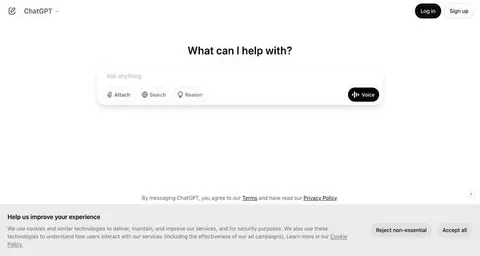
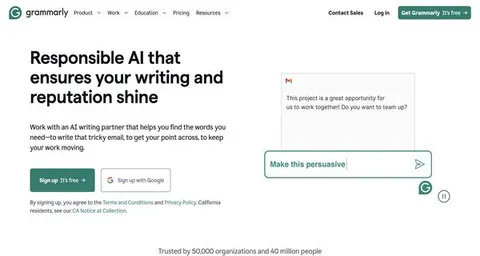
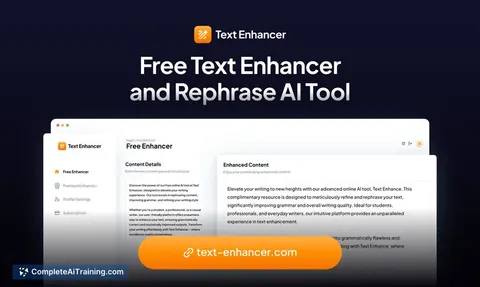
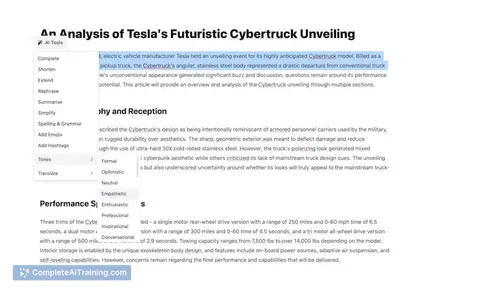
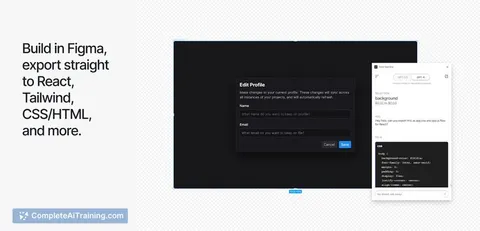
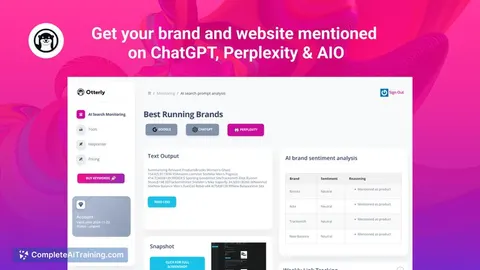
Try the AI tools for public affairs specialists
24 AI tools our AI matched to the work of public affairs specialists, best fit first. Each review shows what it does, its alternatives and the jobs it suits.
Favorites are saved to your account: sign in or get your AI kit first.
Show all 24 AI tools
Connect your AI to the apps public affairs specialists use
MCP servers let ChatGPT, Claude or Copilot look things up and get work done in other apps, like your email, calendar or bookkeeping software. These 12 fit the work of public affairs specialists best, well-known apps first.

Google Search MCP server (AceDataCloud)
by AceDataCloudLets your AI run Google searches for web, images, news, videos, places and maps, and hand you the results.
ResearchNo install
Bing Search MCP server
by leehanchungLets your AI search the web, news, and images through Microsoft Bing while you chat.

Veezee MCP server
by veezeehqLets your AI look up LinkedIn, Reddit and X profiles, companies, posts and search results for you.
Social mediaResearch Official
Brave Search MCP server
by braveLets your AI search the web, news, images, and places through Brave Search.

New York Times search MCP server
by angheljfLets your AI search recent New York Times articles by keyword and bring back titles, summaries and links.

Google Custom Search MCP server
by A1-x-TechLets your AI search the web and images through your own Google Programmable Search Engine.
Show all 12 MCP servers

Macrocosmos social media MCP server
by macrocosm-osLets your AI pull live X and Reddit posts by keyword, user, or date, and collect bigger datasets over time.
Social mediaResearch Official
Twitter MCP server (Twikit)
by adhikaspLets your AI search Twitter and read your home timeline, then sum it up for you.

DuckDuckGo Search MCP server
by nickclydeLets your AI search the web with DuckDuckGo and read the pages it finds.

OpenAI Web Search MCP server
by ConechoAILets your AI search the web for fresh information and reason through the results before answering.

Google News MCP server
by ChanMeng666Lets your AI search Google News for headlines, stories and topics, sorted into simple categories.
ResearchNo install
Exa MCP server
by exa-labsLet your AI search the live web and read full webpages for you.
Research OfficialBuild your own AI apps for public affairs specialists
Apps you build yourself with your own AI, no coding needed and no monthly fee. Our AI picked the 12 that fit the work of public affairs specialists.
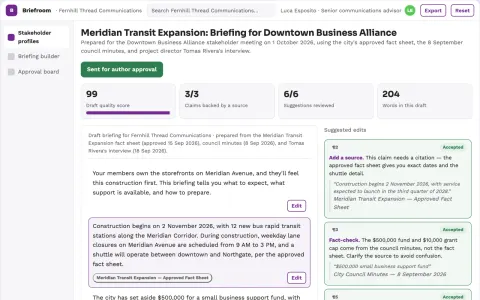
Stakeholder briefing platform
Audience-specific preparation with one controlled factual foundation.
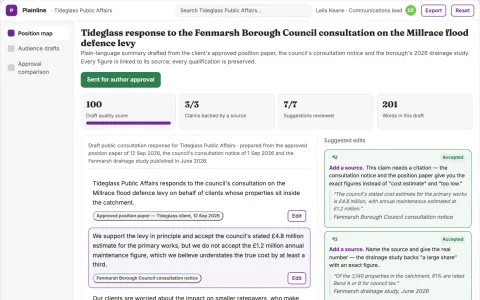
Public consultation plain-language response studio
Explain a technical position without changing its substance.
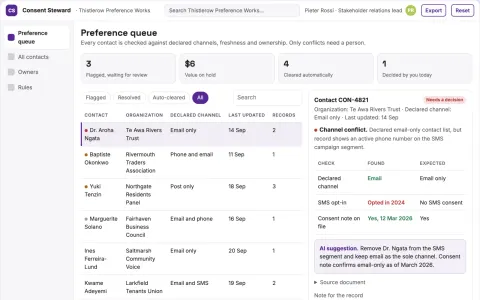
Stakeholder contact preference steward
Respect stakeholder-declared contact choices.
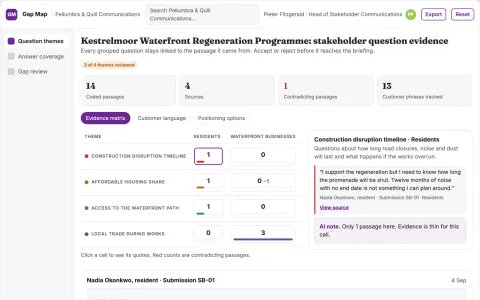
Stakeholder question gap map
Build briefings around documented stakeholder questions.
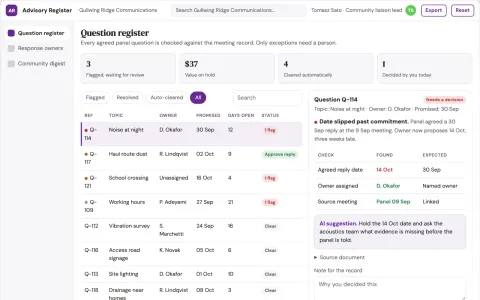
Community advisory response portal
A transparent record of advisory questions and responses.
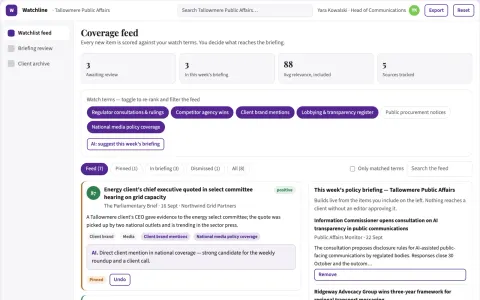
Watchlist change detection and briefing subscription
Reduce time spent scanning sources while catching material changes early.
Show all 12 apps
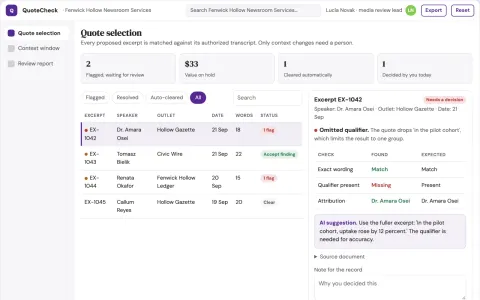
Communications quote context checker
Review quotes with their surrounding evidence before reuse.
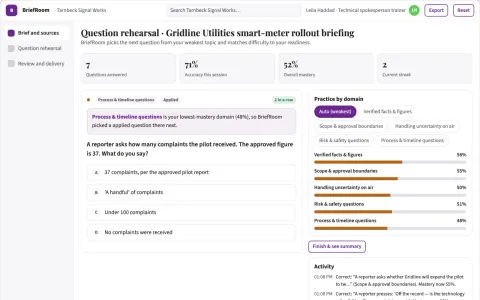
Media briefing question rehearsal
Practice staying within verified knowledge.
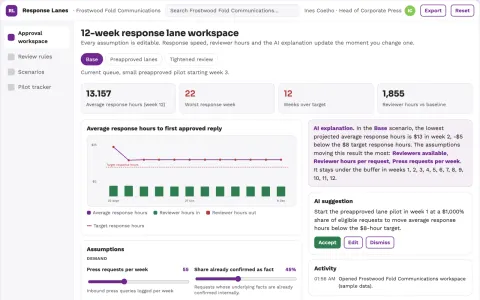
Communications response bottleneck optimizer
Reduce avoidable response delay while preserving factual authority.
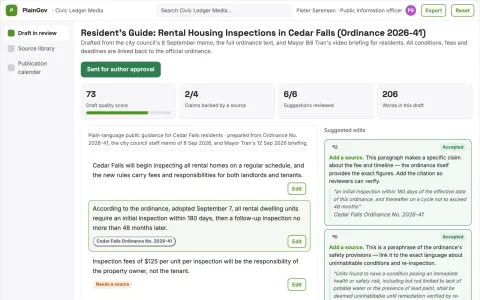
Government document simplification
Meaning-preserving simplification with side-by-side policy review.
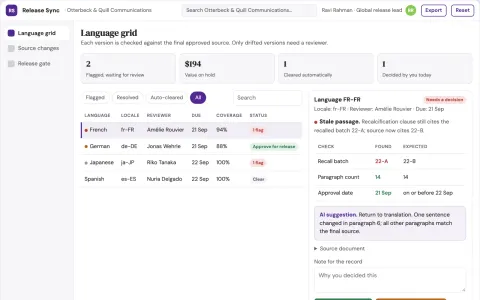
Multilingual announcement release synchronizer
Know which language versions reflect the final approved source.
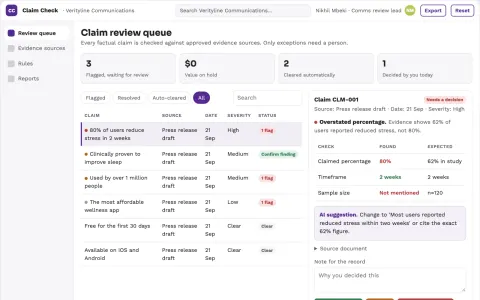
Public statement evidence checker
Claim-level review that exposes the evidence behind public wording.


























































































































About this learning path
6 topicsAI for Public Affairs: Communicate Clearly, Act Quickly
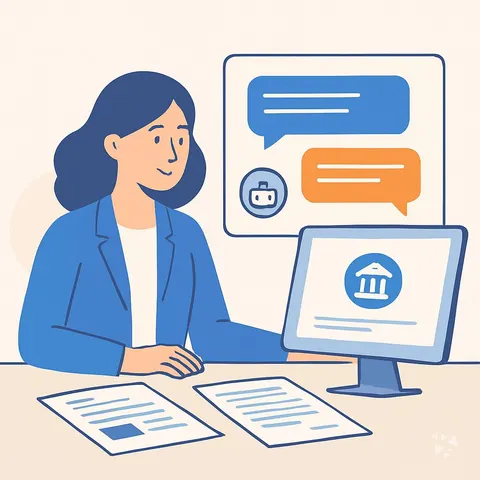
Public affairs specialists are the bridge between complex policy and the public. You juggle press releases, legislative updates, media briefings, and crisis messages, often all in one day.
This learning path brings AI into that work in a practical way. You will learn how to set up your AI, connect it to your sources, and use prompts that fit the job, so you can spend less time on drafts and more time on judgment and relationships.
Why AI matters now
Policy moves quickly, and public attention shifts even faster. AI helps you keep up by summarizing long documents, drafting quick responses, and spotting trends in public comments.
It does not replace your judgment. It gives you a head start so you can focus on the parts that need a human touch.
What the path includes
You start with setup questions to get your AI ready. Then you connect your AI to the tools you already use, like email, calendars, and document folders.
Next, you learn skills for the job inside your AI, such as summarizing bills or drafting talking points. The prompt course gives you a library of prompts for press materials, legislative monitoring, media briefings, and more. Finally, video courses picked for public affairs and their certifications help you go deeper.
How it saves time
Drafting a press release can take hours. With AI, you turn raw notes into a first draft in minutes, then refine it.
You also save time on research, briefing books, and follow-up emails. The time you win back can go to strategy, relationships, and the parts of the job you care about.
How it protects your career
AI is changing how communication work gets done. Learning to use it well keeps your skills current and makes you more valuable to your team.
You stay in control of the message. AI helps you work faster and more thoroughly, but you still apply the judgment and ethics that public affairs requires.
How to start
Begin with the setup questions. They help you choose the right AI tool and adjust its settings for your work.
Then take the prompt course. Pick one lesson, like drafting press materials, and try it on a real task this week. Small steps build confidence.
Frequently asked questions
Do I need to be technical to use this path?
No. The path is designed for public affairs specialists who are not technical. You will learn to use everyday AI tools in plain language, with step-by-step guidance.Will AI replace my job?
No. AI is a tool that helps you work faster and more thoroughly. Your judgment, relationships, and ethical decisions are still essential and cannot be replaced.How do I keep sensitive information safe?
The path includes guidance on privacy and safety for public affairs work. You will learn what to share with AI and what to keep out, and how to use tools that protect your data.How much time does the path take?
You can move at your own pace. Most learners spend a few hours a week and finish the core lessons in a few weeks. The video courses are optional and can be taken later.