AI agent for traders
Strategy Walk-Forward Retest Agent
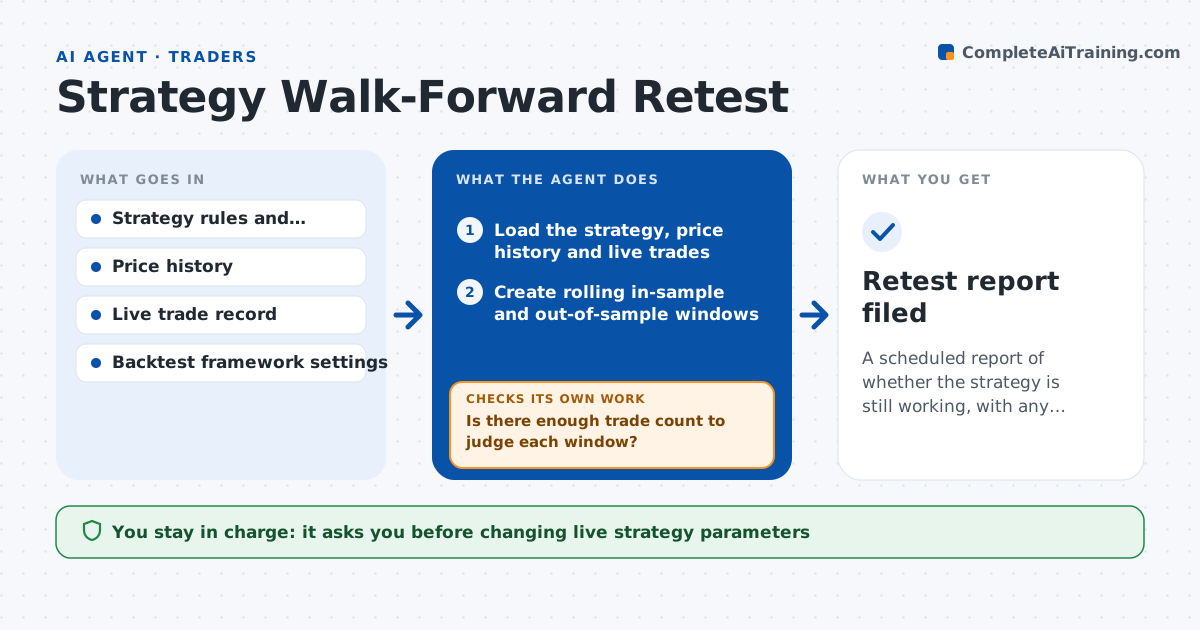
A scheduled report of whether the strategy is still working, with any adjustments proven on unseen data
What it does
A systematic strategy is tuned on past data and then runs for months while markets change. Few traders retest on a schedule. This agent runs a walk-forward test on a set schedule. It splits the history into rolling windows, optimizes parameters in each in-sample window, then measures the result in the following out-of-sample window and compares the parameters, returns, drawdown and hit rate across windows. It flags decay, such as falling out-of-sample returns, parameters that keep moving or a worse drawdown than the original. If decay is found, it proposes adjusted settings and tests them on fresh out-of-sample data, rejecting any that only fit the past. The trader approves any change to the live strategy. Edge case: a quiet year produces few trades, so the agent warns the sample is too small to judge.
How it works
Follow the arrows from top to bottom. The orange dashed arrow is the loop: when a check fails, the agent goes back and tries again.
Read the steps as a list
- Monthly retest date arrives or drawdown trigger fires
- Load the strategy, price history and live trades
- Create rolling in-sample and out-of-sample windows
- Optimize parameters in each window and test out of sample
- Compare returns, drawdown, hit rate and parameter stability
- Is there enough trade count to judge each window?If not: lengthen the windows and rerun the test. Back to step 2.
- Is out-of-sample performance at least 60% of in-sample?If not: propose adjusted settings and test them on a fresh out-of-sample period. Back to step 3.
- Reject settings that only fit the past and keep those that hold
- Write the report with charts and the recommendation
- Trader approves any change to the live strategyThe agent waits here for your OK.
- Retest report filed
How it decides
It judges a strategy as decaying when out-of-sample performance falls well below in-sample results across several windows, and accepts new settings only if they hold on data not used to choose them.
- Require at least 30 trades per window
- Flag decay if out-of-sample return is under 60% of in-sample
- Reject settings that change more than two parameters at once
- Flag max drawdown over 1.5 times the original
Make it yours
Every agent is a starting point. You choose these settings for your own situation.
- Retest schedule (default monthly)
- Window lengths
- Decay threshold (default 60%)
- Minimum trades per window
What keeps you in control
It always asks you first
- Changing live strategy parameters
Hard limits
- Never changes live settings
- States how many trades each result rests on
- Does not promise future returns
It stops when
- Done: strategy retested and decision recorded
- Stop: price data is incomplete
Set it up
We guide you through the set-up, step by step
Members get the full set-up guide for this agent. No technical skills needed: you copy, paste and upload.
- One set of instructions to paste into your AI, with the clicks for ChatGPT, Claude, Microsoft 365 Copilot, Gemini and Grok
- The agent then walks you through connecting your own data, one source at a time
- A downloadable copy with the flow chart, the rules and the full guide