AI agent for volunteer coordinators
Student Service Hours Verification Agent
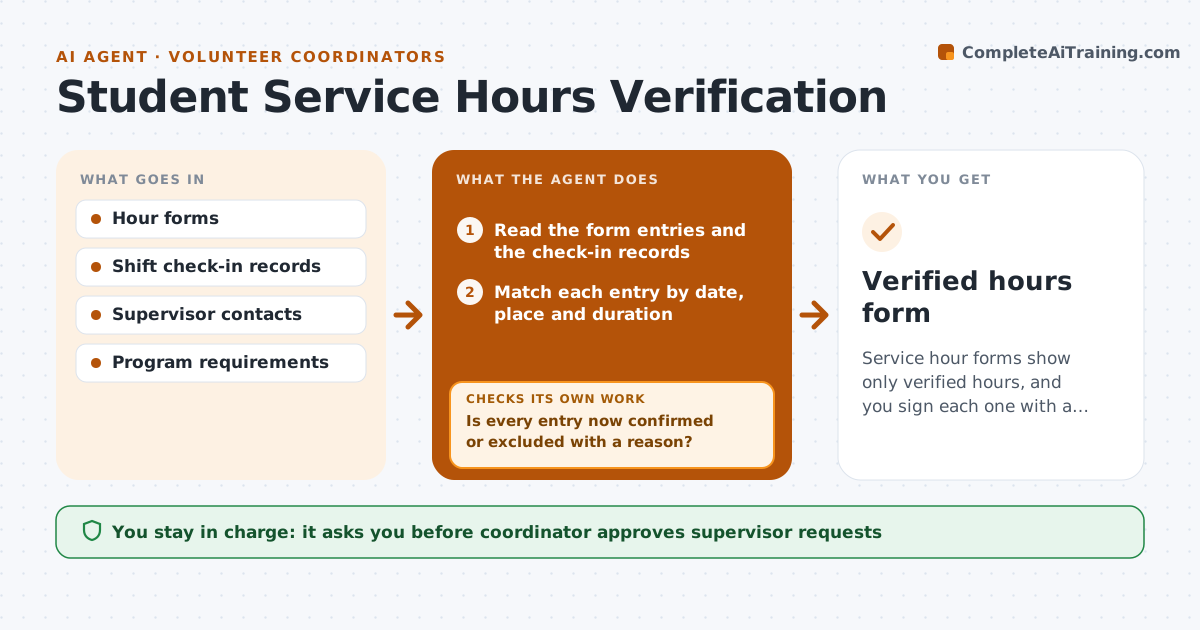
Service hour forms show only verified hours, and you sign each one with a clear record of what was checked.
What it does
A student hands you a form claiming 40 hours, and your records show 28. Another form has no supervisor signature. This agent reconciles each submitted form against shift check-ins, flags mismatches, and requests missing supervisor details. It compares dates, durations and locations, and prepares a verified total for the student. When records disagree, it asks the supervisor for confirmation and rechecks after the reply. Items it cannot verify are left out of the total and listed with a reason. You sign the final form. Edge case: a student who claims two sites on the same day with overlapping hours is flagged and sent back for a correction.
How it works
Follow the arrows from top to bottom. The orange dashed arrow is the loop: when a check fails, the agent goes back and tries again.
Read the steps as a list
- Hours form submitted
- Read the form entries and the check-in records
- Match each entry by date, place and duration
- Flag entries with no record, overlap or duration mismatch
- Draft supervisor confirmation requests
- Coordinator approves requests before they are sentThe agent waits here for your OK.
- Record supervisor replies
- Is every entry now confirmed or excluded with a reason?If not: Send a reminder to the supervisor or exclude the entry. Back to step 4.
- Compute the verified total and the excluded list
- Coordinator signs the final formThe agent waits here for your OK.
- Verified hours form
How it decides
It accepts an entry only when the date, place and duration match a record or a supervisor confirms it.
- Accept entries within 15 minutes of a check-in record
- Exclude overlapping hours on the same day
- Require supervisor confirmation for entries without a record
- Reminder after 5 days of no reply
Make it yours
Every agent is a starting point. You choose these settings for your own situation.
- Time tolerance (default 15 minutes)
- Reminder days
- Required evidence
- Form format
What keeps you in control
It always asks you first
- Coordinator approves supervisor requests
- Coordinator signs the final form
Hard limits
- Never sign or alter a form itself
- Never contact a supervisor without approval
It stops when
- Done: verified form signed
- Stop: supervisor cannot be reached for more than half of the entries
Set it up
We guide you through the set-up, step by step
Members get the full set-up guide for this agent. No technical skills needed: you copy, paste and upload.
- One set of instructions to paste into your AI, with the clicks for ChatGPT, Claude, Microsoft 365 Copilot, Gemini and Grok
- The agent then walks you through connecting your own data, one source at a time
- A downloadable copy with the flow chart, the rules and the full guide