AI agent for volunteer coordinators
Volunteer Recognition Milestone Agent
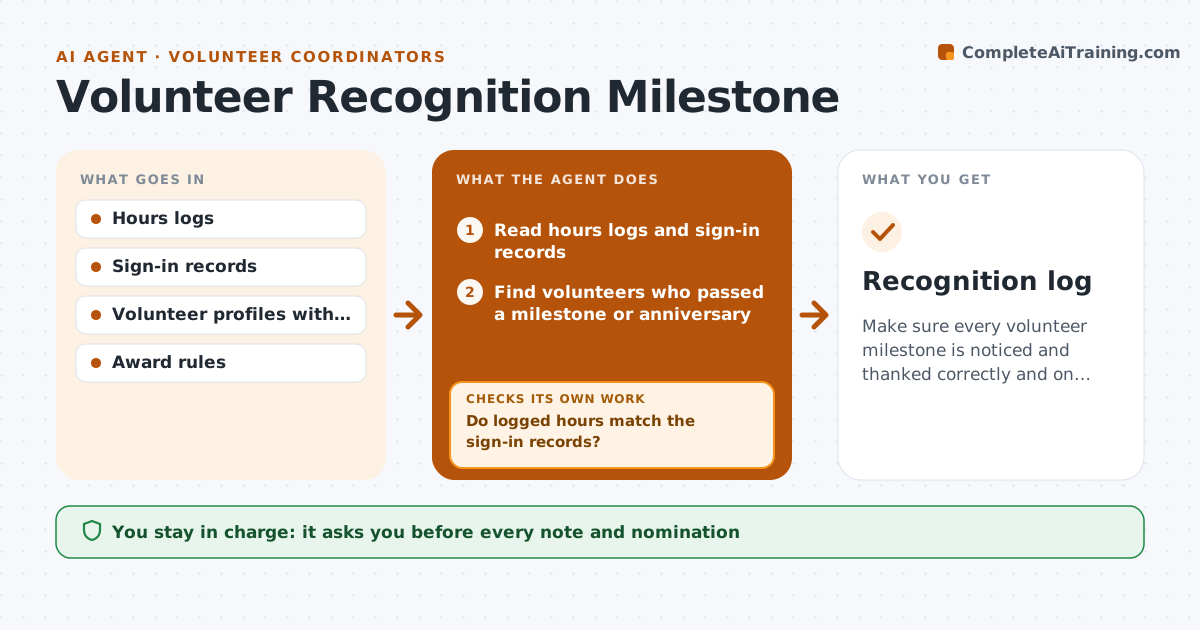
Make sure every volunteer milestone is noticed and thanked correctly and on time.
What it does
Volunteers stay when they feel seen. A person who has given 100 hours or five years should hear about it, but the hours sit in several spreadsheets and the date is missed. Each month, this agent reads the hours logs and finds volunteers crossing milestones or anniversaries. It checks the hours against sign-in records to be sure they are right, and drafts thank-you notes and award nominations. Records that do not match are sent back for correction before any message is drafted. The coordinator approves everything before it goes out. Edge case: a volunteer who has asked not to be recognized publicly gets a private note only.
How it works
Follow the arrows from top to bottom. The orange dashed arrow is the loop: when a check fails, the agent goes back and tries again.
Read the steps as a list
- Monthly recognition run begins
- Read hours logs and sign-in records
- Find volunteers who passed a milestone or anniversary
- Do logged hours match the sign-in records?If not: Send the mismatch back for correction and skip the volunteer this month. Back to step 3.
- Choose the type of recognition by milestone and preference
- Draft thank-you notes and award nominations
- Coordinator approves everything before it goes outThe agent waits here for your OK.
- Send and record what was given
- Was every milestone this month recognized?If not: List the missing ones and draft their notes. Back to step 3.
- Recognition log
How it decides
Finds volunteers who crossed a milestone since last month and accepts the figure only if the hours and sign-ins match within 5%.
- Milestones at 50, 100, 250 and 500 hours and each year
- Hours and sign-ins must agree within 5%
- Public recognition only with consent
- One note per milestone, never repeated
Make it yours
Every agent is a starting point. You choose these settings for your own situation.
- Milestone levels
- Mismatch tolerance (default 5%)
- Recognition types
- Consent rules
- Tone of notes
What keeps you in control
It always asks you first
- Every note and nomination
- Any award or gift
- Any public announcement
Hard limits
- Never publish names without consent
- Never send a note without approval
It stops when
- Done: all milestones recognized
- Stop: volunteer opts out
- Stop: records unavailable
Set it up
We guide you through the set-up, step by step
Members get the full set-up guide for this agent. No technical skills needed: you copy, paste and upload.
- One set of instructions to paste into your AI, with the clicks for ChatGPT, Claude, Microsoft 365 Copilot, Gemini and Grok
- The agent then walks you through connecting your own data, one source at a time
- A downloadable copy with the flow chart, the rules and the full guide