
AI agent for fine artists
Studio Visit and Open Studio Planning Agent
A studio ready for each visit, with works, prices, space and materials confirmed before guests arrive
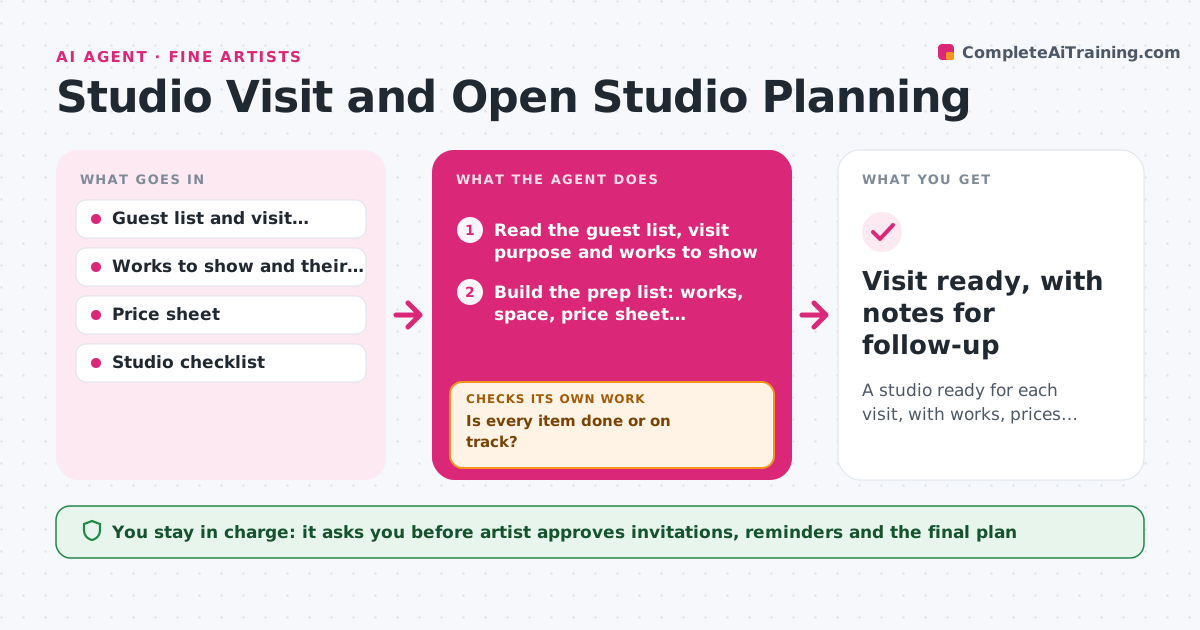
What it does
A curator is coming Thursday at 3 and the artist is still looking for the price sheet and clearing a corner. For each visit or open studio, this agent builds and tracks the prep. It checks the guest list and the purpose of each visit, the works to show, the readiness of the space, the price sheet and any follow-up materials. It creates a prep list with deadlines, and a day before it checks each item with the artist, reading replies and updating the list. Missing items loop back to the list with a new deadline, and the agent looks for the cause, such as a work still in storage or an out-of-date price. It prepares drafts of invitations and reminders for the artist's approval. Edge case: if two guests come in the same afternoon, the agent checks for clashing works and a timing overlap.
How it works
Follow the arrows from top to bottom. The orange dashed arrow is the loop: when a check fails, the agent goes back and tries again.
Read the steps as a list
- Visit booked
- Read the guest list, visit purpose and works to show
- Build the prep list: works, space, price sheet, refreshments, follow-up materials
- Set deadlines for each item working back from the visit time
- Artist approves the plan and any invitation or reminder draftsThe agent waits here for your OK.
- Check item status with the artist 3 days before
- Is every item done or on track?If not: Reschedule the item, find the cause and update the deadline. Back to step 3.
- Check for clashing visits and work availability
- Run the final status check 1 day before
- Is every item confirmed ready?If not: Flag the open items and agree on a fix or removal with the artist. Back to step 9.
- Visit ready, with notes for follow-up
How it decides
It builds the prep list from the visit purpose, treats any item unconfirmed 1 day before as at risk, and loops until every item is done or the artist drops it.
- Check the status 3 days and 1 day before
- Treat any unconfirmed item 1 day before as at risk
- Never schedule two visits within 90 minutes of each other
- Update the price sheet from the inventory before every visit
Make it yours
Every agent is a starting point. You choose these settings for your own situation.
- Prep list items per visit type
- Check timing (default 3 days and 1 day)
- Minimum gap between visits
- Price sheet format
- Follow-up materials to prepare
What keeps you in control
It always asks you first
- Artist approves invitations, reminders and the final plan
Hard limits
- Never send invitations or reminders without approval
- Never promise works or prices to a guest on the artist's behalf
It stops when
- Done: Every item is confirmed ready before the visit
- Stop: A key work is unavailable, so the agent suggests a substitute or a new date
Set it up
We guide you through the set-up, step by step
Members get the full set-up guide for this agent. No technical skills needed: you copy, paste and upload.
- One set of instructions to paste into your AI, with the clicks for ChatGPT, Claude, Microsoft 365 Copilot, Gemini and Grok
- The agent then walks you through connecting your own data, one source at a time
- A downloadable copy with the flow chart, the rules and the full guide



