
Learning path
Learning AI as an Event Planner
This learning path helps event planners use AI for briefs, budgets, vendor research, timelines, and follow-up. It combines setup help, tool connection, job skills, this prompt course, and video courses with certificates.
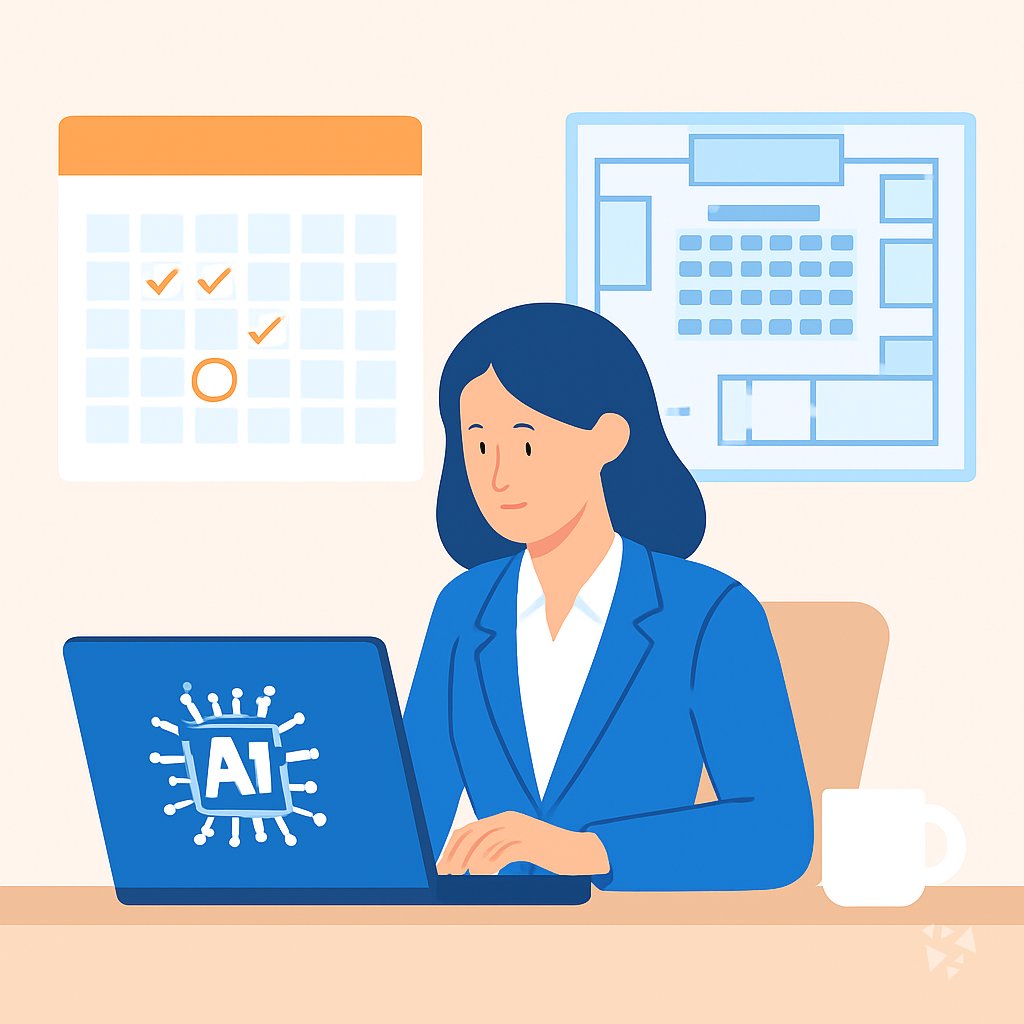
Your path
Everything in the Event Planner AI kit, in the order that makes sense. Members tick off each step and see their progress.
Set up your AI
We guide you through each click.
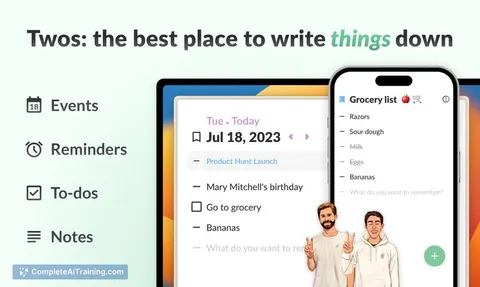
Let skills do your everyday tasks
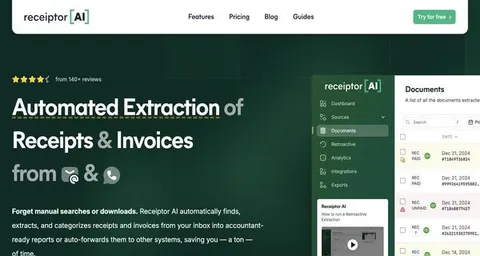
Connect your apps and pick your AI apps
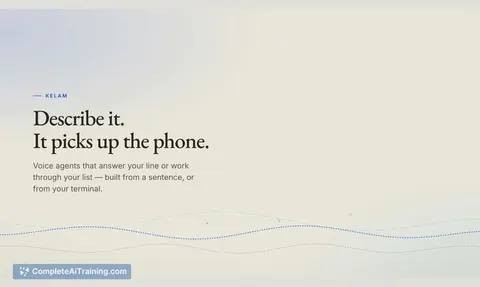
Hand whole tasks to AI agents
Build your own tools
Everything for event planners
All the courses, certifications, AI tools, MCP servers and apps for event planners, most relevant first. Open any list to see more.
Take the prompt courses
A short framework course to learn how to ask, then 8 lessons with ready-to-use prompts for event planners.
Start with this framework: how to talk to AI
RISEN fits event planning because it turns a conference brief into ordered steps for venue, vendors, budget, and timeline.
Then your prompt course for event plannersWatch the video courses or add them to your Favorites for later
96 video courses our AI picked for event planners, most useful first. Save the ones you want to watch later with the heart.
Favorites are saved to your account: sign in or get your AI kit first.
Show all 96 video courses
Get certified, or add certifications to your Favorites
Every course ends in an exam and a certificate you can add to LinkedIn. Save the certifications you are aiming for with the heart.
Favorites are saved to your account: sign in or get your AI kit first.
More certifications for event plannersShow all 24 certifications
Try the AI tools for event planners
24 AI tools our AI matched to the work of event planners, best fit first. Each review shows what it does, its alternatives and the jobs it suits.
Favorites are saved to your account: sign in or get your AI kit first.
Show all 24 AI tools
Connect your AI to the apps event planners use
MCP servers let ChatGPT, Claude or Copilot look things up and get work done in other apps, like your email, calendar or bookkeeping software. These 12 fit the work of event planners best, well-known apps first.

GeoWire MCP server
by geowireLet your AI find places, give directions, and analyze neighborhoods right inside your chats.

Google Workspace MCP server
by taylorwilsdonLets your AI read and write your Gmail, Calendar, Drive, Docs, Sheets and more, all from one chat.

Google Drive MCP server
by isaacphiLets your AI search and read your Google Drive files and read or edit your Google Sheets.
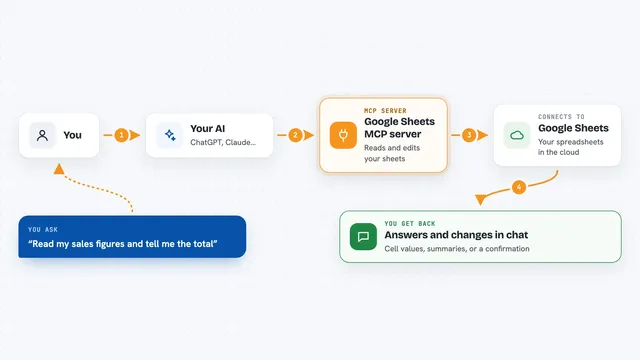
Google Sheets MCP server
by freemaLets your AI read, write, and format your Google Sheets for you, right from the chat.

Gmail MCP server
by A1-x-TechLet your AI read, search, draft and send your Gmail, and keep labels and trash tidy, from the chat.

TempGuru event staffing MCP server
by tempguru-coPlan and price temporary event staff in the US and Canada, and get a quote form to fill in yourself.
ProductivityNo installShow all 12 MCP servers
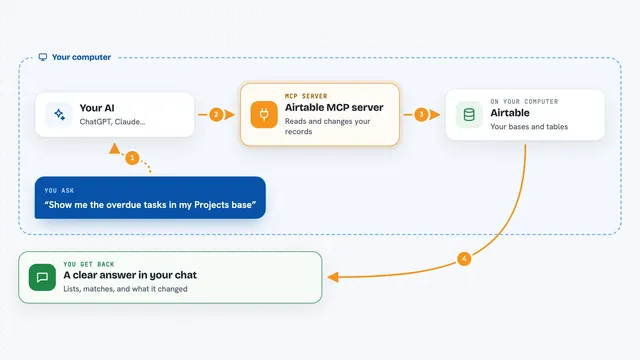
Airtable MCP server
by domdomeggLets your AI read, search, add, update and delete records in your Airtable bases for you.

MCP Emails server
by AlbretsenLet your AI read, search, send and organize email in your own mailbox.
EmailNo install
VE Google Workspace MCP server
by HuntsDeskLet your AI read and write your Google Docs, Sheets, Slides, Drive, Gmail and Calendar for you.

Weather MCP server
by SaintDoreshLets your AI look up current weather, forecasts, air quality and past weather for any place you name.

Excel MCP server
by haris-musaLets your AI create, read and edit Excel workbooks for you, without opening Excel.

Box MCP server
by boxLet your AI search your Box files, answer questions about them, and pull out details for you.
Productivity OfficialBuild your own AI apps for event planners
Apps you build yourself with your own AI, no coding needed and no monthly fee. Our AI picked the 12 that fit the work of event planners.
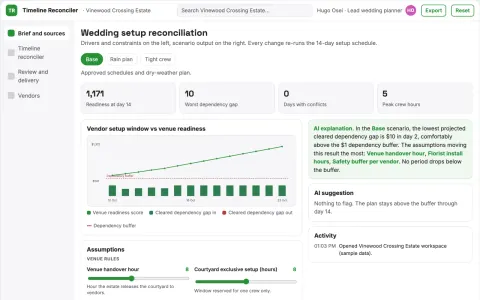
Wedding vendor timing reconciler
Reveal timing conflicts before event day.
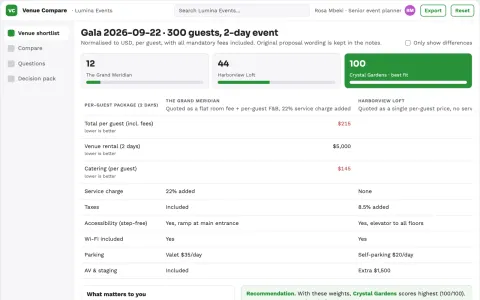
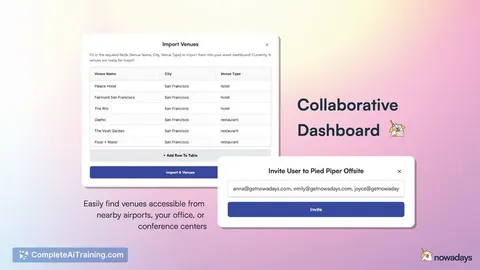
Venue sourcing service
Like-for-like comparisons with unresolved venue questions clearly visible.
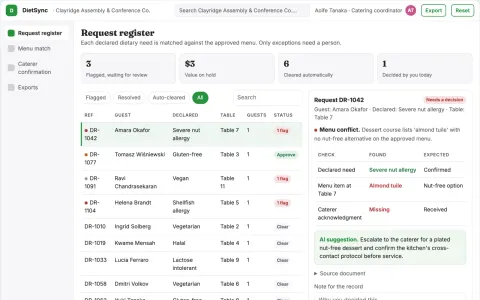
Event dietary request reconciliation
Track declared needs to explicit supplier acknowledgment.
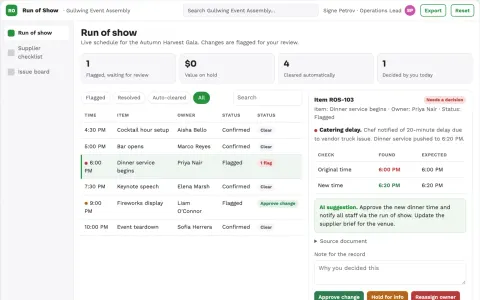
Event operations assistant
One change-aware operating plan across suppliers and event staff.
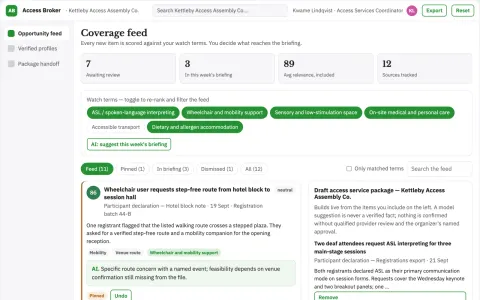
Event accessible participation service broker
Make requested participation support feasible earlier.
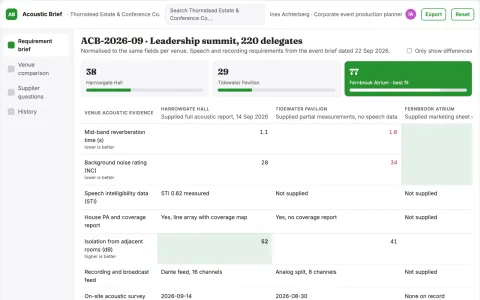
Venue acoustic suitability brief
Make missing acoustic evidence visible before booking.
Show all 12 apps
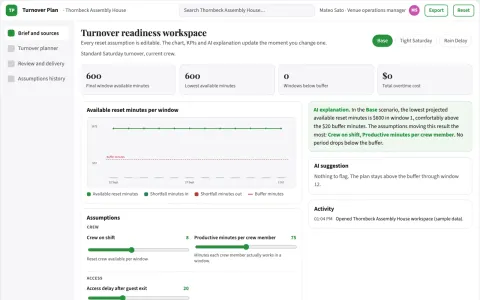
Venue turnover readiness planner
Reset work included between bookings.
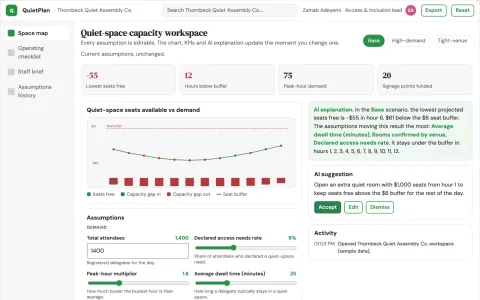
Event quiet-space design planner
An operational plan for quiet spaces rather than a label on a map.
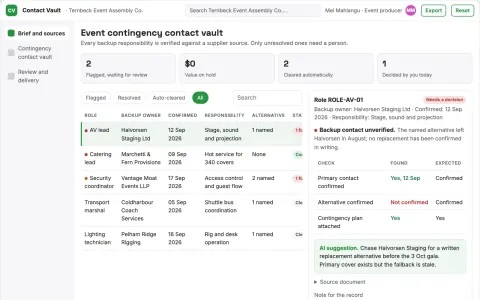
Event contingency contact vault
Verified responsibilities rather than a contact dump.
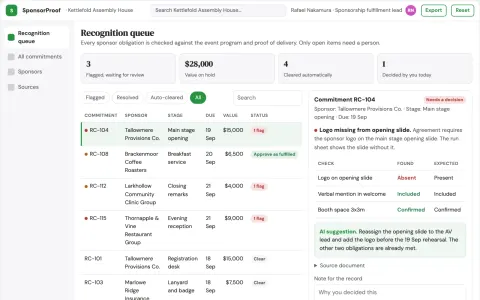
Event sponsor recognition scheduler
Specific acknowledgment commitments across event stages.
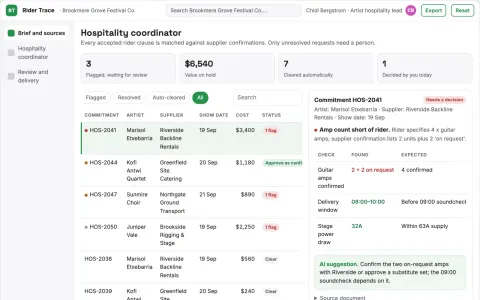
Festival performer hospitality coordinator
Trace accepted rider logistics to confirmation.
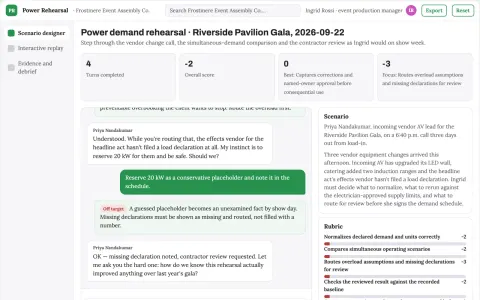
Event temporary power demand rehearsal
Reduce preventable late power redesign and generator overbooking.





























































































About this learning path
6 topicsAI for Event Planners: Less Busywork, Better Events
Events run on details. Venue questions, budgets, timelines, guest lists, and last-minute changes all need clear thinking and quick replies. AI can help you draft, compare, and organize that work so you spend more time with clients and on site.
This path is built for event planners who are not technical. You start with simple setup questions, connect your AI tool, practice job-specific skills, take this prompt course, and watch short video lessons chosen for event work. Each video course comes with a certificate you can add to your profile.
Why AI Matters Now
Event planning is a people job, but it is also a paperwork job. You write briefs, compare quotes, chase contracts, build timelines, and answer messages all day. AI can help you get to a clear first draft faster, so you can spend more time with clients, vendors, and the room itself.
What The Path Includes
You start with setup questions that help you choose and connect an AI tool like ChatGPT, Claude, or Gemini. Then you learn skills for the job inside your AI, such as saving your event details, creating reusable prompts, and keeping client information safe.
You also take this prompt course and watch short video courses picked for event planners. Each video course has a certificate when you finish.
How It Saves Time
The path shows you how to turn a messy client call into a brief, a vendor quote into a comparison, and a run of show into a shareable timeline. You practice with prompts that fit real event tasks, not generic examples. The time you save goes back into site visits, client care, and your own rest.
How It Protects Your Career
AI will not replace the planner who reads a room or calms a nervous client. But planners who use AI well can take on more events without dropping quality. This path helps you build judgment around AI answers, so you stay in charge of decisions, budgets, and relationships.
How To Start
Begin with the setup questions and connect your AI tool. Then take this prompt course in order. After that, pick a video course that matches your next event, practice one prompt today, and add your certificate to your profile.
Frequently asked questions
Do I need technical skills to use this path?
No. The path starts with plain setup questions and shows you how to connect your AI tool step by step. If you can write an email, you can follow along.Will AI plan events for me?
No, it helps you think, draft, compare, and organize. You still make the judgment calls, manage people, and handle the room.What do the video courses cover?
They are picked for event planning work, such as vendor outreach, budgets, and run of show. Each course has a certificate when you finish.Is my client information safe?
You will learn simple privacy habits, like removing names and private details before you paste anything into an AI tool. Always follow your company rules and client agreements.