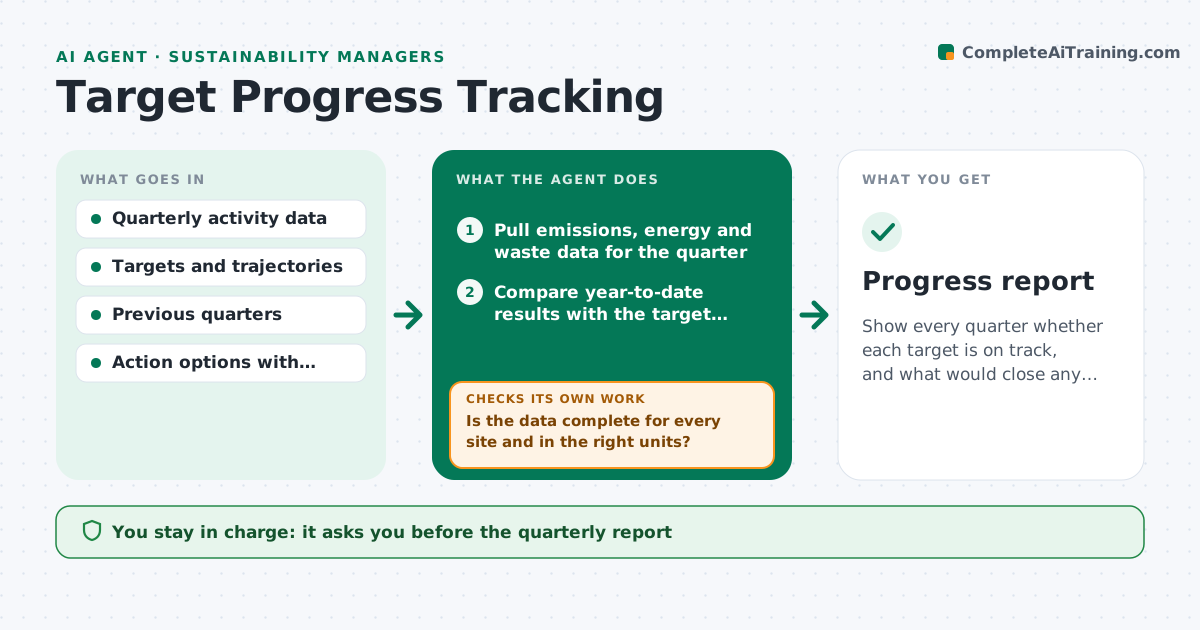
AI agent for sustainability analysts
Supplier Emissions Data Quality Escalation Agent
A supplier emissions dataset where every entry is verified, corrected or clearly marked as estimated
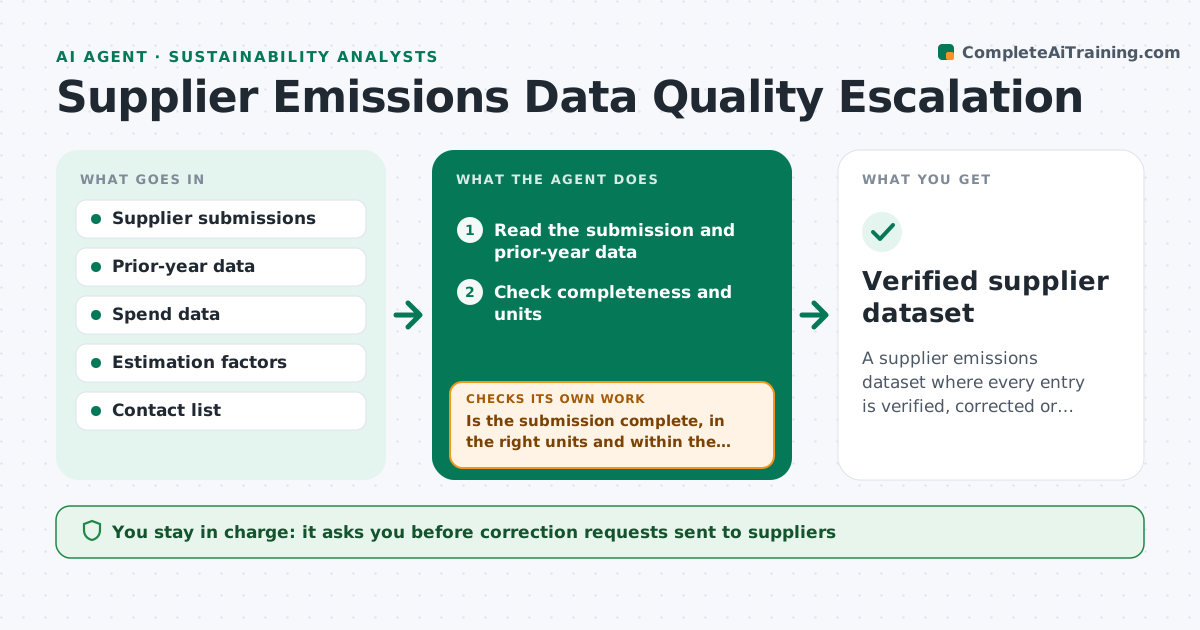
What it does
Supplier emissions data arrives late, in different units, or as an estimate with no notice. This agent checks each submission for completeness, unit errors and implausible year-on-year changes, such as a halved total with no explanation. It requests corrections, and if a supplier does not respond, substitutes a spend-based estimate and records the change. It flags the effect on the total so the analyst can see how much of the number is estimated. After replies it rechecks. The analyst approves the dataset. Edge case: a supplier reports 0.4 tons for a plant that normally reports 400, so the agent flags a likely unit error.
How it works
Follow the arrows from top to bottom. The orange dashed arrow is the loop: when a check fails, the agent goes back and tries again.
Read the steps as a list
- Reporting cycle opens or submission arrives
- Read the submission and prior-year data
- Check completeness and units
- Is the submission complete, in the right units and within the plausible range?If not: list the issue and draft a correction request. Back to step 3.
- Analyst approves the correction requestsThe agent waits here for your OK.
- Send the requests and read replies
- Did the supplier reply with a corrected submission by the deadline?If not: apply a spend-based estimate and mark the entry as estimated. Back to step 6.
- Calculate the effect of estimated entries on the total
- Draft the quality summary
- Analyst approves the datasetThe agent waits here for your OK.
- Verified supplier dataset
How it decides
A submission passes when it is complete, uses the right units and changes by less than the allowed range from last year without explanation.
- Flag a change above 40% from last year without explanation
- Flag values off by a factor of 10 or 1000 as likely unit errors
- Use spend-based estimates only after the second request
- Mark every estimate in the dataset
Make it yours
Every agent is a starting point. You choose these settings for your own situation.
- Change threshold (default 40%)
- Reminder schedule
- Estimation factors
- Units accepted
What keeps you in control
It always asks you first
- Correction requests sent to suppliers
- Final dataset
Hard limits
- Never changes a supplier's reported value without a reply
- Never hides estimated entries
It stops when
- Done: every entry verified or estimated and approved
- Stop: submission format is unreadable
Set it up
We guide you through the set-up, step by step
Members get the full set-up guide for this agent. No technical skills needed: you copy, paste and upload.
- One set of instructions to paste into your AI, with the clicks for ChatGPT, Claude, Microsoft 365 Copilot, Gemini and Grok
- The agent then walks you through connecting your own data, one source at a time
- A downloadable copy with the flow chart, the rules and the full guide