AI agent for land surveyors
Survey Deliverable Package Check Agent
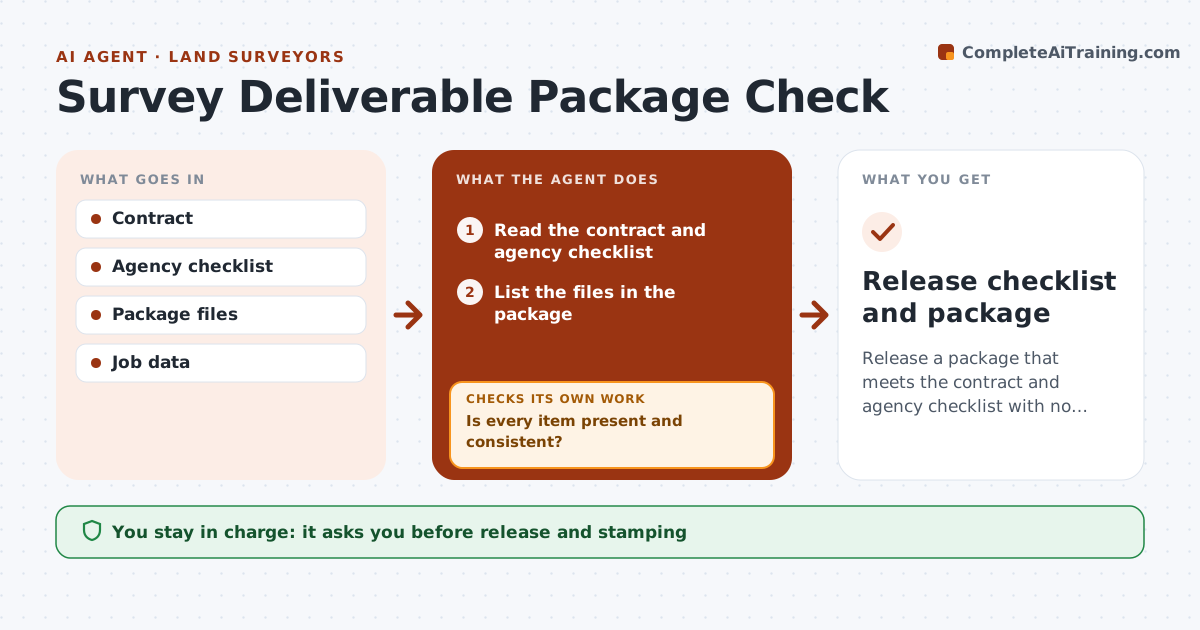
Release a package that meets the contract and agency checklist with no inconsistencies.
What it does
A final package is returned because one required item was missing, such as a certification, a legend entry or a point file. This agent compares the contract and the agency checklist with the files in the package, line by line, and flags missing or inconsistent items. It checks that the same job number, date and parcel appear everywhere, and that the drawing matches the data files. It fixes what it can in a working copy and flags the rest. After fixes, it rechecks. You approve release and stamping. Edge case: the plat lists a basis of bearings that differs from the point file, and the agent flags it.
How it works
Follow the arrows from top to bottom. The orange dashed arrow is the loop: when a check fails, the agent goes back and tries again.
Read the steps as a list
- Survey package is ready for release
- Read the contract and agency checklist
- List the files in the package
- Check that each required item is present
- Compare job number, date, parcel and basis of bearings across files
- Is every item present and consistent?If not: List missing items and mismatches. Back to step 5.
- Fix text and label problems in the working copy and flag content problems for the surveyor
- Recheck the package
- Does the package now pass?If not: Keep the open items and repeat the fixes. Back to step 7.
- Surveyor approves release and stampingThe agent waits here for your OK.
- Release checklist and package
How it decides
It checks each required item for presence and then for consistency across files. It fixes labels and text and flags content problems for the surveyor.
- A missing required item blocks release
- Basis of bearings must match across files
- Job number and date must be the same on every sheet
- Content problems go to the surveyor, not the agent
Make it yours
Every agent is a starting point. You choose these settings for your own situation.
- Checklist used
- File types checked
- Consistency fields
- Who approves release
- Tolerance for text fixes
What keeps you in control
It always asks you first
- Release and stamping
Hard limits
- Never stamps or signs
- Never changes survey data
- Keeps the checklist record
It stops when
- Done: package passes all checks
- Stop: surveyor must supply a missing certification
Set it up
We guide you through the set-up, step by step
Members get the full set-up guide for this agent. No technical skills needed: you copy, paste and upload.
- One set of instructions to paste into your AI, with the clicks for ChatGPT, Claude, Microsoft 365 Copilot, Gemini and Grok
- The agent then walks you through connecting your own data, one source at a time
- A downloadable copy with the flow chart, the rules and the full guide