AI agent for fleet managers
Telematics Driving Behavior Review Agent
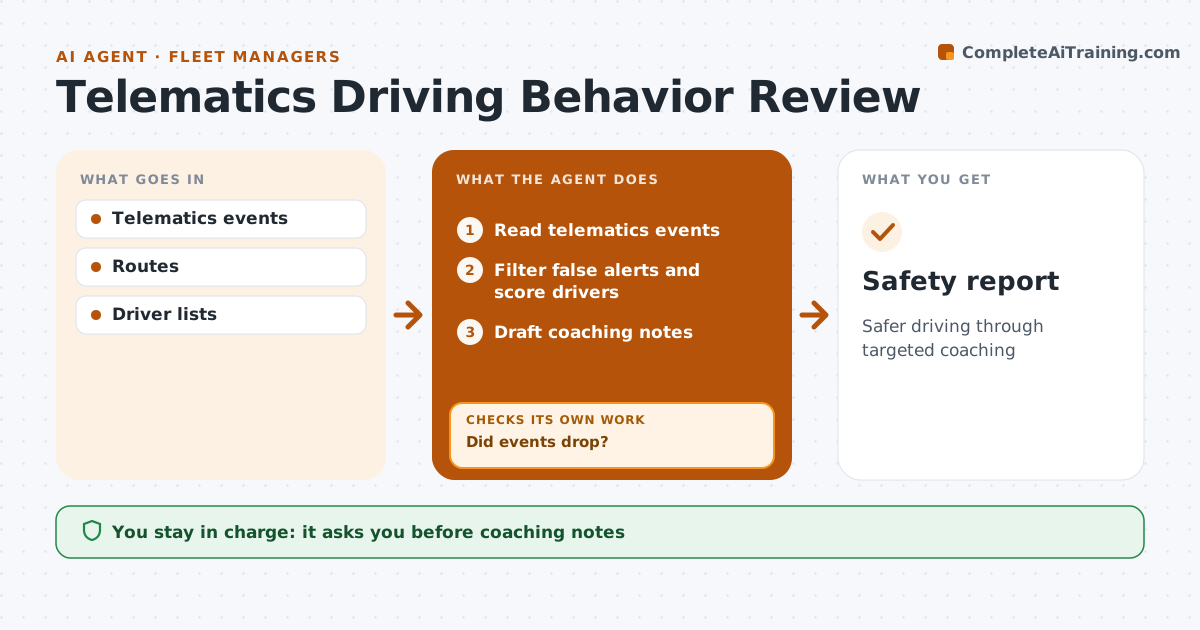
Safer driving through targeted coaching
What it does
Telematics records harsh braking, speeding, harsh cornering and idling, but the alerts pile up unread and nothing changes. Each week this agent reads the events, filters out false alerts such as braking for a hazard, and scores each driver by events per 100 miles. It compares drivers only with others on similar routes and flags the top 10 percent. It drafts coaching notes for supervisors. The fleet manager approves any note shared with drivers, because decisions about people need a person. After coaching, it compares events again. If they did not drop, it looks closer at where and when they happen and suggests a different approach, such as a route change. Edge case: a new route with steep hills is compared within that route only, so its drivers are not unfairly flagged.
How it works
Follow the arrows from top to bottom. The orange dashed arrow is the loop: when a check fails, the agent goes back and tries again.
Read the steps as a list
- Weekly review
- Read telematics events
- Filter false alerts and score drivers
- Draft coaching notes
- Fleet manager approves notesThe agent waits here for your OK.
- Compare events after coaching
- Did events drop?If not: suggest a different approach. Back to step 4.
- Safety report
How it decides
It compares drivers on similar routes and flags the top 10 percent by events per 100 miles.
- Compare similar routes
- Top 10 percent flagged
- False alerts removed
Make it yours
Every agent is a starting point. You choose these settings for your own situation.
- Event types
- Flag share
- Route groups
- Review day
What keeps you in control
It always asks you first
- Coaching notes
- Any disciplinary step
Hard limits
- Never disciplines
- Data used only for safety
It stops when
- Done: improvement seen
- Stop: driver disputes data, manager reviews
Set it up
We guide you through the set-up, step by step
Members get the full set-up guide for this agent. No technical skills needed: you copy, paste and upload.
- One set of instructions to paste into your AI, with the clicks for ChatGPT, Claude, Microsoft 365 Copilot, Gemini and Grok
- The agent then walks you through connecting your own data, one source at a time
- A downloadable copy with the flow chart, the rules and the full guide