
AI agent for automotive engineers
Test Plan Coverage Agent
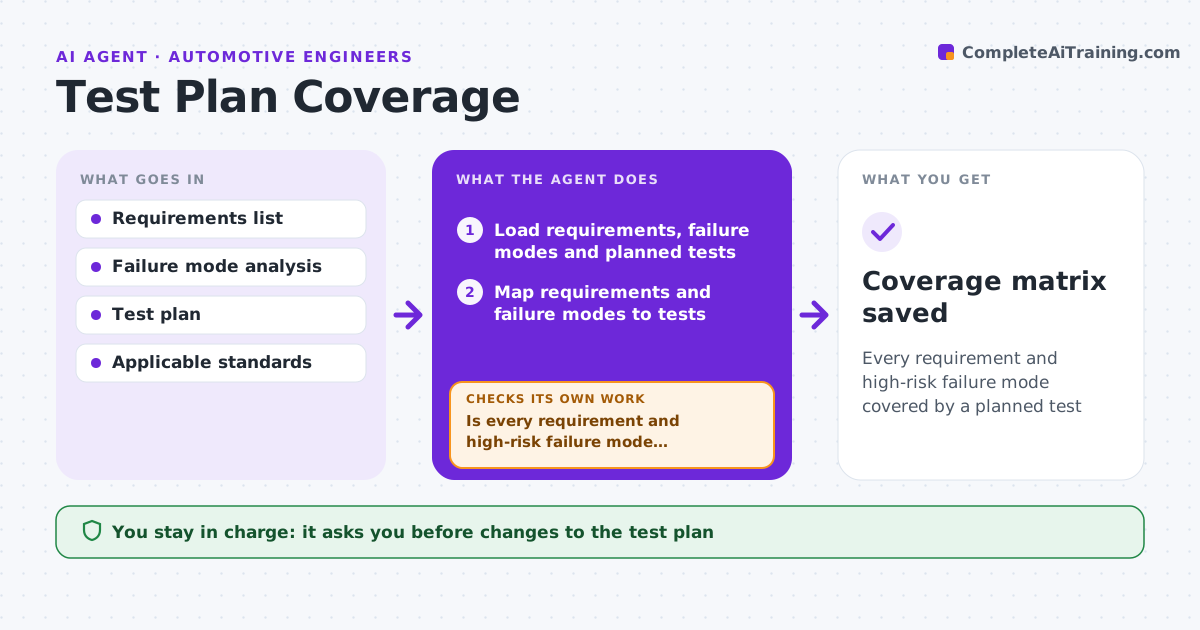
Every requirement and high-risk failure mode covered by a planned test
What it does
A missed requirement in a test plan can surface as a field failure years later. This agent reads the requirements list and the failure mode analysis for a part or system and maps each item to planned tests in the design verification plan. It finds requirements with no test, tests linked to no requirement, and high-risk failure modes that are not covered. For each gap it drafts a suggested test with method, sample size and acceptance criteria drawn from the referenced standards. It rechecks coverage after edits, and re-runs the mapping whenever requirements change. It also checks whether each requirement covered only by analysis needs a physical test under the standard. The engineer approves the updated plan. Edge case: a requirement covered only by simulation is flagged if the standard calls for a test.
How it works
Follow the arrows from top to bottom. The orange dashed arrow is the loop: when a check fails, the agent goes back and tries again.
Read the steps as a list
- Test plan drafted or requirements changed
- Load requirements, failure modes and planned tests
- Map requirements and failure modes to tests
- List tests linked to no requirement
- Draft tests for gaps with method and acceptance criteria
- Is every requirement and high-risk failure mode covered?If not: draft more tests for the remaining gaps and remap. Back to step 3.
- Do analysis-only items meet the standard's test rules?If not: flag the item and draft a physical test. Back to step 5.
- Engineer approves the updated planThe agent waits here for your OK.
- Coverage matrix saved
How it decides
It requires every requirement and every failure mode above the risk threshold to link to at least one test.
- High-risk failure modes need physical tests
- Analysis-only coverage is flagged when the standard requires testing
- Orphan tests are listed for removal or linking
Make it yours
Every agent is a starting point. You choose these settings for your own situation.
- Risk threshold for physical tests
- Standards referenced
- Matrix format
- When to re-run
What keeps you in control
It always asks you first
- Changes to the test plan
Hard limits
- Never changes requirements
- Never signs off validation
It stops when
- Done: full coverage
- Stop: requirements not baselined
Set it up
We guide you through the set-up, step by step
Members get the full set-up guide for this agent. No technical skills needed: you copy, paste and upload.
- One set of instructions to paste into your AI, with the clicks for ChatGPT, Claude, Microsoft 365 Copilot, Gemini and Grok
- The agent then walks you through connecting your own data, one source at a time
- A downloadable copy with the flow chart, the rules and the full guide



