AI agent for training and development specialists
Training Expiry and Refresher Scheduling Agent
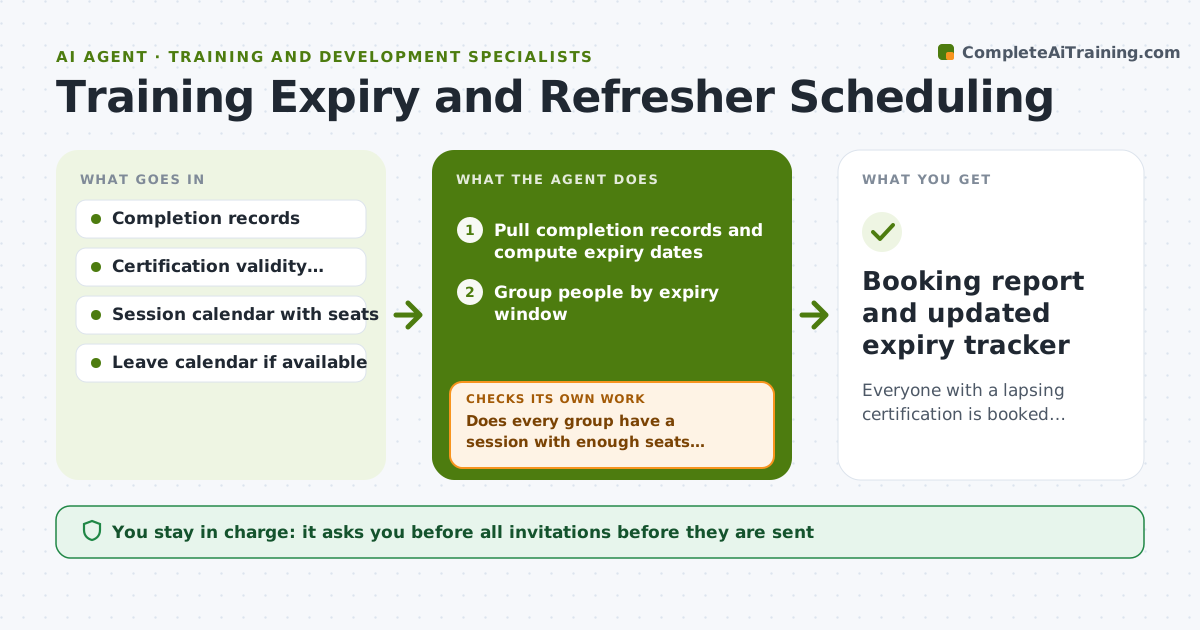
Everyone with a lapsing certification is booked into a refresher before expiry.
What it does
A forklift certification lapses in six weeks, but expiry dates sit in three spreadsheets and nobody has grouped the people. This agent pulls completion records from your systems, calculates expiry dates and groups people by upcoming expiry window. It then matches each group to open session dates and checks seat counts against group size. If no session works for a group, it proposes a new session date or an e-learning option instead. After invitations go out it checks acceptances and rechecks who is still unbooked. Edge case: a person on leave through the session date is moved to the next window and flagged to the manager. The training manager approves all invitations before they are sent.
How it works
Follow the arrows from top to bottom. The orange dashed arrow is the loop: when a check fails, the agent goes back and tries again.
Read the steps as a list
- Monthly refresher review starts
- Pull completion records and compute expiry dates
- Group people by expiry window
- Match groups to open sessions and seat counts
- Does every group have a session with enough seats before expiry?If not: propose a new session date or an e-learning option. Back to step 4.
- Manager approves invitationsThe agent waits here for your OK.
- Send approved invitations and track replies
- Is every person booked or on a confirmed plan?If not: re-invite or flag the person's manager with the expiry date. Back to step 7.
- Update the expiry tracker
- Booking report and updated expiry tracker
How it decides
It groups people by expiry window and books the earliest session with enough seats, falling back to a new session or e-learning when none fits.
- Book people at least 14 days before their expiry date.
- If a group has more than the seats, split into two sessions.
- People on leave move to the next window and the manager is told.
- Expired certifications are listed separately as urgent.
Make it yours
Every agent is a starting point. You choose these settings for your own situation.
- Lead time before expiry (default 14 days)
- Expiry windows
- Session and seat rules
- E-learning fallback allowed
- Who is told about unbooked staff
What keeps you in control
It always asks you first
- All invitations before they are sent
- New sessions or e-learning assignments
Hard limits
- Never send an invitation without approval.
- Do not mark a certification valid when the record is missing.
It stops when
- Done: every person is booked before expiry or flagged
- Stop: the record data conflicts across sources, so the agent asks the manager which source is correct
Set it up
We guide you through the set-up, step by step
Members get the full set-up guide for this agent. No technical skills needed: you copy, paste and upload.
- One set of instructions to paste into your AI, with the clicks for ChatGPT, Claude, Microsoft 365 Copilot, Gemini and Grok
- The agent then walks you through connecting your own data, one source at a time
- A downloadable copy with the flow chart, the rules and the full guide