AI agent for packaging engineers
Transit Damage Root Cause Agent
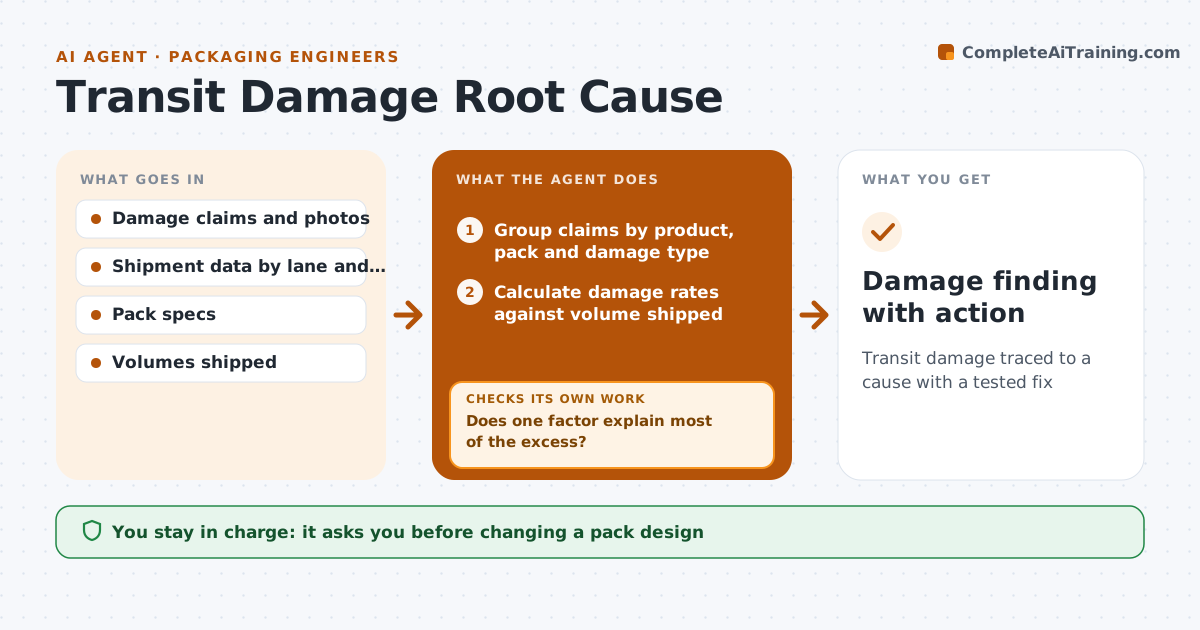
Transit damage traced to a cause with a tested fix
What it does
Damage claims get paid, but nobody traces them back to the pack design, the lane or the handling. Each week this agent gathers claims, photos, carrier, lane and pack type. It groups claims by product, pack and damage type, and compares rates with volume shipped, not raw counts. For the top group it tests which factor explains most of the damage: a lane, a carrier, a pallet pattern or the pack itself. If no single factor stands out, it adds more data such as weather, warehouse or season and tests again. A spike from one bad truck load is noted but not treated as a design problem. It drafts a finding and a suggested test, such as a compression test at a new load. The packaging engineer approves any design change.
How it works
Follow the arrows from top to bottom. The orange dashed arrow is the loop: when a check fails, the agent goes back and tries again.
Read the steps as a list
- Weekly claims data arrives
- Group claims by product, pack and damage type
- Calculate damage rates against volume shipped
- Compare rates across lane, carrier and pallet pattern
- Does one factor explain most of the excess?If not: add warehouse, weather or load data and compare again. Back to step 4.
- Draft finding and suggested test
- Engineer approves test or design changeThe agent waits here for your OK.
- Damage finding with action
How it decides
It ranks damage groups by rate per thousand shipped and looks for the factor that explains most of the excess.
- Single-load events are noted, not designed for
- Compare against volume, not raw claim counts
- Rank by cost of claims
Make it yours
Every agent is a starting point. You choose these settings for your own situation.
- Damage rate that triggers review
- Data fields to group by
- Weekly or monthly
- Cost threshold
What keeps you in control
It always asks you first
- Changing a pack design
- Changing a pallet pattern
Hard limits
- Never contacts carriers about claims
- Never changes specs directly
It stops when
- Done: finding logged with action
- Stop: claim data lacks pack type; ask for it
Set it up
We guide you through the set-up, step by step
Members get the full set-up guide for this agent. No technical skills needed: you copy, paste and upload.
- One set of instructions to paste into your AI, with the clicks for ChatGPT, Claude, Microsoft 365 Copilot, Gemini and Grok
- The agent then walks you through connecting your own data, one source at a time
- A downloadable copy with the flow chart, the rules and the full guide